How To Charge Portable Charger Power Bank: Complete 2026 Guide
To charge a portable charger power bank, connect it to a power source using the correct input cable, plug it into a wall adapter or USB port, and let it fully charge before use.
If you've ever found yourself with a dead phone and no outlet in sight, you already know how essential a portable charger power bank can be. But here's the thing: even the best power bank won't help you if it's out of juice. Learning how to charge portable charger power bank properly is the first step to making sure your backup power source is always ready when you need it most. Think of it like keeping a fire extinguisher fully pressurized; it does no good in an emergency if it's empty.
In this guide, I'll walk you through everything you need to know about charging your power bank the right way, based on real-world experience and practical know-how. Whether you're a frequent traveler, a student, or someone who just wants peace of mind during a long day, this article will help you charge smarter and get the most out of your device.

Understanding How a Portable Charger Power Bank Works
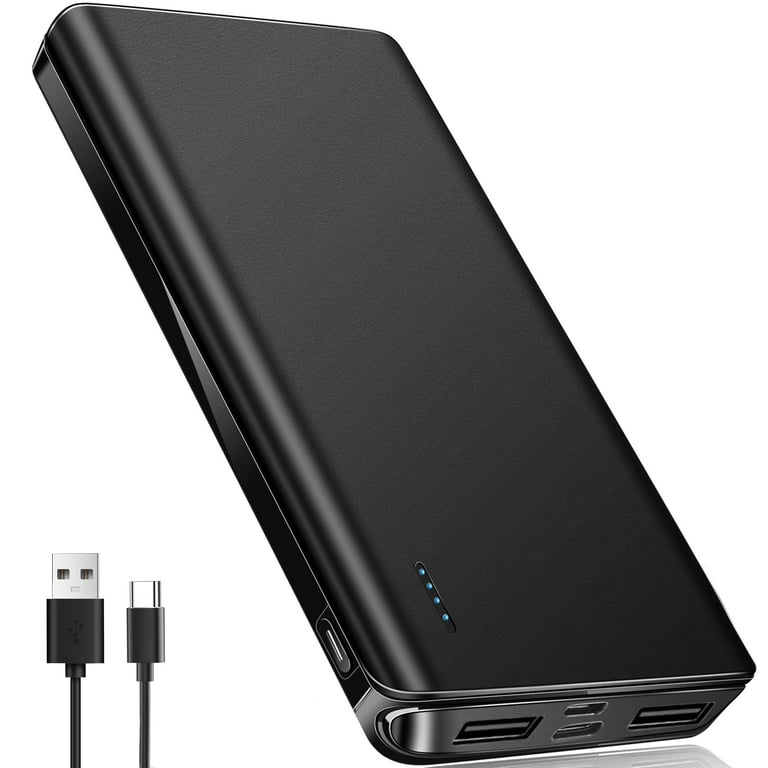
Before we dive into the charging process, it helps to understand what a power bank actually is and how it stores energy. Think of a power bank as a small, portable battery that you can carry in your bag or pocket. Inside that compact shell sits a rechargeable lithium-ion or lithium-polymer battery, the same kind of technology that powers your smartphone.
When you plug your phone or tablet into the power bank, energy flows from the power bank's battery to your device through a USB cable. To refill that energy, you need to feed power back into the power bank using a wall adapter, computer, or other USB power source.
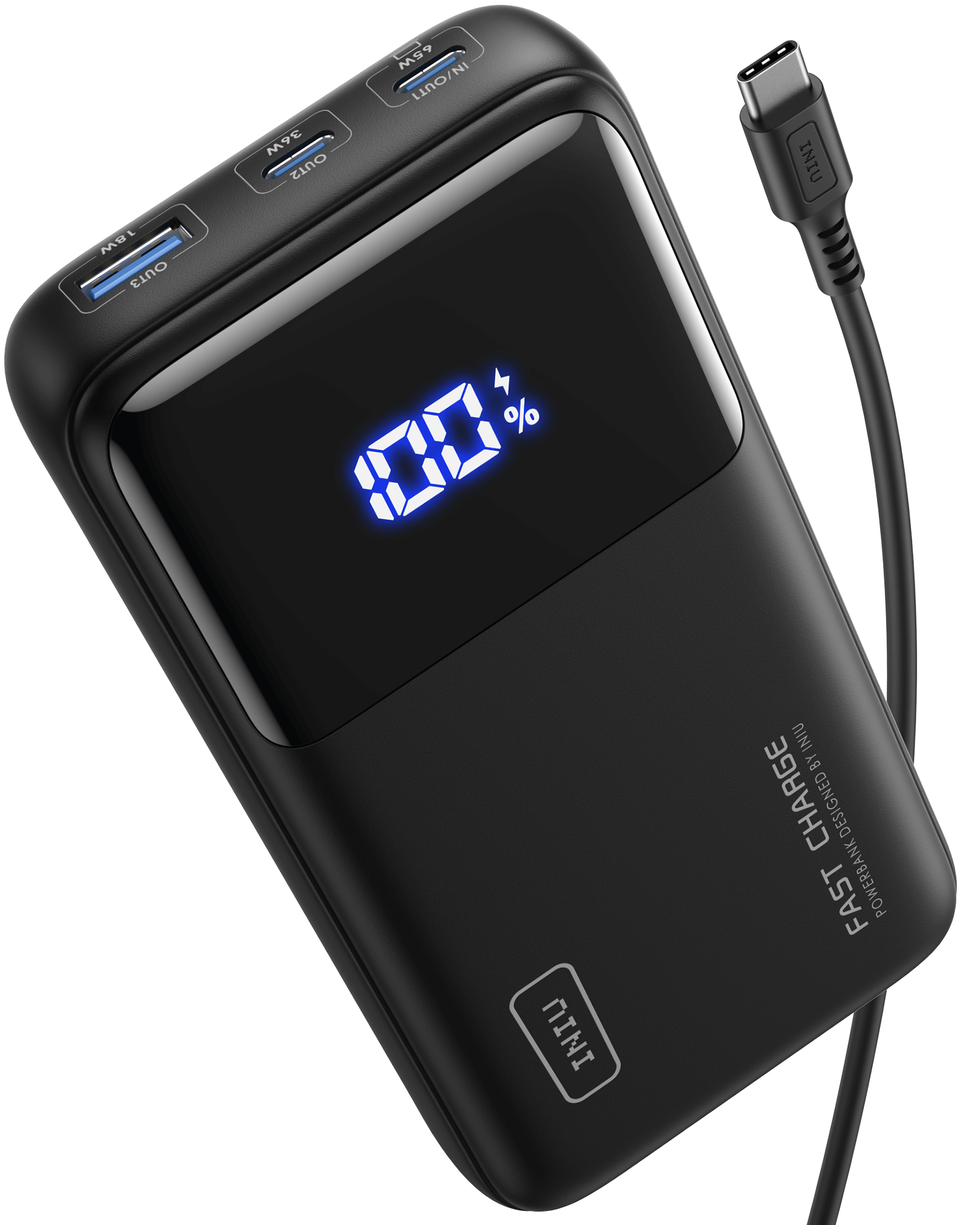
Most modern power banks come with one or more input ports, usually Micro-USB, USB-C, or Lightning, depending on the brand and model. Knowing which input port your device uses is the first step to charging it correctly.
What You'll Need to Charge a Power Bank
Charging a power bank is pretty simple, but having the right tools on hand makes the process smoother and safer. Here's a quick checklist:
- The power bank itself, with enough remaining charge to recognize the input
- A compatible charging cable, usually included in the box
- A power source such as a wall adapter, laptop, or car charger
- Optional: A wall adapter with the correct wattage for faster charging
From personal experience, I always keep a short USB-C cable in my travel pouch along with a compact wall adapter. It's a small habit that has saved me more times than I can count, especially during long flights or layovers.
Step-by-Step Guide: How to Charge Portable Charger Power Bank
Now let's get into the actual charging process. Whether you're using a budget-friendly model or a high-capacity power bank from a premium brand, the steps are largely the same.
Step 1: Locate the Input Port
Flip your power bank over or check the sides for a small port labeled "Input" or marked with a battery symbol. This is where the charging cable connects. On most models, it's a Micro-USB or USB-C port. Some older or Apple-friendly power banks use a Lightning input.
Step 2: Connect the Charging Cable
Plug the appropriate end of your cable into the input port. Use the cable that came with your power bank if possible, since it's designed to handle the correct voltage and current. In my own experience, third-party cables can sometimes work fine, but they may charge slower or, in rare cases, cause issues with the power bank's internal circuit.
Step 3: Plug Into a Power Source
Connect the other end of the cable to a power source. Here are your main options:
- Wall adapter: The fastest and most reliable method, especially if you use a 5V/2A or higher adapter
- Laptop or desktop USB port: Slower but convenient when you're working at a desk
- Car charger: Great for road trips, though charging speed depends on your car's output
Step 4: Check the Indicator Lights
Most power banks have small LED lights that show charging status. When you first plug in, the lights may blink or flash, indicating that charging has begun. Once all lights are solid or full, your power bank is fully charged. On some models, the lights turn off completely when charging is complete.
Step 5: Unplug and Store
Once your power bank is fully charged, disconnect it from the power source. If you're not using it right away, store it in a cool, dry place away from direct sunlight or extreme heat, both of which can damage the battery over time.
How Long Does It Take to Charge a Power Bank?
Charging time depends on three main factors: the capacity of the power bank, the output of your power source, and the type of cable you're using. A small 5,000mAh power bank might fully charge in about 2 to 3 hours with a standard 5V/2A adapter. Larger models, like a 20,000mAh or 30,000mAh unit, can take anywhere from 6 to 12 hours.
If you're using a laptop USB port, expect charging to take roughly twice as long. That's because most computer USB ports output only 0.5A, compared to the 2A or more from a wall adapter.
Pro tip: If your power bank supports fast charging, use a compatible wall adapter and cable. Fast-charging power banks can cut charging time by 30 to 50 percent, which is a lifesaver when you're in a rush.
Common Mistakes to Avoid When Charging a Power Bank
Even though power banks are designed to be user-friendly, a few common mistakes can shorten their lifespan or reduce performance.
- Using a damaged cable: Frayed or bent cables can interrupt the flow of power and even pose a safety risk
- Overcharging: While most modern power banks have built-in overcharge protection, it's still best to unplug once full
- Charging in extreme temperatures: Avoid leaving your power bank in a hot car or freezing environment while charging
- Using incompatible adapters: A low-amperage adapter will charge slowly, while a high-amperage one may not be supported by older models
I learned the hard way about cable quality after using a frayed Micro-USB cable that eventually stopped working mid-charge. Since then, I always inspect my cables before each trip and replace them at the first sign of wear.

Tips to Extend the Life of Your Power Bank
A good power bank can last for years if you treat it well. Here are a few simple habits that can help you get the most out of your investment:
- Charge it before it drops below 20 percent to reduce battery stress
- Avoid letting it sit at 0 percent for long periods, as this can degrade the cells
- Recharge it at least once every three months, even if you're not using it regularly
- Keep it away from moisture, dust, and direct sunlight
- Use the original cable and adapter whenever possible
Think of your power bank like a car engine; it runs best when it's well-maintained and used regularly.
Safety Tips for Charging a Power Bank
Safety should always come first when dealing with any rechargeable battery. While power banks are generally safe, a few precautions can go a long way:
- Never charge a swollen or damaged power bank
- Avoid using cheap, unbranded chargers, as they may lack proper voltage regulation
- Don't leave it plugged in overnight on a regular basis, especially with older models
- Keep an eye on it while charging, especially if it's your first time using a new device
If your power bank ever feels excessively hot, makes strange noises, or emits an unusual smell, stop charging it immediately and contact the manufacturer.
Charging Different Types of Power Banks
Not all power banks are created equal. Depending on the model, the charging method may vary slightly.
- Basic power banks: Charge via Micro-USB and take the longest to refill
- USB-C power banks: Support faster input charging and are becoming the new standard
- Solar power banks: Can charge via sunlight, but the process is slow and best used as a backup
- Wireless power banks: Some newer models support wireless input charging, though it's still rare
If you own multiple devices, consider investing in a power bank with both USB-C input and output. It simplifies your cable situation and gives you faster charging on both ends.
Frequently Asked Questions
Can I charge a power bank with my phone charger?
Yes, in most cases you can use your phone's wall adapter to charge a power bank, as long as the voltage and amperage are compatible. Most adapters output 5V, which is the standard for power bank input.
Is it okay to use a power bank while it's charging?
It's technically possible, but not recommended. Using a power bank while it's charging can generate extra heat and slow down the charging process. It can also stress the battery over time.
How do I know when my power bank is fully charged?
Most power banks have LED indicator lights that show the charging status. When all lights are full or stop blinking, the device is fully charged. Some models also have a digital display showing the exact percentage.
Can I charge my power bank with a laptop?
Yes, you can charge a power bank through a laptop's USB port. However, the charging speed will be slower compared to using a wall adapter, since most laptop USB ports provide lower amperage.
Should I drain my power bank completely before recharging?
No, it's better to recharge your power bank before it drops below 20 percent. Lithium-ion batteries last longer when they're topped up regularly rather than fully drained.
Wrapping Things Up
Charging a portable charger power bank is one of those small habits that can make a big difference in your daily life. By using the right cable, choosing a reliable power source, and avoiding common mistakes, you can keep your power bank in top shape for years to come.
Remember, a power bank is only as good as the charge it holds. Take a few minutes today to check your device, top it off if needed, and store it somewhere easy to grab. The next time your phone hits 5 percent in the middle of a busy day, you'll be glad you did.
If you found this guide helpful, feel free to share it with a friend or leave a comment with your own tips. I'd love to hear how you keep your power bank ready for action.