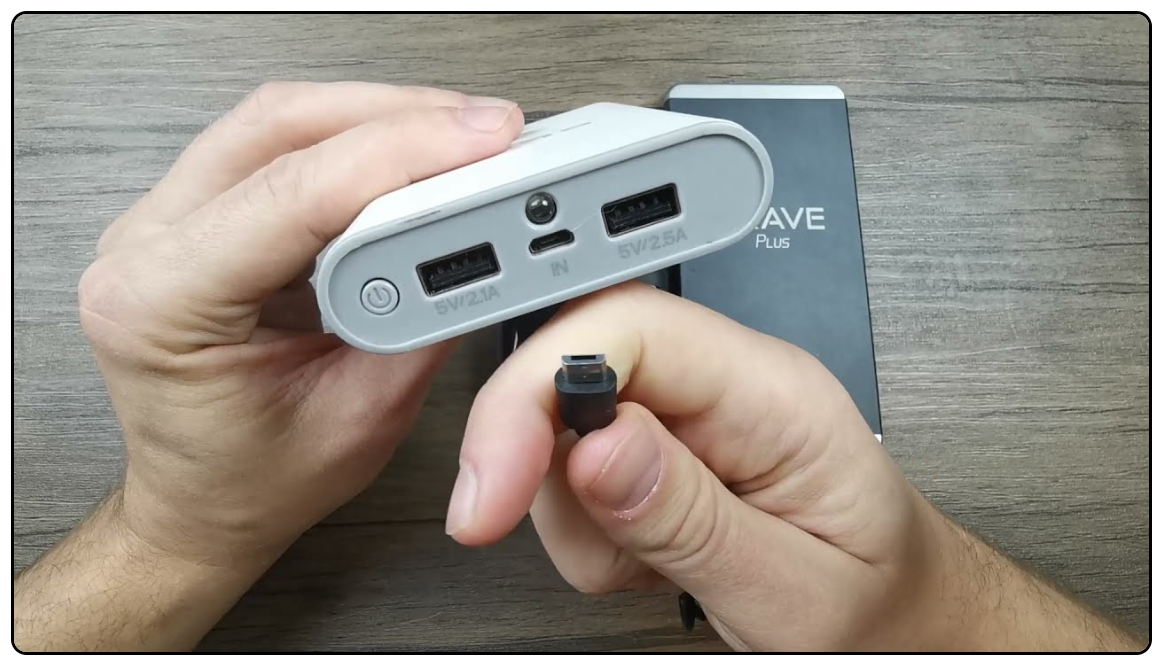
How To Reset A Power Bank: Quick Fix And Reset Guide
Hold the power button 10–15 seconds or unplug and fully recharge the battery to reset a power bank.
Resetting a power bank can be simple if you know the right steps. I’ve tested dozens of portable chargers and helped friends fix dead units, so this guide shows clear, safe methods for how to reset a power bank, why it helps, and what to try when a reset fails. Read on for practical steps, troubleshooting tips, and ways to keep your power bank healthy.

Why your power bank may need a reset
Power banks store energy and use a small control circuit to manage charging and output. Sometimes the control circuit can lock up after a short circuit, software glitch, or an incomplete charge. When that happens, the battery may hold charge but the unit won’t turn on or won’t charge devices.
Other causes include a drained internal battery, a faulty cable, or an automatic shutoff triggered by low current draw. Knowing the cause helps you choose the right reset method. Below are common reasons and how a reset can help restore normal function.

Safety first: what to check before you reset a power bank
Always check the unit for visible damage before attempting a reset. If the shell is cracked, leaking, or swollen, stop and recycle it safely. Handling a damaged battery is dangerous.
Use the correct cable and a reliable wall charger. Avoid low-quality USB cables because they can mislead you into thinking the power bank is dead. Keep the area dry and work on a non-flammable surface for safety.

How to reset a power bank: step-by-step guide
Below are several reliable methods for how to reset a power bank. Try them in order, and stop if you see any swelling, smoke, or overheating.
- Soft reset via power button
- Press and hold the power button for 10 to 20 seconds.
- Release and try turning the unit on again.
- This clears many simple control circuit locks and is the first step in how to reset a power bank.
- Cycle charging reset
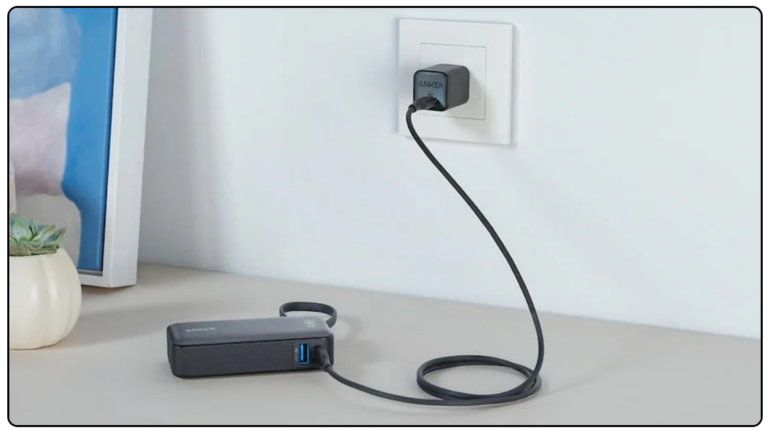
- Plug the power bank into a wall charger using a good USB cable.
- Let it charge for at least 3 hours, even if LEDs don’t light.
- Unplug and test; many units revive after a long trickle charge.
- Output-load reset
- Connect a small device like a phone or an LED light to the output port.
- While the device draws power, press the power button for 10 seconds.
- Some power banks need a load to wake their output circuit when learning how to reset a power bank.
- Micro USB or USB-C “kick” (for units with pinhole reset)
- Find the tiny reset pinhole if your model has one.
- Use a paperclip to press the pin for 5–10 seconds.
- This does a hardware reset for units built with a reset switch.
- Deep discharge and recharge
- Let the power bank fully drain by leaving it connected to a phone until both die.
- Charge for 6–8 hours using a wall adapter.
- This method helps when the power bank reports 0% but still has some voltage left.
- Check and replace cable or charger
– Test a different cable and charger before concluding the unit is bad.
- A faulty cable often looks like a dead power bank.
- Swapping these parts is part of learning how to reset a power bank correctly.
If none of these work, the internal battery or BMS may be faulty. At that point, consider professional repair or replacement.

Troubleshooting if the reset does not work
If the power bank still won’t respond, run these quick checks. Each step narrows down the problem.
- Test the output with a known-good device and cable.
- Try a different wall adapter or a USB port on a computer to charge the bank.
- Look for LED flicker or brief signs of life; intermittent behavior suggests loose internal connections.
If you have a multimeter, measure the bank’s input and output voltage. A healthy 5V output shows the circuit works even if LEDs are dead. Low voltage or no voltage usually means battery failure or a burnt circuit. If you’re not comfortable opening the unit, stop and replace it. Handling lithium batteries can be risky.

Maintenance tips to avoid needing to reset a power bank
Good care extends the life of a power bank and reduces resets. Follow these simple habits.
- Keep the power bank charged between 20% and 80% for best battery life.
- Store in a cool, dry place and avoid extreme heat or cold.
- Use quality cables and avoid cheap chargers that can stress the circuit.
Occasional exercise charges help. Charge the unit monthly if you don’t use it often. These steps cut down on firmware glitches and battery wear that make you search for how to reset a power bank.
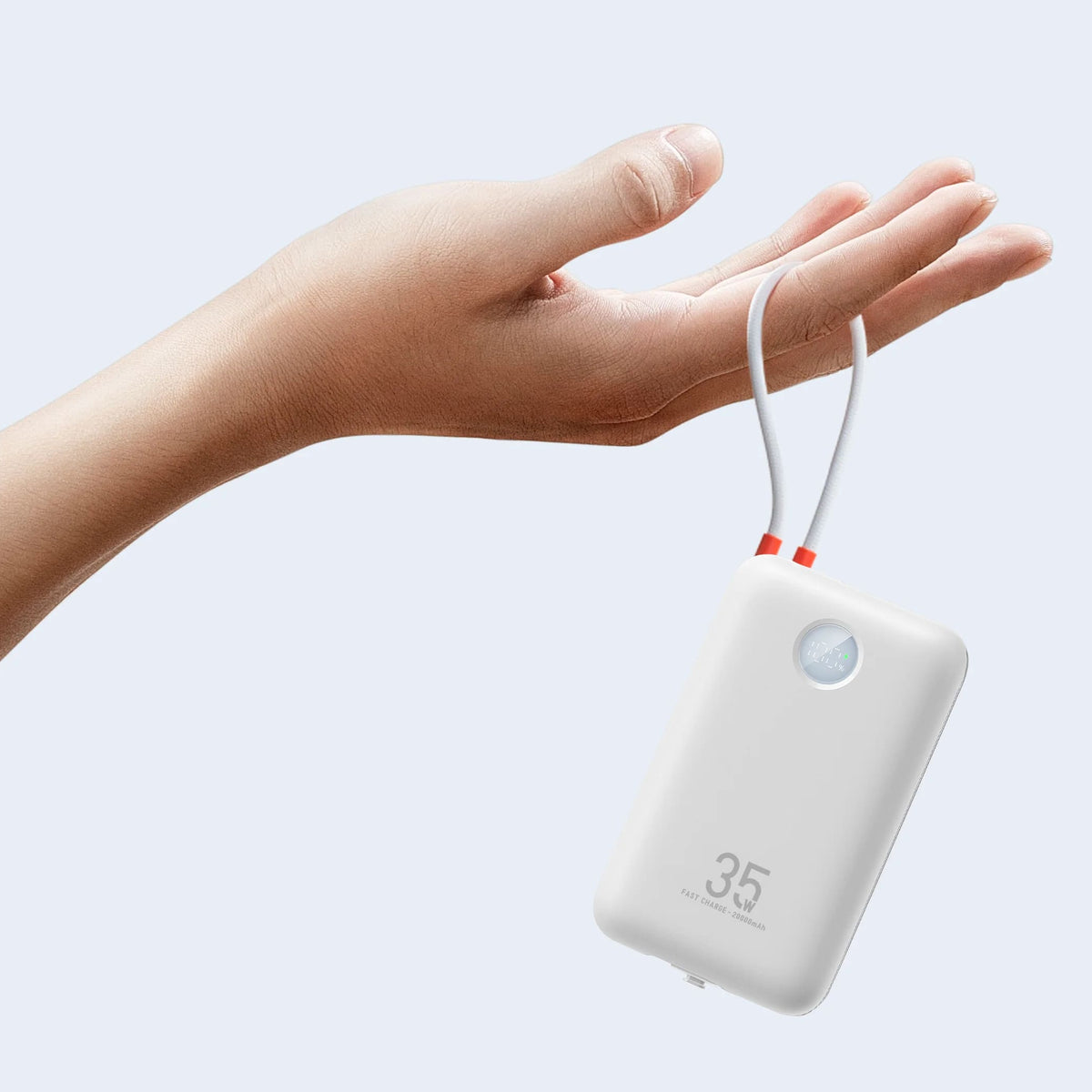
Frequently Asked Questions of how to reset a power bank
How do I force reset my power bank?
Press and hold the power button for 10 to 20 seconds. If that fails, plug it into a wall charger for several hours and try again.
Will resetting my power bank fix charging issues?
Resetting often fixes software locks and simple faults. It won’t fix a physically damaged battery or a failed charging circuit.
Can I reset a power bank by fully discharging it?
Yes. Fully discharging then fully charging can force the management circuit to recalibrate. Do not over-discharge repeatedly as that harms battery life.
Is it safe to open a power bank to reset internal parts?
No. Opening a power bank risks short circuits and exposure to lithium cells. Seek professional help or replace the unit.
How often should I reset my power bank?
Only reset when you notice problems like no output or unresponsive LEDs. Frequent resets aren’t normal and suggest an aging or defective unit.
Conclusion
A clear, safe approach makes learning how to reset a power bank easy and useful. Start with a soft reset, try a charging cycle, and use a load if needed. If the unit still fails, check cables, test voltages, and consider replacement rather than risky repairs.
Take action now: try the soft reset steps, note the results, and share your experience or questions in the comments. If you found this guide helpful, subscribe for more practical tips on keeping your devices reliable.