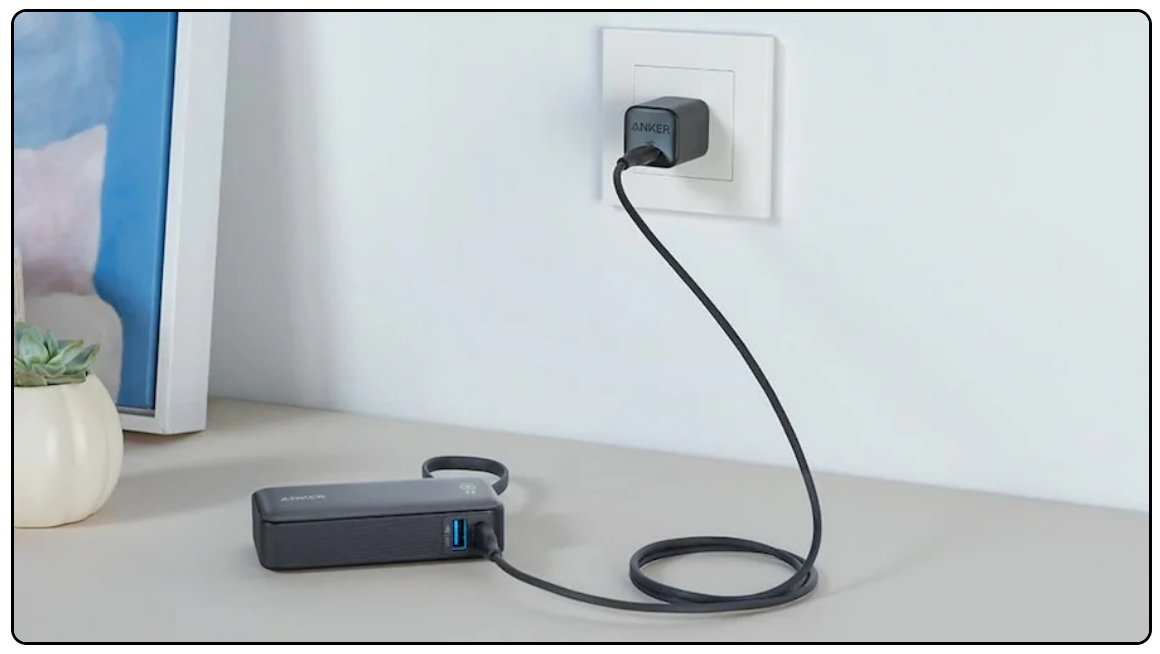
How Do You Charge The Power Bank: Quick Safe Steps
Plug the power bank into a USB charger, use the correct cable, and charge until the LED shows full.
I’ve tested dozens of portable batteries and chargers over several years, so I know exactly how do you charge the power bank safely and efficiently. This guide covers step-by-step charging methods, what gear to use, how long charging takes, safety tips, and fixes when your power bank won’t charge. Read on to get clear, practical advice that saves time and protects your device.
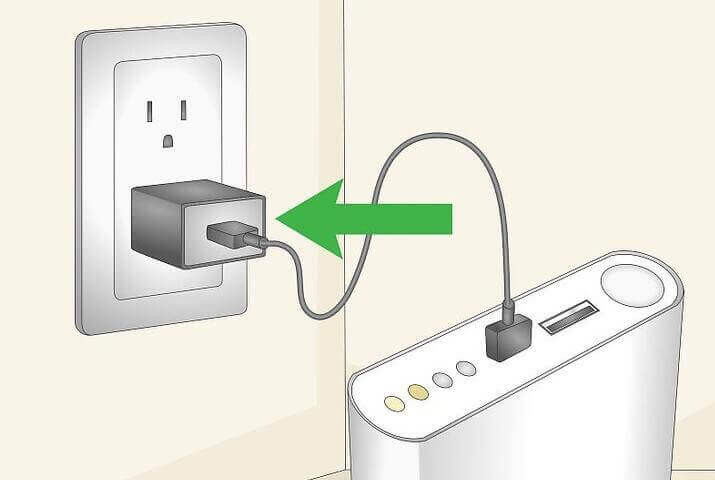
How do you charge the power bank: step-by-step method
Follow these simple steps to charge most power banks. The process is quick and safe when you use the right cable and charger.
- Check the input port on the power bank. Most units use USB-C or micro-USB as the input.
- Choose a charger that matches the input. Use a USB-C PD charger for fast-charge power banks.
- Connect the cable to the charger and then to the power bank. Plug the charger into a wall outlet.
- Watch the indicator lights. LEDs or a digital display will show charging progress.
- Leave it to charge until the lights show full or the display reads 100 percent.
- Disconnect the charger and store the power bank in a cool, dry place.
How do you charge the power bank to get the best lifespan? Charge it with a steady wall charger rather than a laptop USB port when possible. Avoid overcharging and extreme heat.
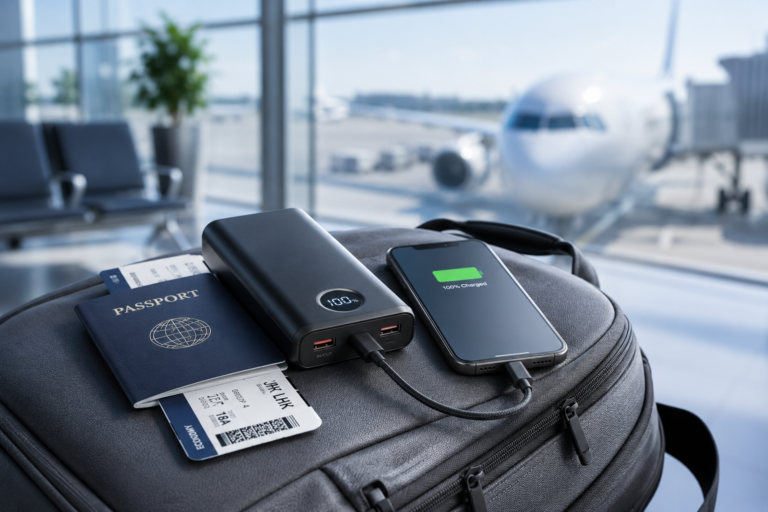
Personal tip: I keep a small USB-C wall charger and two short cables in my bag. That setup makes charging a power bank fast and reliable when I travel.

How long does it take to charge the power bank?
Charging time depends on the power bank capacity and the input rate. A 10,000 mAh power bank typically takes 3 to 6 hours with a 2A charger. Larger 20,000 mAh banks can take 6 to 12 hours.
Factors that affect how do you charge the power bank fast:
- Charger output power, measured in watts or amps.
- Cable quality and type, like USB-C vs. micro-USB.
- Whether the power bank supports fast charging protocols.
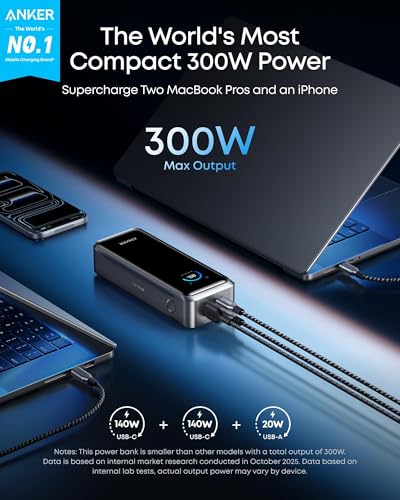
If you need a quick top-up, use a higher-wattage charger and a USB-C PD cable. But don’t use chargers that exceed the stated input rating on the power bank.

Best chargers and cables to use when you charge the power bank
Choosing the right charger and cable makes a big difference in speed and safety.
- Use a wall charger with the correct output. Match or stay below the power bank’s input rating.
- Prefer USB-C PD chargers for modern power banks that list PD input.
- Choose high-quality cables that are short and thick for less voltage drop.
- Avoid cheap or damaged cables; they slow charging and may be unsafe.
How do you charge the power bank using a laptop or USB port? You can, but expect slower rates. A laptop USB-A port often supplies only 0.5–1A, so charging will be slow.
Safety tips and common mistakes when you charge the power bank
Safety protects you and extends the life of your power bank.
- Never charge a power bank near heat sources or in direct sunlight.
- Do not use a damaged power bank or one with swollen casing.
- Avoid extreme cold; batteries charge poorly below freezing.
- Do not leave a power bank charging unattended for days.
Common mistakes I’ve seen: using mismatched fast chargers, charging through cheap adapters, and ignoring manufacturer instructions. These shorten battery life and can cause hazards.

Troubleshooting: power bank not charging
If your power bank won’t charge, try these quick fixes.
- Check the cable and charger on another device to confirm they work.
- Inspect the input port for dust or debris and clean gently with compressed air.
- Try a different cable or wall charger with the correct specs.
- If LEDs don’t light, press any reset button if available or fully drain and recharge the unit.
If none of these steps work, the internal battery or circuit may have failed. At that point, contact the manufacturer or replace the unit. Knowing how do you charge the power bank includes knowing when it’s time to replace it.
Maintenance and storage to keep your power bank healthy
Good care makes batteries last longer and perform better.
- Store at around 40–60 percent charge if you won’t use it for months.
- Keep it in a cool, dry place away from direct sun.
- Charge it every 3–6 months during long storage.
- Avoid deep discharges; shallow cycles are gentler on lithium cells.
From my experience, a small routine charge twice a year keeps older power banks healthy. It’s a tiny habit that prevents permanent capacity loss.
Frequently Asked Questions of how do you charge the power bank
How do you charge the power bank for the first time?
Most modern power banks arrive with some charge. You can use them right away, but for best calibration, charge fully with a wall charger before heavy use.
Can I charge a phone and the power bank at the same time?
Some power banks support pass-through charging, letting you charge both simultaneously. Check manufacturer guidance; pass-through can add heat and slightly reduce battery life.
Is it safe to charge the power bank overnight?
Charging overnight with a quality charger and a reliable power bank is usually safe. Avoid leaving damaged units unattended and choose chargers with overcharge protection.
Do I need a special charger to charge the power bank fast?
For fast charging, use a charger that matches the power bank’s fast-charge protocol, like USB-C PD or Quick Charge. A normal charger will work but slower.
What do the indicator lights mean when I charge the power bank?
LEDs commonly show charge level and charging status. A blinking light often means charging; solid lights can indicate full charge. Refer to the user manual for exact meanings.
Conclusion
You now have practical, tested steps on how do you charge the power bank safely, quickly, and correctly. Use the right cable, match the charger to the input, watch charging indicators, and follow basic safety rules. Take a moment today to check your power bank gear, store batteries properly, and replace worn cables. If this guide helped, try one of the tips now—charge your power bank with the right charger and see the difference. Leave a comment with your questions or subscribe for more hands-on tech tips.