How To Choose Power Bank Specs: 2026 Buying Guide
Picking the right power bank comes down to matching capacity, output speed, port types, and safety features to how you actually use your devices every day.
I've been testing and recommending power banks for years, and I can tell you that buying the wrong one is one of the most common tech mistakes people make. You either end up with something too bulky to carry or too weak to charge your phone even once. In this guide, I'll walk you through every spec that actually matters, from mAh to fast charging protocols, so you can pick a power bank that fits your life perfectly.
Understanding Power Bank Capacity (mAh)
The first spec you'll see on any power bank is its capacity, measured in milliamp hours (mAh). This number tells you how much charge the power bank can store, but it doesn't mean you'll get all of that charge into your phone.
How mAh Translates to Real-World Charges
Think of mAh like the size of a water tank. A 10,000mAh power bank is a medium tank, while a 20,000mAh one is a large tank. But here's the catch: not all the water reaches your phone. Some gets lost in the conversion process, and some powers the bank itself.
As a general rule of thumb:
- A 5,000mAh power bank gives most modern phones about one full charge
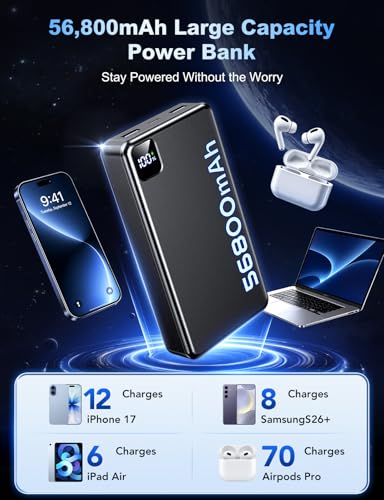
- A 10,000mAh power bank provides two to three charges
- A 20,000mAh power bank offers four to six charges
- A 26,800mAh power bank can charge a laptop or multiple devices several times
Why You Lose Some Capacity
Power banks operate at around 3.7 volts internally, but your phone charges at 5 volts or higher. This voltage conversion creates energy loss, typically between 10% and 30%. Heat also plays a role, since energy lost as heat means less energy stored in your battery.
My personal tip: Always add at least 20% to your actual needs when looking at mAh ratings. If you want three full phone charges, don't buy a 10,000mAh bank. Go for 12,000mAh or higher to account for conversion loss.
__25F0909Fhp.jpg)
Output Power and Charging Speed (Watts and Amps)
Capacity tells you how much energy a power bank holds, but output tells you how fast it can deliver that energy. This is where watts and amps come into play.
Understanding Watts vs. Amps
Watts = Amps × Volts. So a 5V/2A output equals 10 watts. Higher wattage means faster charging, but only if your device supports it. A power bank that outputs 18 watts won't charge an old phone faster than its original 5-watt charger, but it will fast-charge a modern phone that supports 18W input.
Fast Charging Standards to Know
Modern power banks support various fast charging protocols. Here's a quick breakdown:
- USB Power Delivery (PD): The most universal standard, used by iPhones, iPads, MacBooks, and many Android phones
- Quick Charge (QC): Developed by Qualcomm, common in Android devices
- Adaptive Fast Charging: Samsung's proprietary standard
- VOOC and Dart Charge: Oppo and Realme's fast charging tech
- SuperCharge: Huawei's fast charging protocol
I learned this the hard way when I bought a 30W power bank thinking it would fast-charge my friend's Samsung phone. Turns out, his phone needed PPS (Programmable Power Supply) support, which that bank didn't have. Always check which fast charging standard your device uses before buying.
Matching Output to Your Devices
Here's a simple guide:
- Phones only: 18W to 25W is plenty
- Tablets and iPads: 30W works well
- Laptops: 45W minimum, 65W or higher for fast charging
- Multiple devices simultaneously: 60W to 100W total output
Port Types and Connectivity
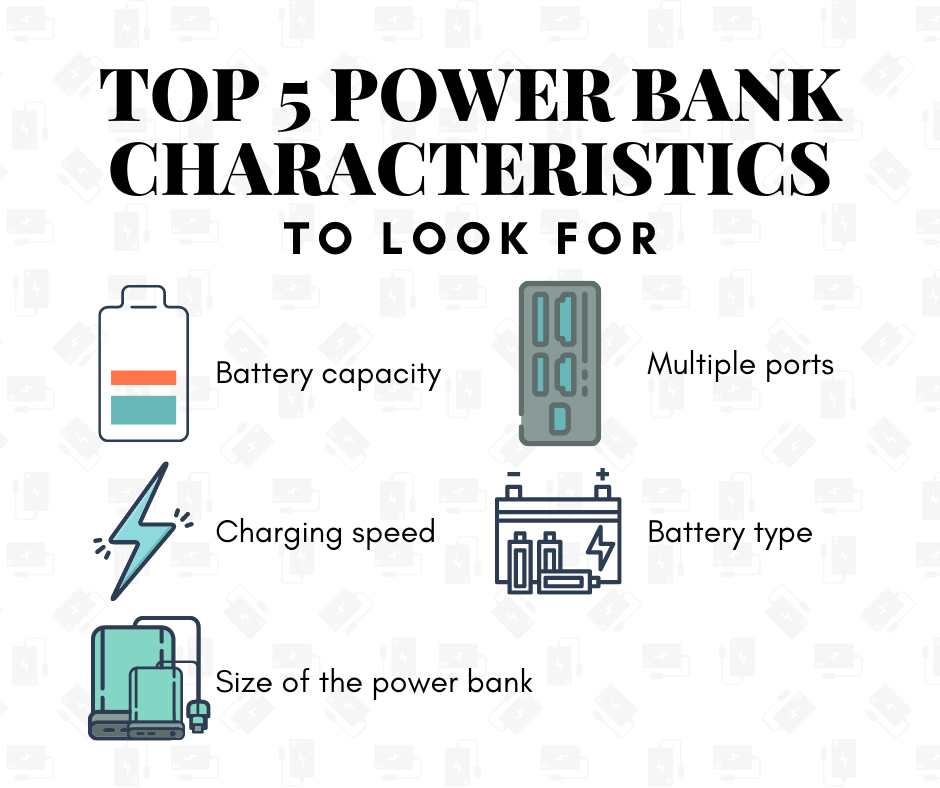
The ports on a power bank determine what you can charge and how efficiently. In 2024, the port situation has become both simpler and more complex.
USB-C: The New Standard
USB-C ports are now the go-to for most modern devices. They support faster charging, data transfer, and are reversible (no more fumbling to plug in). Look for power banks with USB-C input/output ports, as they offer the best flexibility.
USB-A: Still Useful
USB-A ports are the older rectangular type. They're still common for charging smaller devices like wireless earbuds, fitness trackers, and older phones. Having at least one USB-A port is handy for compatibility.
Specialty Ports
Some power banks include:
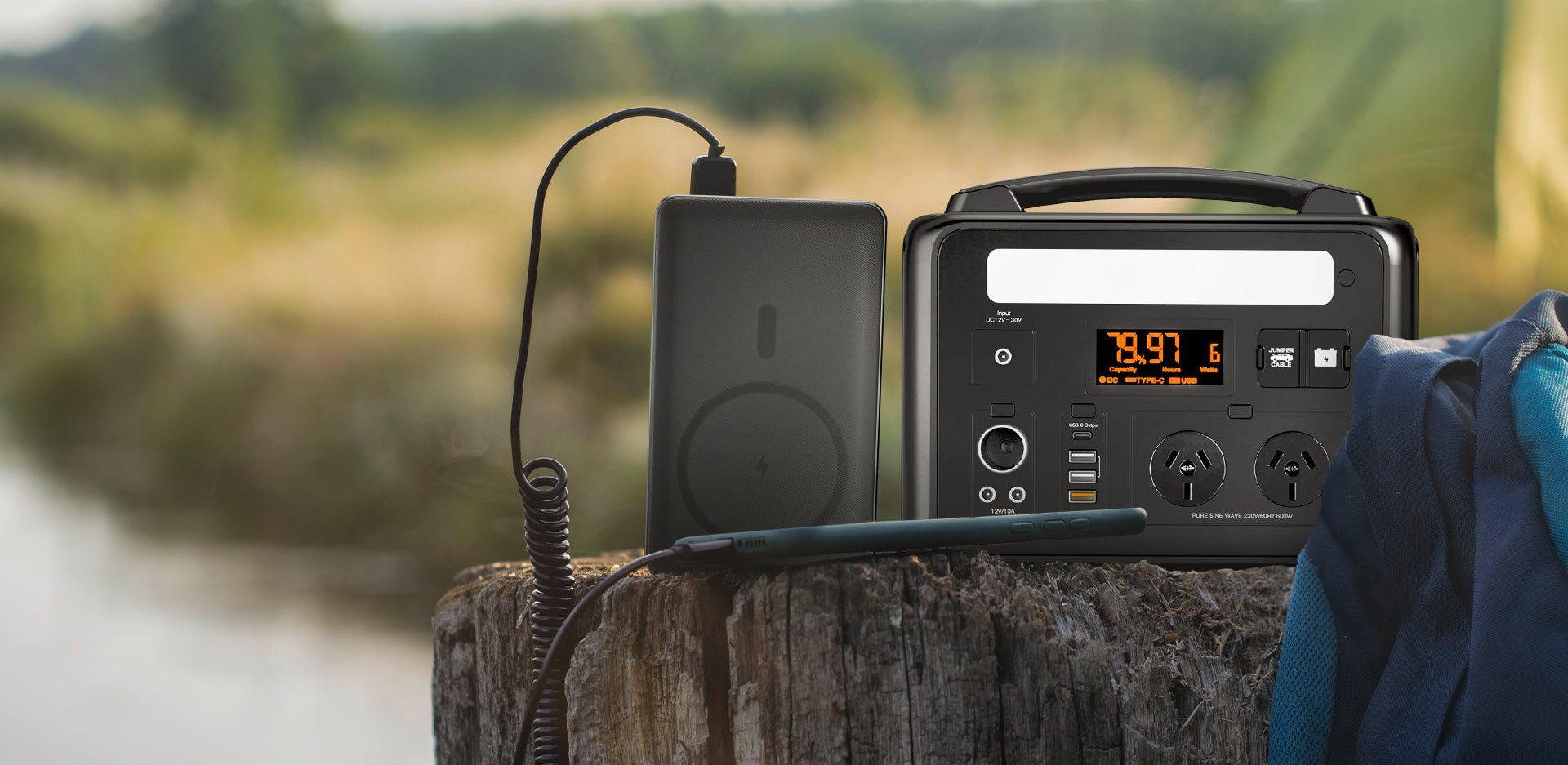
- AC outlets for laptops and appliances
- DC outputs for specific devices
- Wireless charging pads built into the top
- Built-in cables to avoid carrying extras
Multi-Port Charging
Most power banks let you charge multiple devices at once, but the total output gets divided among the ports. A 30W power bank with two ports might deliver 18W to one device and 12W to another, or 15W to each. Read the specs carefully to understand how power is distributed.
Size, Weight, and Portability
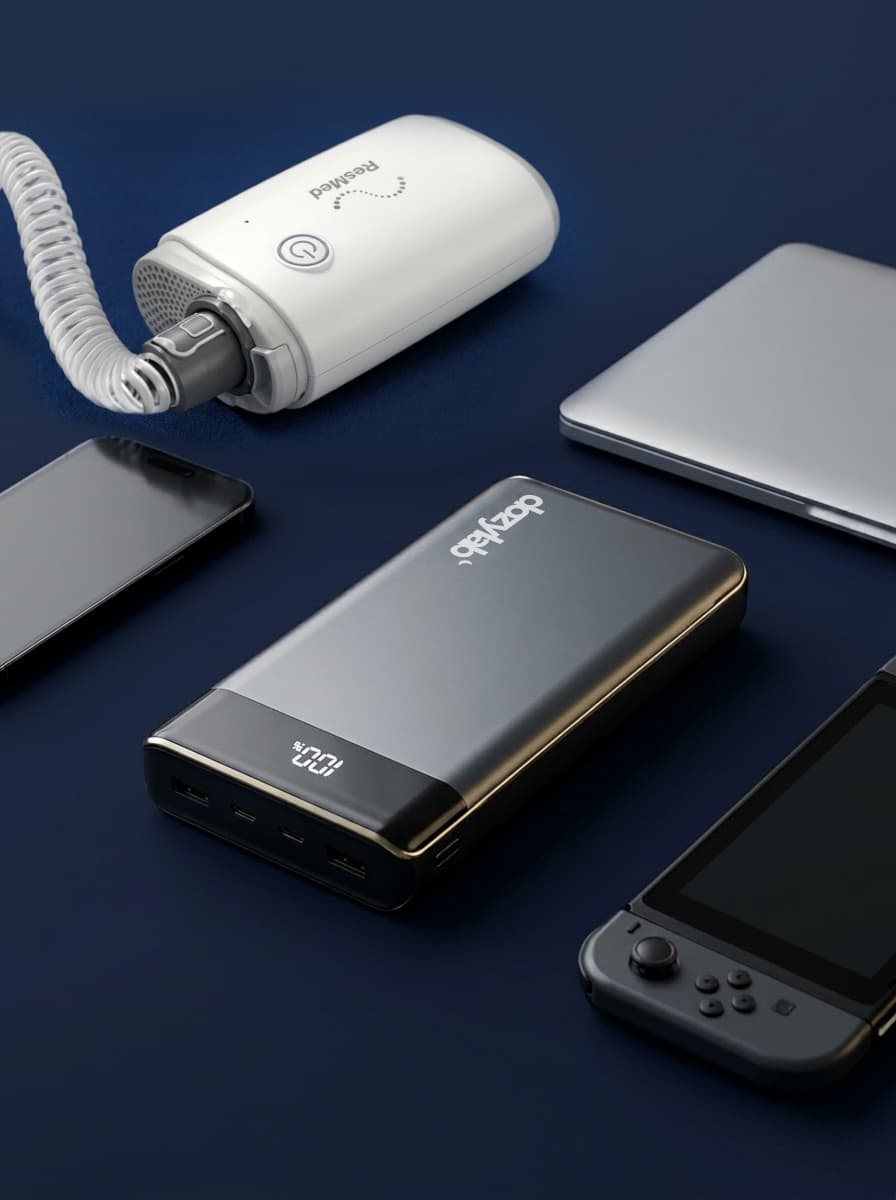
A power bank that doubles as a brick isn't useful if you leave it at home. Size and weight matter just as much as capacity and speed.
The Capacity-to-Weight Ratio
Here's a realistic look at what to expect:
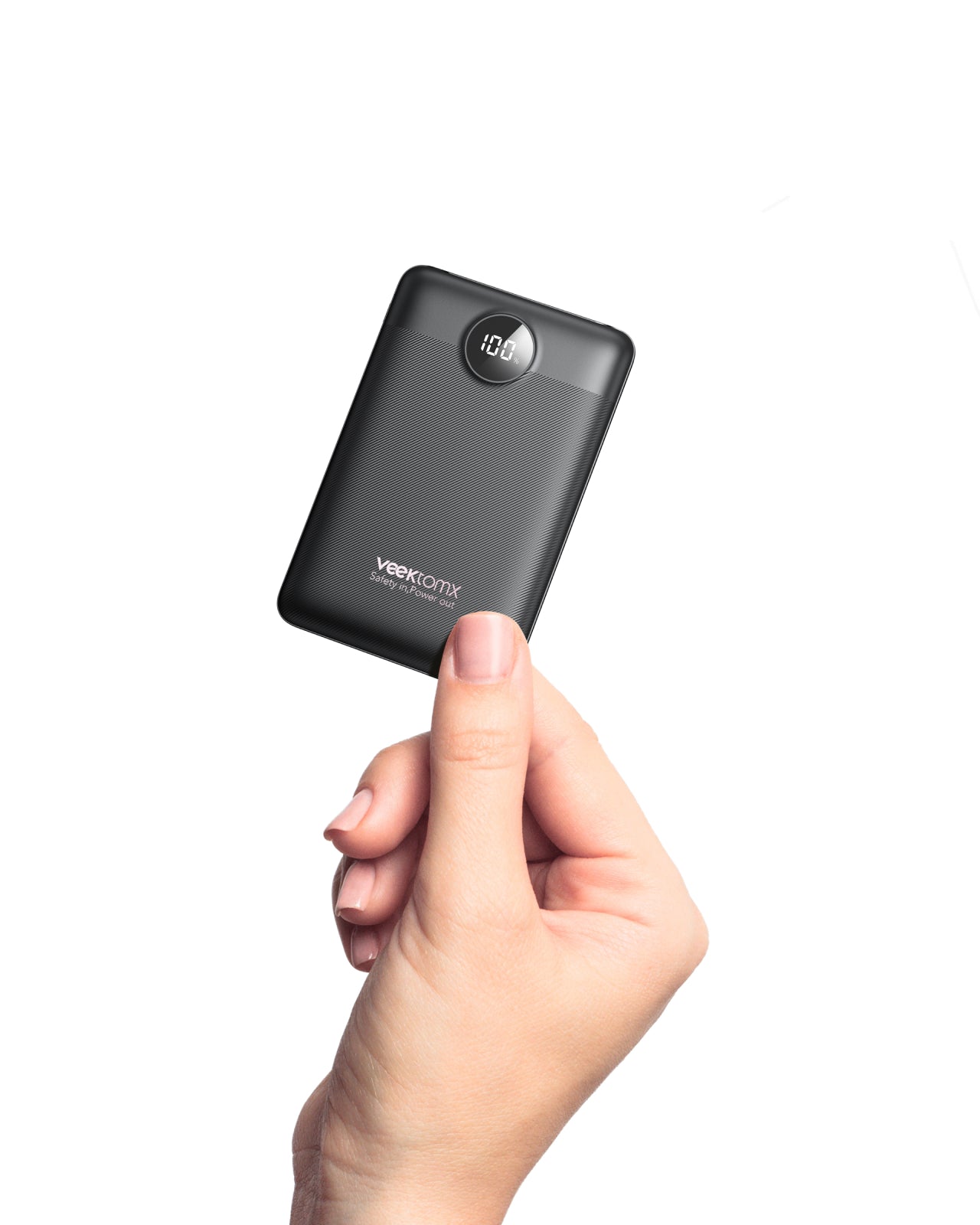
- 5,000mAh: Fits in a pocket, weighs about 4-5 ounces
- 10,000mAh: Still pocket-friendly, around 7-9 ounces
- 20,000mAh: Coat pocket or small bag, 12-16 ounces
- 26,800mAh: Bag-only territory, over a pound
Form Factor Considerations
Power banks come in different shapes. Some are slim and long, some are square, and some are designed to attach to the back of your phone. The best shape depends on how you carry it.
Travel Restrictions
If you fly, know that TSA limits power banks to 100Wh (watt-hours) in carry-on bags. Most 20,000mAh power banks fall under this limit, but larger ones might not. Check the Wh rating, not just mAh, when flying. To calculate Wh: (mAh × 3.7V) ÷ 1000.
I always keep a 10,000mAh power bank in my everyday bag and a 20,000mAh one for trips. The smaller one handles daily top-ups, while the bigger one covers long flights or camping weekends.
Battery Cell Quality and Safety Features
Not all power banks use the same battery cells, and the quality of those cells affects everything from longevity to safety.
Lithium-Ion vs. Lithium-Polymer
Most power banks use one of two battery types:
- Lithium-ion (Li-ion): Higher energy density, cheaper, but can be more prone to swelling
- Lithium-polymer (Li-Po): Lighter, more flexible shapes, generally safer, but slightly lower capacity for the same size
For everyday use, either works fine. But if you're hard on your gear or carry a power bank in hot environments, Li-Po tends to be more durable.
Essential Safety Features
Look for these protections in any quality power bank:
- Overcharge protection (stops charging when full)
- Over-discharge protection (prevents complete drain)
- Short circuit protection
- Temperature control (shuts down if too hot)
- Surge protection
- Overcurrent protection
A power bank without these features is a fire risk. Seriously, don't cheap out on safety.
Certifications to Look For
Certifications indicate that a product has passed independent testing:
- UL certification (US safety standard)
- CE marking (European conformity)
- FCC certification (US electromagnetic compliance)
- RoHS compliance (restriction of hazardous substances)
I've seen knockoff power banks that looked identical to name brands but lacked proper safety circuits. They worked fine for a few months, then one started swelling in my drawer. That's why I only buy from reputable brands now, even if they cost a bit more.
Pass-Through Charging and Recharge Speed
Two features that don't get enough attention are pass-through charging and how fast the power bank itself recharges.
Pass-Through Charging
This lets you charge your phone while the power bank itself is plugged in. It's super useful for hotel rooms with limited outlets or for overnight charging setups. Not all power banks support this, and using it can shorten the battery's lifespan if done regularly, but it's a nice convenience.
Recharge Time
A 20,000mAh power bank can take anywhere from 6 to 20 hours to fully recharge, depending on the input speed. Power banks with USB-C PD input can recharge in 4-6 hours with a 30W charger, while those with micro-USB input might take twice as long.
Pro tip: A power bank with fast input charging is almost as important as fast output. Waiting overnight for your power bank to recharge defeats the purpose of having one.
Extra Features Worth Considering
Beyond the basics, some power banks offer features that might matter to you.
Built-in Cables
Some power banks have built-in USB-C, Lightning, or micro-USB cables. This eliminates the need to carry separate cables, though it limits flexibility if you switch devices.
Wireless Charging
Power banks with Qi wireless charging pads on top let you charge compatible phones without a cable. It's slower than wired charging, but convenient for quick top-ups.
Solar panels on power banks sound great for camping, but in reality, they only provide a trickle of power. A full day of sun might add 10-20% capacity to a small power bank. They're more of a backup than a primary charging method.
LED Indicators
Most power banks have LED lights showing remaining capacity. Some have small displays showing exact percentage, which is more accurate but adds cost.
Flashlight Function
A built-in LED flashlight is common in higher-capacity power banks. It's surprisingly handy during power outages or camping trips.
Matching Specs to Your Use Case
Now that you know the specs, let's match them to common scenarios.
For Daily Commuters
If you just need to top up your phone during the day, a 5,000mAh to 10,000mAh power bank with 18W output is perfect. It fits in your pocket, weighs little, and charges most phones from empty to full once or twice.
For Travelers
Get a 20,000mAh power bank with 30W USB-C PD output. It can charge a phone multiple times, top up a tablet, and even give a laptop a partial charge. Make sure it's TSA-compliant (under 100Wh).
For Outdoor Enthusiasts
A 26,800mAh or larger power bank with multiple ports, a rugged design, and possibly a built-in flashlight works best. Some are even water-resistant or shockproof.
For Remote Workers
If you work from cafes or co-working spaces, a 20,000mAh to 30,000mAh power bank with 60W to 100W output can charge your laptop. Look for one with an AC outlet if your laptop charges via a standard power cord.
For Families or Groups
Get a high-capacity power bank (30,000mAh or more) with at least three output ports and 60W+ total output. Everyone can charge their devices at once.
Frequently Asked Questions About Power Bank Specs
What mAh power bank do I need for my phone?
A 10,000mAh power bank works for most people, giving two to three full phone charges. If you have a larger phone with a 4,000mAh+ battery or use your phone heavily, go for 15,000mAh or 20,000mAh.
Is higher wattage always better for a power bank?
Not necessarily. Higher wattage means faster charging, but only if your device supports it. An 18W power bank is plenty for phones, while laptops need 45W or more. Paying for 100W output on a power bank you'll only use for your phone is a waste of money.
Can I bring any power bank on a plane?
No. Airlines and the TSA limit power banks to 100Wh in carry-on luggage. Most power banks under 27,000mAh fall under this limit. Anything larger needs airline approval, and checked baggage power banks are prohibited entirely.
How long do power banks last?
A quality power bank lasts 300 to 500 full charge cycles, or about 2 to 4 years of regular use. After that, capacity drops noticeably. Higher-quality cells and proper storage (avoiding extreme temperatures and keeping the charge between 20% and 80% when not in use) extend lifespan.
Do power banks lose charge when not in use?
Yes, all power banks slowly self-discharge, typically losing 5% to 10% of their charge per month. Lithium-polymer models generally hold their charge longer than lithium-ion ones.
Conclusion
Choosing the right power bank specs doesn't have to be complicated once you understand what each specification means and how it affects your daily use. Start with how much capacity you actually need based on your devices and usage patterns, then make sure the output wattage matches your devices' fast charging standards. Don't overlook port types, safety features, and physical size, because the best power bank is the one you'll actually carry with you.
The smartest approach is to buy once and buy right. A quality power bank from a reputable brand with the right specs for your lifestyle will serve you well for years. Take a few minutes to think about how you really use your devices, then match those needs to the specs we covered. Your future self, stuck at an airport with a dead phone, will thank you.
If you found this guide helpful, share it with someone who's always asking to borrow your charger, and drop a comment below with your own power bank tips or questions.