How To Charge Laptop Through Power Bank: A Complete 2026 Guide
Yes, you can charge a laptop through a power bank as long as the power bank supports laptop-level wattage output and uses a USB-C PD connection. The whole process becomes simple once you match the right power bank with your laptop's charging needs.
Imagine this: you are sitting in a café, working on an important project, and your laptop battery drops to 5 percent. The nearest power outlet is across the room, occupied by someone else. In moments like these, knowing how to charge your laptop through a power bank can be a real lifesaver. Over the years, I have tested dozens of portable chargers, and I can tell you that not every power bank is built for laptops. Some deliver too little power, some lack the right ports, and some simply cannot keep up with demanding devices. In this guide, I will walk you through everything I have learned, from choosing the right power bank to the exact steps that actually work in real life. By the end, you will feel confident enough to charge your laptop anywhere, anytime, without hunting for a wall socket.
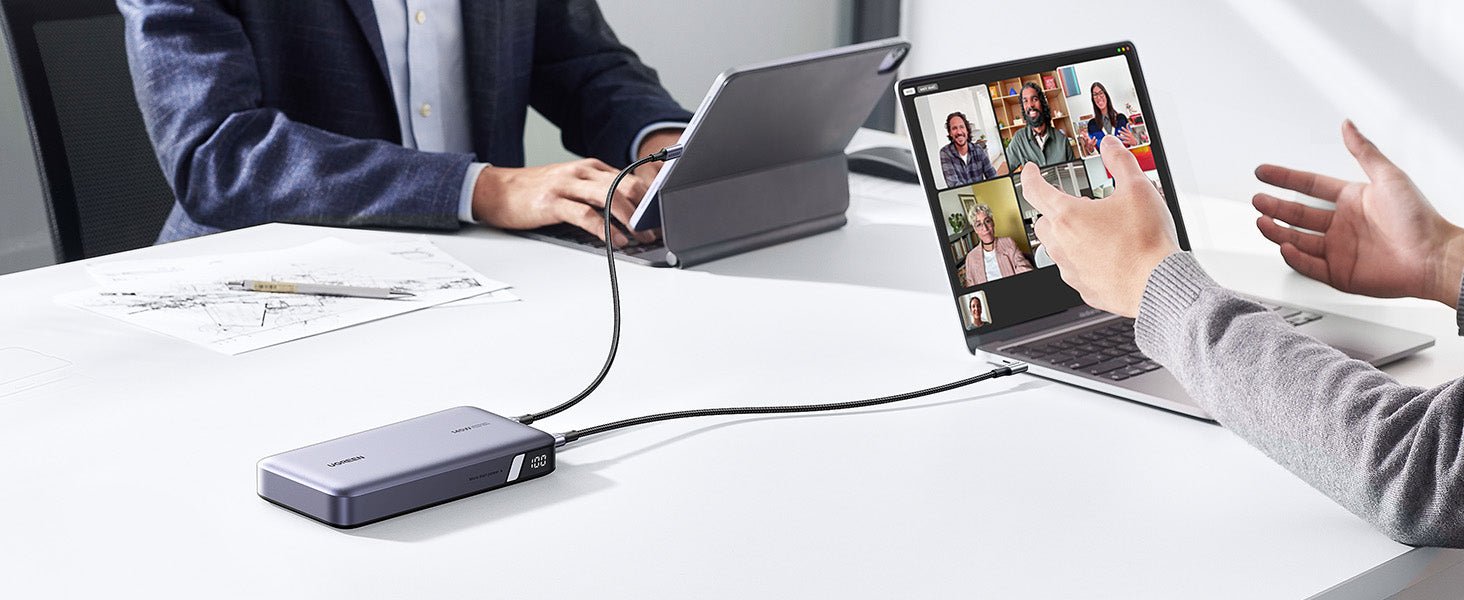
Understanding Power Bank Charging for Laptops
Charging a laptop through a power bank is not the same as charging a phone. Phones usually need 5 to 20 watts, but laptops can demand anywhere from 30 watts to 100 watts or more, depending on the model. A regular phone power bank simply cannot deliver that kind of energy, which is why many people get frustrated when their laptop refuses to charge from a portable charger. The key lies in understanding wattage, voltage, and the type of connection your laptop uses.
Modern laptops, especially ultrabooks and MacBooks, rely on USB-C Power Delivery, often called USB-C PD. This technology allows devices to negotiate the right amount of power through a single cable. If your power bank supports USB-C PD output at 45W, 60W, or 100W, it can safely charge a compatible laptop. Older laptops that use barrel-style chargers can still be charged, but you will need a power bank with an AC outlet or a specific voltage-matching adapter.
I remember the first time I tried charging my laptop with a power bank during a long flight. I had purchased a cheap 20,000mAh power bank thinking it would work for everything. It charged my phone perfectly, but the moment I plugged in my laptop, nothing happened. That experience taught me an important lesson about capacity versus output, a mistake many first-time buyers make.

What You Need Before You Start
Before you even attempt to charge a laptop through a power bank, you need to make sure you have the right gear. Skipping this step is the number one reason people fail. Think of it like baking a cake without checking if you have flour. You might have the best oven in the world, but without the right ingredients, nothing works.
Here is a quick checklist of what you actually need:
- A power bank with USB-C PD output of at least 30W, ideally 45W or higher
- A USB-C to USB-C cable that supports high-wattage charging
- A laptop that supports USB-C charging or has a compatible adapter
- Enough remaining capacity in the power bank to deliver a meaningful charge
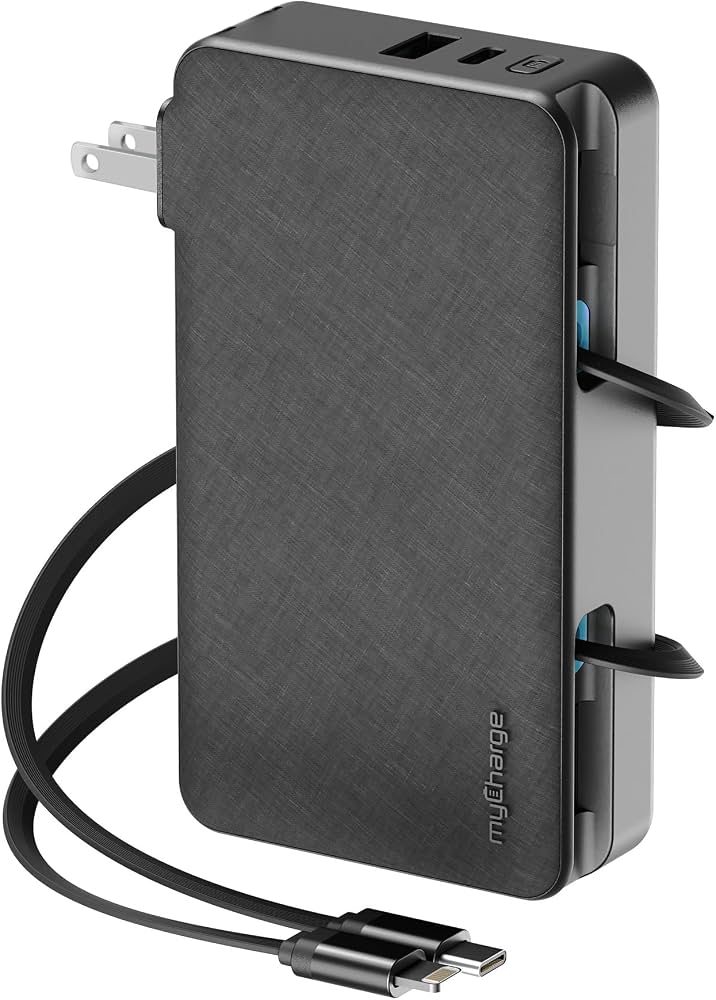
If your laptop uses a proprietary charging port, you will need a power bank that includes an AC outlet. These models are slightly bulkier but act like a portable wall socket, which can be incredibly useful for older laptops or high-powered gaming machines.
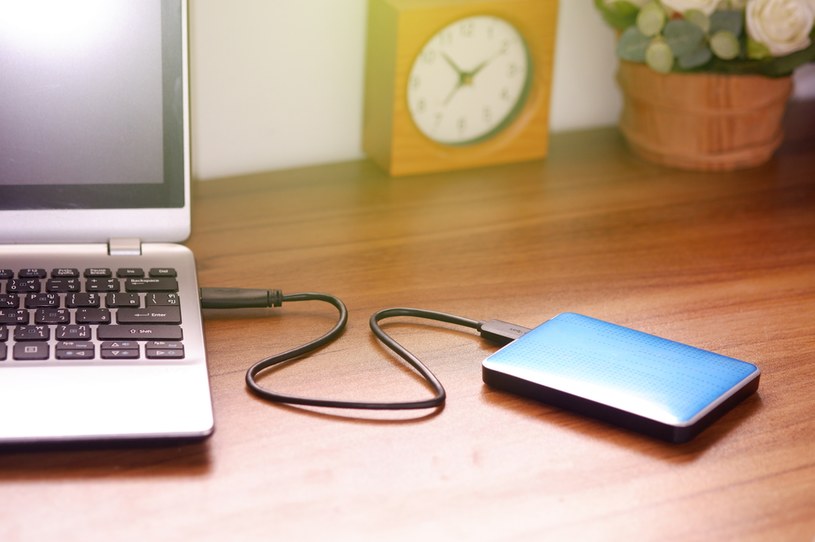
Step-by-Step Guide on How to Charge Laptop Through Power Bank
Now let me walk you through the exact process I follow every time I need to charge my laptop on the go. These steps are simple, but each one matters.
Step 1: Check Your Laptop's Power Requirements
Look at your original laptop charger and find the wattage rating. It is usually printed on the small label, something like 45W, 65W, or 90W. This number tells you the minimum power your laptop expects to charge properly. If your power bank outputs less than this number, your laptop may charge very slowly, hold steady, or even lose battery while plugged in during heavy use.
Step 2: Confirm the Power Bank's Output Specifications
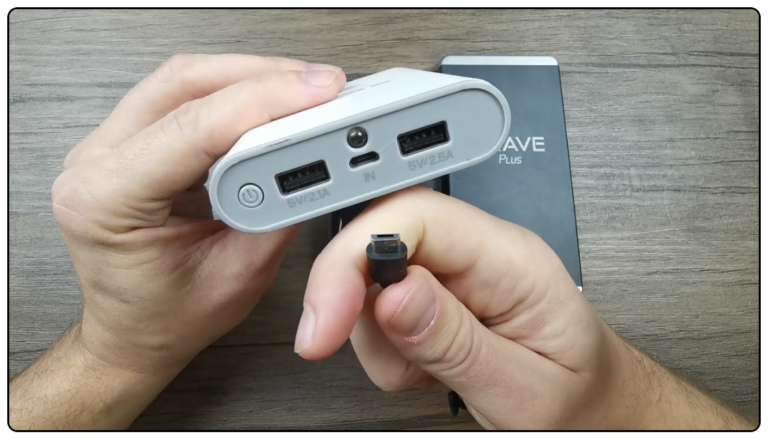
Turn the power bank over and check its output ratings. Look for terms like USB-C PD, 45W output, or 100W max. If the packaging only mentions phone charging, it is probably not strong enough for a laptop. I always recommend choosing a power bank that outputs at least the same wattage as your original charger, ideally a little more to account for cable loss.
Step 3: Use the Right Cable
Not all USB-C cables are created equal. A cheap cable might only support 60W, while you need 100W. Using a weak cable is like trying to drink a milkshake through a coffee stirrer. It technically works, but it is painfully slow. Always use the cable that came with your power bank or a certified high-wattage USB-C cable.
Step 4: Connect the Power Bank to Your Laptop
Plug the USB-C cable into the power bank's output port, then connect the other end to your laptop's charging port. Most laptops will display a charging icon, and you might hear a small click or notification sound. If nothing happens, try a different port or cable. Sometimes the issue is as simple as a loose connection.
Step 5: Monitor the Charging Process
Once connected, keep an eye on the battery percentage. A good power bank will charge your laptop steadily, just like a wall outlet. If you notice the battery is draining faster than it charges, your power bank is likely underpowered for the task. In that case, close heavy applications or shut down the laptop to allow a faster charge.

Choosing the Right Power Bank for Laptop Charging
Picking the right power bank is honestly the most important decision in this whole process. A great power bank feels like carrying a small power plant in your backpack. A bad one feels like carrying a brick that does nothing.
When shopping, here are the key features to look for:
- USB-C PD output of 45W or higher
- Capacity of at least 20,000mAh for a meaningful laptop charge
- Multiple output ports for charging phones and tablets at the same time
- Pass-through charging so you can charge the power bank while it charges your laptop
- Safety features like overcurrent protection, temperature control, and short-circuit prevention
I personally prefer power banks that use lithium-polymer cells because they are lighter and more stable. Some premium models even include a small display showing exact wattage output, which is incredibly handy when you want to know exactly how fast your laptop is charging.
Common Mistakes to Avoid When Charging a Laptop with a Power Bank
Over the years, I have seen people make the same handful of mistakes again and again. Let me save you the trouble by pointing them out early.
One of the biggest mistakes is using a phone power bank and expecting it to charge a laptop. It will not work because phone power banks simply do not output enough wattage. Another common mistake is ignoring cable quality. People grab any USB-C cable lying around, not realizing that a low-quality cable can limit power flow or even damage devices over time.
Another mistake I made early on was draining the power bank completely before recharging it. Lithium batteries last longer when you keep them between 20 percent and 80 percent. I also learned the hard way that leaving a power bank in a hot car can permanently damage its capacity. Heat is the silent killer of portable chargers.
Finally, do not expect a tiny 10,000mAh power bank to fully charge a large laptop. The math is simple. A typical laptop battery is around 50Wh, while a 10,000mAh power bank holds about 37Wh after conversion losses. You will barely get a partial charge, which is fine in emergencies, but not great for daily use.

Tips to Maximize Charging Efficiency
If you want to squeeze every bit of power from your power bank, a few small habits can make a huge difference. I have tested these tips on long train rides, camping trips, and back-to-back workdays, and they truly work.
First, charge your laptop while it is off or in sleep mode. Charging a powered-off laptop is dramatically faster because there is no energy being used at the same time. If you must use the laptop, close resource-heavy apps like video editors, games, and browser tabs with too many open videos.
Second, keep your laptop cool. Heat slows down charging and can trigger safety limits in both the laptop and the power bank. I often place my laptop on a flat, hard surface with good airflow when charging from a power bank.
Third, use a shorter cable when possible. Longer cables create more resistance, which translates to slightly slower charging. A one-foot USB-C cable will always perform better than a six-foot one.

Safety Considerations You Should Never Ignore
Safety might not be the most exciting topic, but it is the most important one. A faulty power bank can overheat, swell, or in rare cases, catch fire. I have seen a friend ruin an expensive laptop because he used a no-brand power bank from an online marketplace. The power bank sent an irregular voltage spike that damaged the laptop's charging circuit.
Always buy from reputable brands that include proper safety certifications. Look for labels like CE, FCC, or RoHS on the packaging. Avoid power banks that feel unusually light, because they may be using low-quality cells with false capacity ratings. If your power bank ever starts to bulge, smell strange, or get excessively hot, stop using it immediately.
It is also worth noting that extreme cold can affect lithium battery performance. If you are charging a laptop in a freezing environment, the power bank may deliver less power than usual. Let the power bank warm up to room temperature before expecting full performance.

Frequently Asked Questions
Can all power banks charge a laptop?
No, not all power banks can charge a laptop. Only power banks with USB-C Power Delivery output of 30W or higher, or those with an AC outlet, can effectively charge a laptop. Standard phone power banks usually lack the necessary wattage to charge laptops.
How many times can a power bank charge a laptop?
It depends on the power bank's capacity and your laptop's battery size. A 20,000mAh power bank can typically charge a typical laptop once partially, while a 26,800mAh or 30,000mAh model may provide close to a full charge for smaller ultrabooks.
Is it safe to charge a laptop with a power bank overnight?
Yes, it is generally safe if the power bank has proper safety features like overcharge protection and temperature control. However, I recommend unplugging once the laptop is fully charged to preserve the long-term health of both devices.
Why is my laptop not charging from my power bank?
Your laptop may not charge if the power bank does not support USB-C PD, if the cable is incompatible, or if the wattage is too low. Try a different cable, port, or power bank to identify the issue.
Can I use my laptop while charging from a power bank?
Yes, you can use your laptop while charging, but heavy tasks like gaming or video editing may cause the battery to drain faster than it charges. Closing intensive applications will allow a more efficient charge.

Conclusion
Learning how to charge laptop through power bank is one of those skills that feels small until you actually need it. Once you understand wattage, USB-C PD, and the right gear, the whole process becomes second nature. Whether you are a frequent traveler, a digital nomad, or simply someone who wants backup power during outages, a good laptop-compatible power bank is a game-changer. Invest in quality, respect the safety basics, and you will never have to panic over a dead laptop battery again. If this guide helped you, feel free to share it with a friend who is always hunting for power outlets, and drop a comment below with your own power bank experiences.