What’s A Power Bank Charger: The 2026 Ultimate Guide
A power bank charger is a portable battery that stores electrical energy and lets you recharge your phone, tablet, or other USB devices on the go.
Picture this: you're halfway through a road trip, your phone's at 6%, and there's no outlet in sight. That little brick in your bag? That's a power bank charger, and it's probably saved you more times than you'd like to admit. Over the years, I've tested dozens of these things from tiny lipstick-sized ones to massive laptop-charging monsters, and I'm still amazed at how essential they've become. Whether you're a daily commuter, a frequent flyer, or just someone who forgets to charge overnight, understanding what a power bank charger really is (and what it isn't) can save you a lot of frustration. Let me walk you through everything you need to know, from the basics to the nitty-gritty details most people overlook.
What Exactly Is a Power Bank Charger
At its core, a power bank charger is a compact, rechargeable battery pack designed to deliver power to your electronic devices through a USB connection. Think of it as a backup wall outlet that fits in your pocket or backpack. Inside its plastic or metal shell sits one or more lithium-ion or lithium-polymer cells, the same kind of technology that powers your phone, just in a bigger, dedicated housing.
When you plug a device into a power bank, the stored energy flows from the battery cells through a circuit board and out via a USB port (or USB-C, micro-USB, or even wireless charging pad in newer models). The whole process is governed by a small controller chip that regulates voltage, prevents overcharging, and protects against short circuits.
I still remember my first power bank back in college. It was a clunky 5,000mAh brick that could barely charge my iPhone once, but it felt like magic. Fast forward to today, and you can get 20,000mAh units slim enough to slide into a jeans pocket. The basic principle hasn't changed though: store energy when you have access to a wall outlet, and use it later when you don't.
How Does a Power Bank Charger Work
Understanding how a power bank works helps you use it better and avoid common mistakes. The process breaks down into three main stages:
- Charging the power bank itself: You connect it to a wall adapter or computer using an input port. Energy flows into the battery cells and is stored chemically. Most modern power banks take 3 to 8 hours to fully charge, depending on capacity and input speed.
- Storing the energy: The lithium cells hold the charge for weeks or even months, though they slowly lose a small percentage each month due to natural discharge.
- Discharging to your device: When you plug in your phone or tablet, the power bank's circuit converts the battery's voltage (usually 3.7V) to the 5V or higher that USB devices need. Some advanced models support Power Delivery (PD) or Quick Charge (QC) for faster speeds.
Here's a simple analogy: if your phone's battery is a glass of water, a power bank is a water bottle you fill up at home and carry with you. When your glass runs empty, you pour from the bottle to refill it.
Key Components Inside a Power Bank
Most people never think about what's inside their power bank, but knowing the basic parts helps you make smarter buying decisions.
- Battery cells: The heart of the device. Lithium-polymer cells are lighter and more flexible in shape, while lithium-ion cells are denser and often cheaper.
- PCB (printed circuit board): The brain that manages charging, discharging, voltage regulation, and safety features.
- Input port: Usually micro-USB, USB-C, or Lightning, used to recharge the power bank.
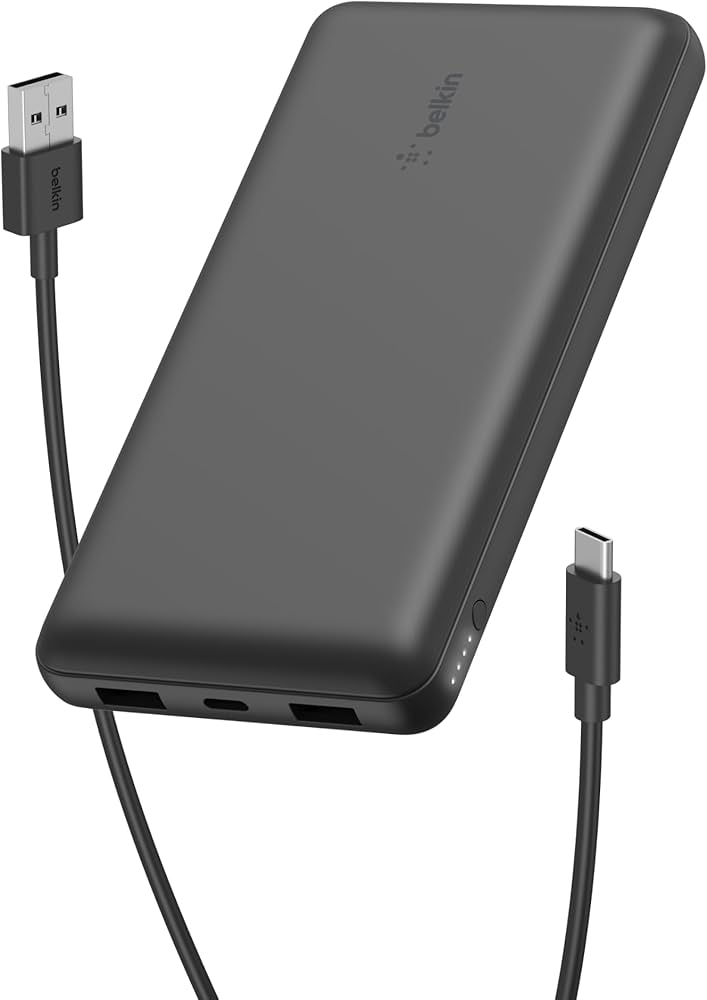
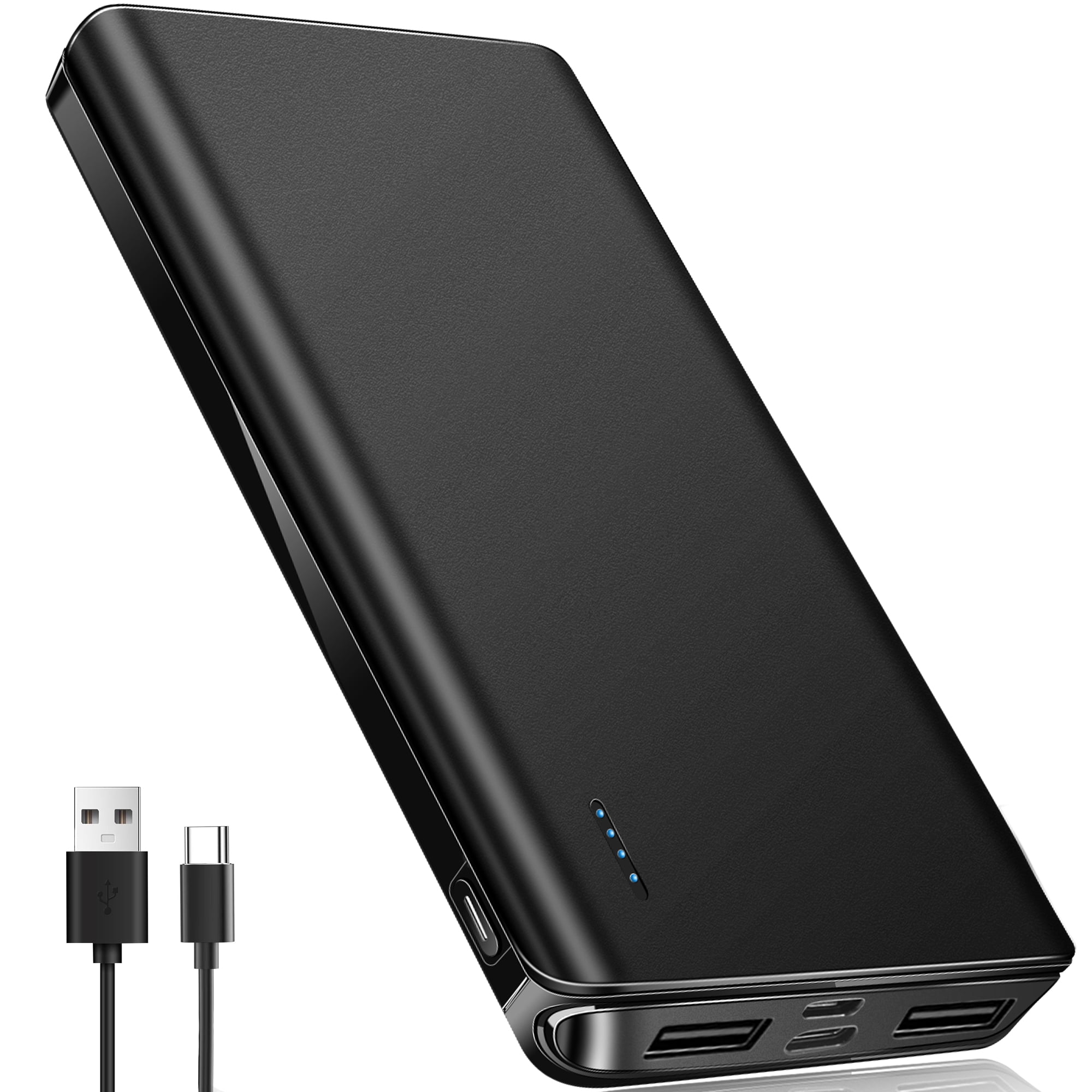
- Output ports: Where you plug in your devices. Modern units often have multiple USB-A and USB-C outputs.
- Indicator lights or display: LED dots or a small screen showing remaining battery percentage.
- Casing: Plastic, aluminum, or even rubberized shells for durability.
When I opened up a cheap no-name power bank once (out of curiosity, not recommended), I found a single low-quality cell and a bare-bones circuit board. It worked for a few months, then died completely. That experience taught me that internal quality matters just as much as the capacity number on the box.
Types of Power Bank Chargers
Not all power banks are created equal. They come in different shapes, sizes, and capabilities, each suited for different needs.
- Standard power banks: The classic rectangular bricks, typically 5,000 to 20,000mAh, great for everyday phone charging.
- High-capacity power banks: 20,000 to 50,000mAh units designed for laptops, camping trips, or charging multiple devices.
- Mini or lipstick power banks: Tiny 2,000 to 5,000mAh models that attach to your keychain or fit in a small purse.
- Solar power banks: Built with small solar panels for off-grid charging, though they're slow and best used as backup.
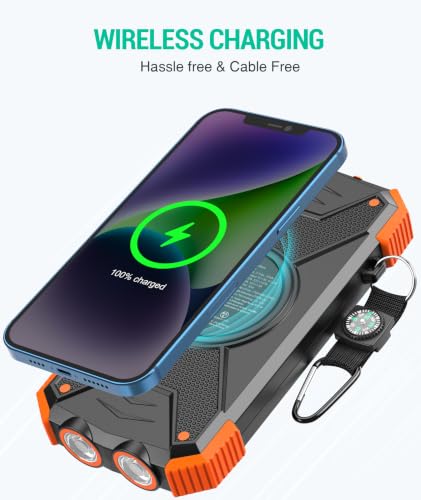
- Wireless power banks: Support Qi wireless charging so you can just place your phone on top.
- Laptop power banks: Heavy-duty units with AC outlets or high-wattage USB-C PD outputs (60W to 100W).
- Built-in cable power banks: Come with attached Lightning, USB-C, or micro-USB cables for convenience.
If you ask me, the sweet spot for most people is a 10,000mAh USB-C PD power bank. It can charge a modern smartphone two to three times, fits in a small bag, and won't weigh you down.
Important Specs You Should Know
When shopping for a power bank, you'll see a wall of numbers and acronyms. Here's what they actually mean.
- Capacity (mAh or Wh): Milliamp hours or watt hours. This tells you how much energy the bank can store. A 10,000mAh power bank can theoretically charge a 3,000mAh phone about 2.5 times, though real-world results are usually lower due to energy loss.
- Output wattage: How fast it can charge. 5W is slow, 18W is decent, 45W to 100W is fast and can charge laptops.
- Input wattage: How fast the power bank itself recharges. Higher input means less waiting.
- Charging protocols: PD (Power Delivery), QC (Quick Charge), PPS, and proprietary standards like VOOC or SuperCharge. Match these to your phone for optimal speed.
- Pass-through charging: Lets you charge the power bank and a connected device at the same time. Handy but not all models support it safely.
- Cycle life: The number of full charge-discharge cycles before capacity drops to 80%. Good power banks last 500 to 1,000 cycles.
Benefits of Using a Power Bank Charger
The advantages go far beyond just keeping your phone alive.
- Portability: Take power anywhere, from camping trips to long flights.
- Emergency backup: Critical during power outages, natural disasters, or travel in remote areas.
- Multi-device charging: Many models have two or three ports, so you can charge a phone, earbuds, and watch simultaneously.
- Cost savings: Avoid buying expensive battery cases or replacing phones with worn-out batteries.
- Productivity: Stay connected for navigation, work calls, and mobile payments when you're away from outlets.
I once did a 14-hour bus journey through the mountains with no reliable outlets. My 20,000mAh power bank kept my phone, Kindle, and noise-cancelling headphones all juiced up. Without it, I would have arrived with dead devices and zero maps.
Limitations and Downsides
Power banks aren't perfect, and it's important to set realistic expectations.
- Energy loss: No power bank delivers 100% of its rated capacity. Expect 60% to 80% efficiency due to heat and voltage conversion.
- Weight: High-capacity models can be heavy, sometimes over a pound.
- Charging time: Bigger capacities mean longer recharge times, often 6+ hours.
- Battery degradation: Like all lithium batteries, power banks slowly lose capacity over time, especially if stored in hot environments.
- Air travel restrictions: Airlines limit power banks to 100Wh (about 27,000mAh at 3.7V) in carry-on luggage, and some ban checked bags entirely.
- Quality variance: Cheap, unregulated power banks can overheat, swell, or even catch fire.
I've had a power bank swell up like a small pillow after sitting in a hot car all summer. It was a cheap unit, and it taught me never to leave any lithium device in direct heat.
Safety Tips for Using a Power Bank Charger
A few simple habits can extend your power bank's life and keep you safe.
- Avoid extreme temperatures: Don't leave it in a hot car or freezing car overnight.
- Use quality cables: Cheap cables can overheat and damage ports.
- Don't drop it: Internal cells can be damaged by hard impacts.
- Store at 50% charge if unused for months: This preserves long-term battery health.
- Buy from reputable brands: Look for UL, CE, or FCC certifications.
- Stop using if it swells, smells, or gets unusually hot: These are signs of a failing battery.
How to Choose the Right Power Bank for You
The best power bank depends on your lifestyle, not just the biggest capacity or the lowest price.
- For daily commuters: 5,000 to 10,000mAh, lightweight, USB-C PD.
- For travelers: 10,000 to 20,000mAh, multiple ports, fast charging.
- For campers and outdoor users: 20,000mAh+, solar panel option, rugged build.
- For laptop users: 30,000mAh+ with 60W to 100W USB-C PD output.
- For minimalists: A small 3,000 to 5,000mAh card-sized model.
Ask yourself three questions before buying: How many devices do I need to charge? How long will I be away from an outlet? Do I care more about weight or capacity? Your answers will guide you to the perfect match.
Common Myths About Power Banks
A few misconceptions deserve clearing up.
- Bigger mAh always means better: Not if you only need one charge on the go. Extra capacity just adds weight.
- You should fully drain it before recharging: Unlike old nickel batteries, lithium batteries do better with partial charges.
- Any cable works: Poor cables limit speed and can be unsafe.
- Off-brand means unsafe: Some lesser-known brands make excellent products, but research and reviews are essential.
- Wireless power banks charge as fast as wired: They generate more heat and are usually slower.
Frequently Asked Questions About Power Bank Chargers
How many times can a power bank charge a phone?
It depends on the power bank's capacity and your phone's battery size. A 10,000mAh power bank with 80% efficiency can charge a 4,000mAh phone about 2 times. Smaller phones with 3,000mAh batteries can squeeze out 2.5 to 3 charges from the same bank.
Can a power bank charge a laptop?
Yes, but only if it has a high-wattage USB-C PD output (usually 45W or higher) and your laptop charges via USB-C. Standard power banks without PD support cannot charge laptops, and even some PD models only slow-charge or sustain battery level rather than actively charging under heavy use.
Is it safe to leave a power bank charging overnight?
Modern power banks with proper charge controllers are generally safe for overnight charging, but it's best to unplug once full to reduce heat and extend battery lifespan. Avoid leaving cheap or uncertified models plugged in unattended for long periods.
How long does a power bank last before it needs replacing?
Most quality power banks last 2 to 4 years with regular use, or about 500 to 1,000 full charge cycles. Capacity gradually drops over time, and you may notice it holding less charge after 2 years. Proper storage and avoiding heat can extend its life.
Can I take a power bank on a plane?
Yes, in carry-on luggage, as long as it's under 100Wh (roughly 27,000mAh at 3.7V). Power banks between 100Wh and 160Wh require airline approval, and anything over 160Wh is banned. Power banks are never allowed in checked baggage.
Conclusion
A power bank charger is one of those small gadgets that quietly makes modern life so much smoother. It's a portable reservoir of energy that keeps your devices alive when outlets are out of reach, and choosing the right one comes down to matching capacity, output, and build quality to your daily habits. From slim daily drivers to heavy-duty laptop chargers, there's a perfect option for every kind of user. Pay attention to safety, invest in reputable brands, and treat your power bank well, and it will be a reliable companion for years. Got a favorite power bank or a charging emergency story? Share it in the comments, and if you found this guide helpful, explore more of our tech explainers to stay powered up in every situation.