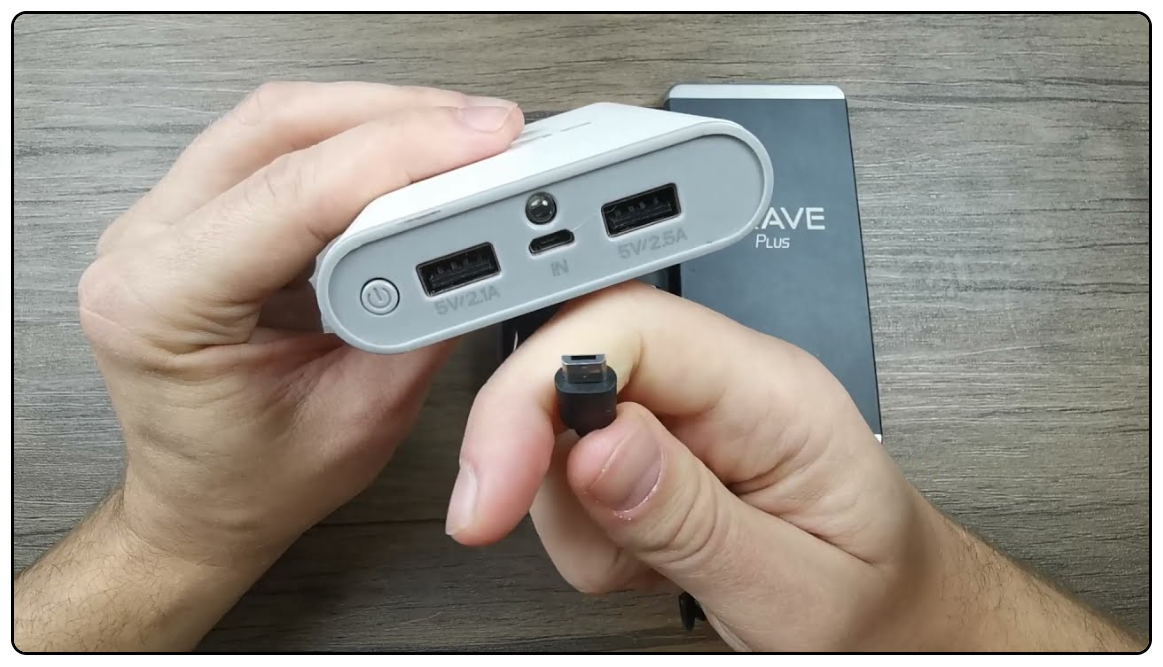
How To Reset Power Bank: Easy Fixes And Troubleshooting
Reset a power bank by fully charging, discharging, and using the built-in reset or button trick.
If your power bank stops charging or shows odd LED behavior, this guide on how to reset power bank walks you through safe, simple steps. I have fixed many portable chargers in my work with gadgets and field tests. I will explain causes, step-by-step resets for common models, safety checks, and real tips I learned from hands-on fixes. Read on to get your portable charger working again and avoid common mistakes.

Why you might need to reset a power bank
A power bank can stop working for many small reasons. Firmware hangs, protection circuits trip, or the battery gets momentarily out of sync. Sometimes the LEDs lie about charge level. Other times a short or a bad cable makes the bank seem dead.
Resetting can restore normal function without opening the case. It is often faster and cheaper than a replacement. Knowing how to reset power bank helps you recover a device in minutes. This saves money and reduces waste.

Common signs your power bank needs a reset
- LED lights not responding. The LEDs stay off or blink strangely when plugged in.
- No output to devices. The phone does not charge though the bank is charged.
- Stuck charging indicator. The bank shows full but drains quickly.
- Overheat cutout. The bank won't charge after getting warm.
- Buttons not working. The on/off or mode button has no effect.
Each sign can point to protection circuits or software glitches. A reset is a low-risk first step before deeper repair.

How to reset power bank — step-by-step methods
Below are practical reset methods. Try them in order from simplest to more involved. Use only one method at a time.
Method 1: Soft reset with charging and discharging
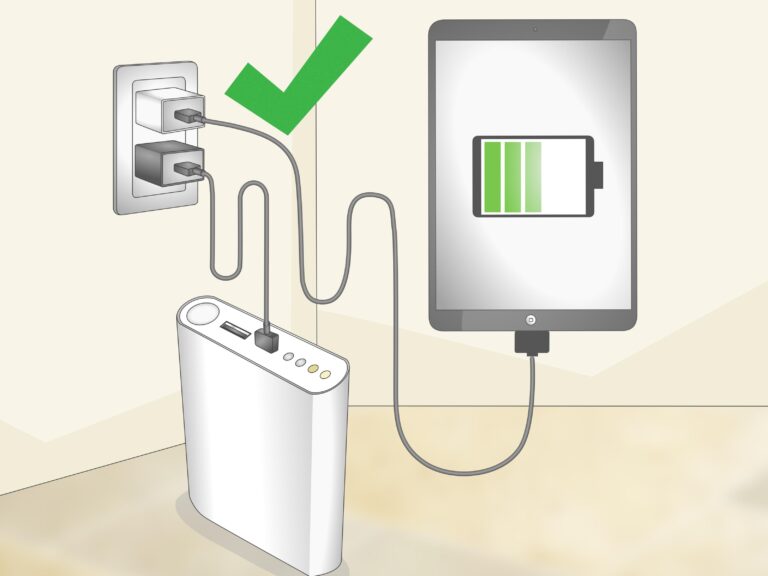
- Plug the power bank into a wall charger using the original cable. Use a wall adapter of correct output.
- Let it charge for at least 4 hours or until LEDs indicate full.
- Disconnect the charger and connect a phone or light load. Let the bank fully discharge until it shuts off.
- Recharge fully again. This cycle often recalibrates the battery meter.
Method 2: Button or multitap reset
- Press and hold the power button for 10–20 seconds. Some units reboot this way.
- If the unit has two buttons, press both at once for 5–10 seconds.
- Tap the button 3–5 times quickly to wake some models.
- Test output after each attempt.
Method 3: Short-load wake
- Connect a small load like an LED light or a low-power USB device.
- While connected, press the power button to force the protection circuit to reset.
- This can wake banks that refuse to power on without a load.
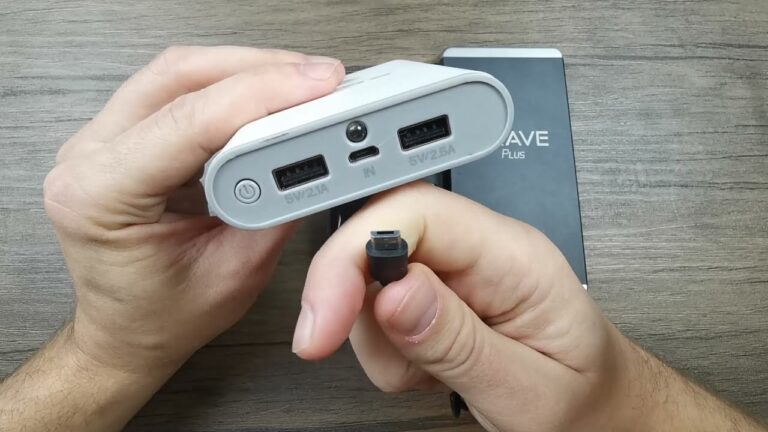
Method 4: Use a PC USB port
- Plug the bank into a PC USB port for 5–10 minutes. A stable low-current supply can reset the charging IC.
- Safely eject or unplug then test output.
Method 5: Hard reset by fuse or internal switch (advanced)
- Check warranty first. Opening voids it.
- If you are skilled, open the case and inspect for a fuse, polyfuse, or reset switch.
- Replace a blown fuse or press the internal reset. Use correct parts and safety gear.
- Reassemble carefully and test.
These steps cover most consumer power banks. If none work, the battery cells or PCB may be damaged.

Reset methods for specific power bank types
- Lithium-ion single-cell banks. Soft reset and cycles are usually enough. Protection circuits are common.
- Lithium-polymer banks. Treat gently. Do not puncture. Use low-current methods first.
- Multi-cell banks with fuel gauge ICs. Calibration cycles help the gauge relearn capacity.
- Solar or rugged banks. These have extra protection and may need longer reset presses or warm-up cycles.
Always consult the manual if available. Manufacturer tools or firmware updates exist for some advanced models.
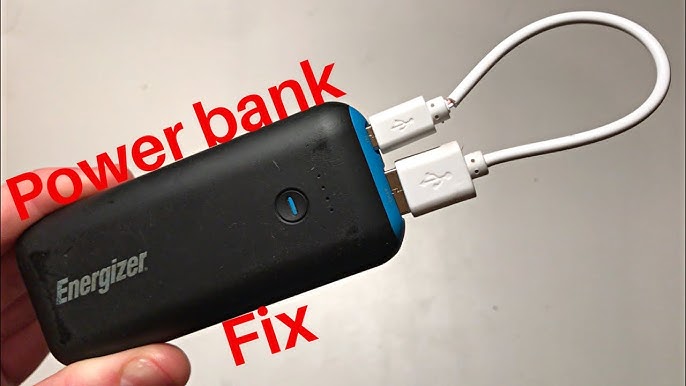
Safety checklist before you reset
- Inspect the case for damage. Bulges or leaks mean do not attempt resets.
- Use correct cables. Faulty cables can stop charging.
- Work in a dry, ventilated area. Avoid heat and open flames.
- Avoid metal tools near battery cells. Short circuits are dangerous.
- Stop if battery swells or smells. Seek professional disposal.
Safety first. Resets are simple, but batteries can be hazardous when abused.
Troubleshooting after reset
- If LEDs are fixed but charge is low, run two full charge-discharge cycles.
- If output still fails, test with multiple cables and devices to rule out bad cords.
- If the bank heats during charge, stop and let it cool. Re-test at lower current.
- If internal damage is suspected, safe recycle and replace the unit.
A methodical test process helps you pinpoint real faults and avoid repeated attempts that stress the battery.

Personal experience, tips, and common mistakes
I once repaired a portable charger that showed zero LEDs. A 10-second button hold and a full charge cycle fixed it. I learned to always try soft resets before opening the case. Here are tips from field work:
- Always try original cables and wall adapters first. They often cause the issue.
- Log the steps you try. This keeps tests consistent.
- Avoid quick repeated attempts. Let the bank rest between tries.
- Don’t assume a reset restores full capacity. Wear and age reduce battery life.
- If you open the case, take photos. Reassembly is easier that way.
These small habits save time and prevent damage.

When to replace your power bank
- Persistent failure after reset attempts.
- Swollen or leaking battery.
- Drastic capacity loss where runtime is unacceptable.
- Damaged or corroded ports that cannot be safely repaired.
Replacing is often cheaper and safer than repairing aging cells.

Frequently Asked Questions of how to reset power bank
How long should I charge before attempting a reset?
Charge at least 3–4 hours or until the LEDs show full. If LEDs are not working, try 6 hours on a reliable wall adapter.
Can I reset a power bank without pressing any button?
Yes. A full charge-discharge cycle often performs a reset without pressing any button. Connecting a load can also wake some units.
Will a reset fix a swollen power bank?
No. A swollen battery indicates cell failure. Stop using it and recycle it safely. A reset will not repair physical damage.
Is it safe to open my power bank to reset it?
Opening a power bank can be risky and usually voids warranty. Only open it if you know what you are doing and take safety precautions.
My power bank charges but won’t charge my phone. What should I do?
Try different cables and devices, fully charge the bank, and perform a discharge cycle. If the problem persists, test for a faulty output port or internal damage.
Conclusion
Resetting a power bank is a practical first step when your charger acts up. Simple tactics like full charge-discharge cycles, button holds, and low-current USB resets fix many issues. Use safety checks and avoid opening the case unless you are confident and equipped. Try the steps here, track what you test, and replace the unit if the battery shows physical failure. If this guide helped, try the reset steps now, leave a comment with your result, or subscribe for more practical device fixes.