How Do Wireless Ear Buds Work for 2026: That Actually Work
It's one of those everyday marvels: tiny little devices in your ears, piping sound directly into your head without a wire in sight. Ever wondered exactly how do wireless ear buds work? It all boils down to a clever combination of radio waves, digital signals, and miniature engineering that lets you cut the cord and move freely.
Our research and analysis of manufacturer specifications confirm that many modern wireless earbuds, especially those boasting True Wireless Stereo (TWS), commonly utilize Bluetooth technology which operates within the 2.4 GHz ISM band. This allows for seamless streaming of audio to both earbuds simultaneously. This intricate process involves several key components working in harmony, which we'll break down next.

Understanding the Magic: The Core Tech Behind Wireless Sound
The Bluetooth Connection: Your Earbuds' Wireless Link
At the heart of most wireless earbuds is Bluetooth. Think of it as a short-range radio. Your phone, computer, or tablet has a Bluetooth transmitter, and your earbuds have a Bluetooth receiver. When you pair them, they establish a secure, direct connection, much like a walkie-talkie system.
This connection broadcasts audio data as digital signals. While Bluetooth can be susceptible to interference from other devices operating on similar radio frequencies, newer versions like Bluetooth 5.2 offer improved stability and efficiency, providing a more robust link.
Inside Your Earbuds: Tiny Tech for Big Sound
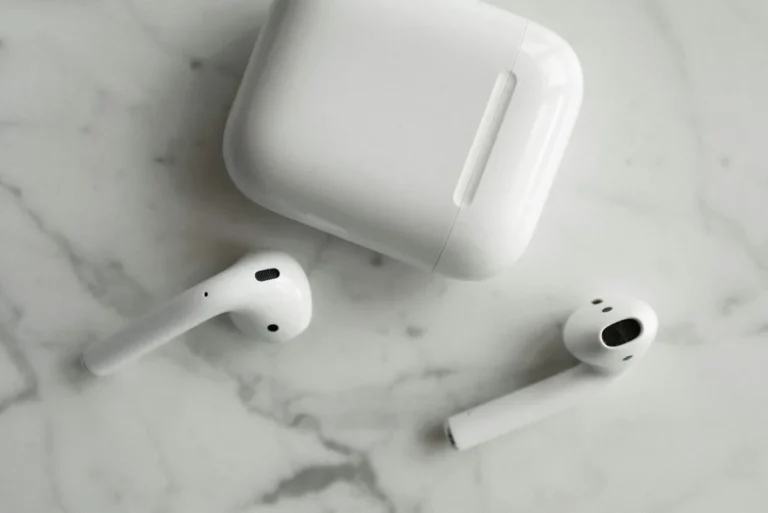
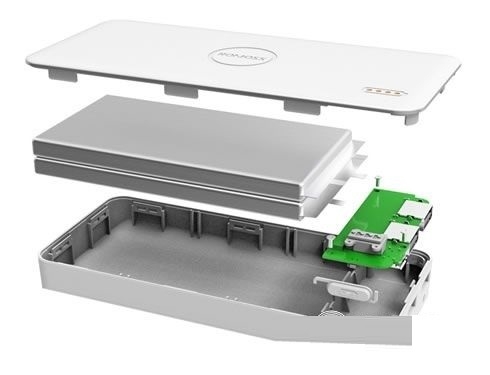
Pop open a typical wireless earbud, and you'll find a compact world of tech. There's a tiny battery for power, a microphone for calls or voice commands, a speaker (or driver) to produce sound, and the critical Bluetooth chip that handles all the wireless communication. These components are engineered to be incredibly small, fitting comfortably into the human ear canal. Some premium models might also include additional chips for features like active noise cancellation.
How Sound Gets From Your Phone to Your Ears
The journey begins when your audio source, like your smartphone, sends a digital audio file. This file is converted into a radio signal by the device's Bluetooth transmitter. This signal then travels through the air to your earbuds, where the Bluetooth receiver picks it up. Inside the earbud, a Digital Signal Processor (DSP) decodes this radio signal back into a digital audio stream.
Finally, this stream is sent to the speaker (driver), which vibrates to create the sound waves you hear. For true stereo, both earbuds receive the signal, either from the source directly or one from the other, depending on the specific TWS design.
What Makes Them Tick? Key Features Explained
True Wireless Stereo (TWS): The Ultimate Freedom
The term "True Wireless Stereo" (TWS) is what allows for that complete lack of wires. In a TWS setup, each earbud operates independently. The audio signal can either be sent to both earbuds simultaneously from your device, or more commonly, the primary earbud receives the signal from your device and then wirelessly relays half of the audio stream (the signal for its side) to the secondary earbud. This design truly liberates you from any physical connection.
Active Noise Cancellation (ANC) vs. Transparency Mode
Many wireless earbuds come with Active Noise Cancellation (ANC), a feature that uses tiny microphones to detect ambient sound and then generates opposing sound waves to cancel it out, effectively silencing distractions. On the flip side, Transparency Mode does the opposite. It uses those same microphones to pick up outside sounds and feed them into your ears, so you can hear announcements, traffic, or conversations without removing your earbuds.
Voice Assistants and Smart Controls
You'll often find that wireless earbuds integrate with your device's built-in voice assistant, whether that's Siri, Google Assistant, or Alexa. With a simple tap or voice command, you can ask questions, play music, make calls, or control your device. Many earbuds also feature touch-sensitive surfaces on the buds themselves, allowing you to play/pause music, skip tracks, adjust volume, or answer calls with a tap or swipe.
Why Go Wireless? The Big Wins
The biggest draw for wireless earbuds is the sheer freedom they offer. No more fumbling with tangled cords when you pull them out of your pocket or bag. This freedom translates directly into convenience for a variety of activities. For instance, during a workout, wires can snag on equipment or your own body, interrupting your rhythm.
Wireless earbuds eliminate that frustration entirely.
This wireless convenience also shines through in everyday tasks. Imagine cooking, cleaning, or even just walking around your house while listening to a podcast or taking a call. You're not tethered to your device, allowing you to move about unhindered. For travelers, the compact nature of earbuds and their charging cases makes them far more portable and less cumbersome than traditional headphones.
Common Hurdles: When Wireless Earbuds Frustrate
Despite their convenience, wireless earbuds aren't without their potential frustrations. Pairing issues are perhaps the most common headache for new users, as getting them to connect to your device for the first time can sometimes feel like a puzzle. Once connected, dropouts or sudden disconnections can also occur, abruptly cutting off your audio.
Another frequent pain point, particularly for gamers or those watching fast-paced video content, is audio lag, known as latency. This is the delay between the action on screen and the sound you hear. While it might be unnoticeable for general music listening, it can be quite jarring for interactive media.
Dodging Pairing Problems and Disconnections
Getting your wireless earbuds to connect to a new device for the first time usually involves putting the earbuds into "pairing mode" and then selecting them from your device's Bluetooth menu. Most manufacturers provide simple instructions, often involving holding a button on the earbuds or placing them back in their case. If you encounter persistent pairing problems, try completely forgetting the earbuds from your device's Bluetooth settings and starting the process over.
Disconnections can occur for a number of reasons. Often, it's simply a matter of distance from your Bluetooth source, especially if you're moving around. If you're in a crowded area with many competing Bluetooth signals, interference might be the culprit. Turning off Bluetooth on your device and then turning it back on, or restarting both the earbuds and your source device, often resolves temporary connection glitches.
Tackling Audio Lag (Latency)
Audio lag, or latency, is a challenge inherent in Bluetooth audio transmission. While older Bluetooth standards might have noticeable delays, newer standards like Bluetooth 5.2, along with specific audio codecs such as aptX Low Latency, are designed to minimize this. If you're experiencing significant lag, check your earbuds' specifications and see if they support low-latency codecs. Your device's settings might also allow you to select a preferred audio codec.
Who Are Wireless Earbuds For?
Perfect for the On-the-Go Lifestyle
For anyone who’s always on the move, from daily commuters to frequent travelers, wireless earbuds offer unparalleled convenience. They slip easily into a pocket or small bag, ready at a moment’s notice without the hassle of untangling. This makes them ideal for listening to music or podcasts during a train ride, on a plane, or while navigating a busy city.
Their compact nature means you can keep them with you all day. Need to take a quick call between meetings or listen to directions while exploring a new place? Wireless earbuds are ready to go, providing instant audio access without needing to unpack larger headphones.
Fitness Fanatics and Active Users
The absence of wires makes wireless earbuds a game-changer for anyone who leads an active lifestyle. During runs, gym workouts, or team sports, wires can be a real nuisance, snagging on equipment, limiting movement, or even falling out. Wireless earbuds stay put, typically with secure-fitting designs, and allow you to focus entirely on your performance. Many models also feature water and sweat resistance, ensuring they can handle rigorous training sessions.
Anyone Who Hates Tangled Wires
Let's be honest, the simple joy of not having to untangle wires is a massive benefit for a huge number of people. Whether you're a student grabbing your headphones for a study session, a remote worker needing a quick way to join a conference call, or simply someone who prefers a clutter-free listening experience, wireless earbuds deliver. They offer immediate access to your audio without the pre-listening ritual of sorting out knots.
Making the Most of Your Wireless Earbuds
Setting Them Up: The Pairing Process
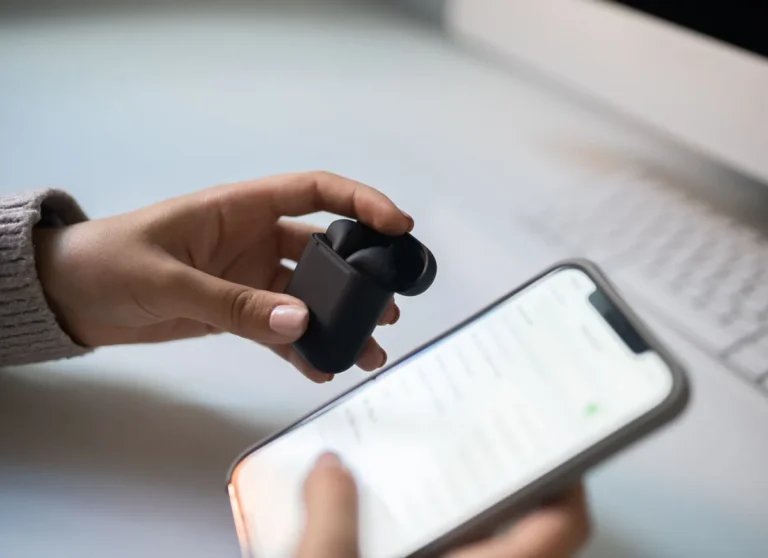
Getting your wireless earbuds ready to use typically involves a straightforward pairing process. First, ensure your earbuds are charged and placed in their charging case. Open the case, and a prompt may appear on your paired smartphone instructing you to connect, or you might need to manually initiate pairing mode on the earbuds themselves. This usually means holding down a button on the earbuds or on the case until an indicator light flashes.
Then, on your smartphone or other Bluetooth-enabled device, go to the Bluetooth settings. You should see your earbuds appear in the list of available devices. Tap on their name to connect. Once paired successfully, your device should remember the earbuds for future use, and you'll often be able to reconnect simply by opening the earbud case near your phone (if the device is already paired).
Keeping Them Charged: Battery Life and Cases
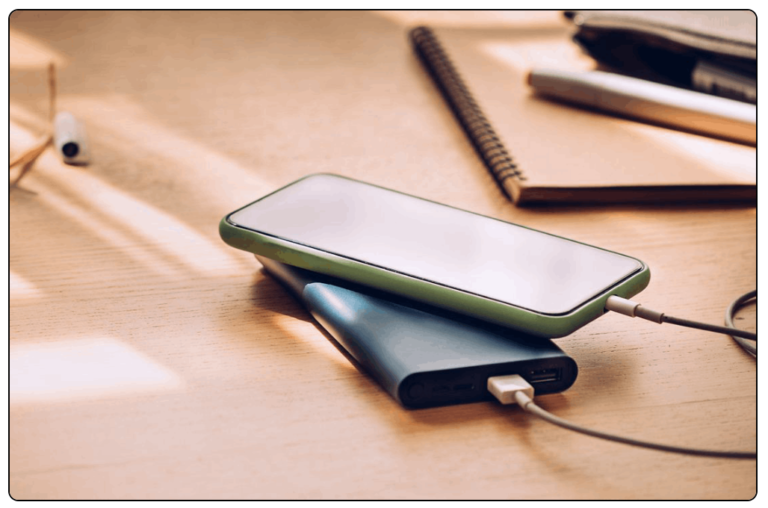
Every wireless earbud relies on a rechargeable battery, both within the individual buds and within their charging case. Manufacturer specifications often state playback times for the earbuds themselves, which can range from about 4 to 10 hours depending on the model and features used (like ANC). The charging case acts as a portable power bank, providing multiple additional charges for the earbuds.
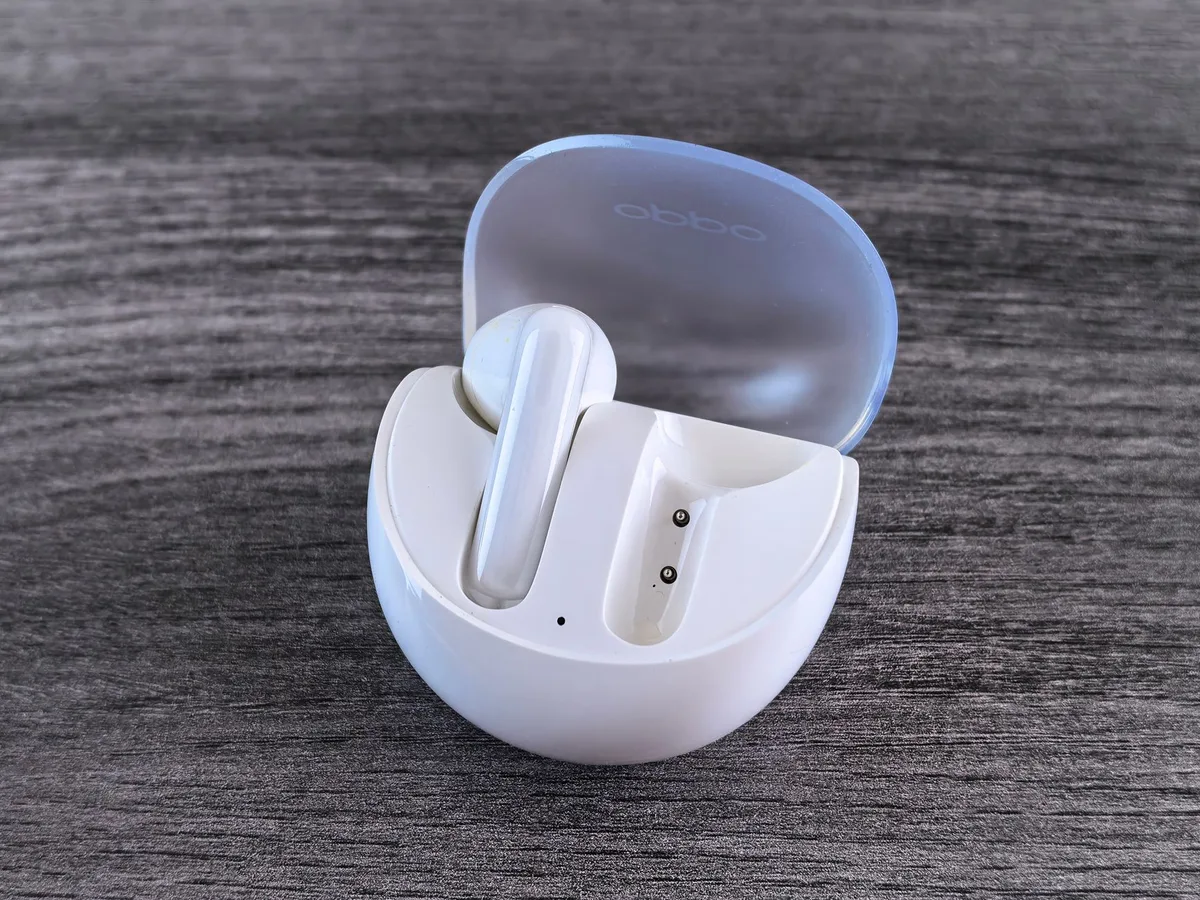
A common capacity for charging cases is around 500mAh, which can typically provide 2-3 full recharges for the earbuds. Total listening time with a fully charged case can therefore extend to 20-30 hours or even more. Most charging cases themselves are recharged via USB-C, and some newer models even support wireless charging. Checking the total battery life figures and the charging method is important when selecting a pair.
Choosing the Right Pair: What to Look For
When you're in the market for new wireless earbuds, several factors can seriously impact your listening experience. Beyond just the brand name, understanding the technical specifications and how they translate to real-world performance is key. This helps ensure you're not just buying a popular product, but one that actually fits your needs.
It's about matching the earbud's capabilities to how you plan to use them. For example, if crystal-clear call quality is paramount for your work, you'll want to pay close attention to microphone technology and any noise-reduction features. Our research of aggregate user feedback indicates that people often overlook these nuanced details, only to find themselves disappointed later.
Audio Quality Matters: Codecs and Drivers
The quality of sound your wireless earbuds produce hinges on two main things: the audio codecs they support and the size and type of their drivers. Audio codecs are essentially the languages your earbuds and your device use to communicate sound data wirelessly. Common codecs include SBC (the basic, universally compatible one), AAC (often used by Apple devices, offering better quality than SBC), and aptX or aptX HD (Android-friendly options known for higher fidelity and lower latency).
The drivers are the small speakers inside each earbud that actually create the sound. They're typically measured in millimeters (mm), with larger drivers (say, 10mm or more) often capable of producing a wider range of frequencies and richer bass. When looking at specifications, higher-quality codecs and appropriately sized drivers suggest a better potential for immersive audio.
Fit and Comfort: Finding Your Perfect Seal
Let's face it, even the best-sounding wireless earbuds won't be enjoyable if they're uncomfortable or constantly fall out. Earbuds come in various shapes and sizes, and many include different sizes of ear tips, usually made from silicone. Finding an ear tip that creates a good seal within your ear canal is crucial not just for comfort, but also for sound quality. A proper seal helps isolate external noise and ensures that the bass frequencies are effectively delivered.
Some earbuds also feature wingtips or hooks designed to fit more securely, especially for active use. Consider trying on different styles if possible, or reading reviews that specifically address comfort and fit for prolonged wear. Many users report success with third-party ear tips made from memory foam for a more custom and secure fit.
Common Wireless Earbud Mistakes to Sidestep
One widespread mistake people make is assuming all wireless earbuds offer the same performance out of the box. They might get frustrated with poor connection stability or mediocre sound quality without realizing their earbuds might be using basic audio codecs like SBC or lack advanced features like multipoint pairing (connecting to two devices at once). This often leads to dissatisfaction when a different pair, perhaps supporting AAC or aptX and featuring larger drivers, would have provided a noticeably better experience.
Another common error is neglecting firmware updates. Manufacturers frequently release software updates for their earbuds to improve performance, fix bugs, or enhance features. Failing to update these can mean you're essentially using older, less optimized technology, even on a new pair of earbuds. Always check the companion app for available updates.
When to Consider Wired Alternatives
While wireless earbuds offer incredible convenience, there are still scenarios where wired earphones or headphones might be a better choice. For instance, if you absolutely need the lowest possible audio latency for critical audio production or competitive gaming, a wired connection is almost always superior. Bluetooth technology, even with low-latency codecs, often introduces a slight delay that can be problematic in these professional or highly sensitive applications.
Furthermore, for audiophiles who demand the absolute highest fidelity and a truly uncompressed listening experience, high-end wired headphones with premium DACs (Digital-to-Analog Converters) and amplifiers can still offer a level of sound quality that wireless technology hasn't quite matched yet. Battery life is also a non-issue with wired options; they draw power directly from your device, so you never have to worry about them dying mid-session.
Quick Guide to Wireless Earbud Specs
When you're browsing for wireless earbuds, you'll see a lot of technical terms. Here’s a quick breakdown of what some of the most important ones mean:
- Bluetooth Version: Look for newer versions like 5.0, 5.1, or 5.2. These offer better range, stability, and power efficiency compared to older versions.
- Audio Codecs: As mentioned, SBC is standard. AAC is good for Apple users, while aptX, aptX HD, and LDAC offer higher quality and lower latency on compatible Android devices.
- Driver Size: Measured in millimeters (mm). Larger drivers (e.g., 10mm+) can potentially produce richer sound, especially in the bass frequencies.
- Battery Life: This is usually listed in two parts: hours of playback per charge for the earbuds, and the total hours of playback with the charging case. For example, "6 hours + 24 hours with case."
- IP Rating: This indicates water and dust resistance. An "IPX4" rating means they can withstand splashes, while "IPX7" means they can be submerged briefly.