How Long Does Power Bank Take to Charge: 2026 Guide
Imagine plugging in your power bank before a long trip and wondering if it will be ready when you need it most. Most power banks take 1 to 8 hours to fully charge, depending on capacity, charger wattage, and cable quality. If you have ever stared at a blinking light hoping it turns green faster, you are not alone. Over the years, I have tested dozens of power banks, from tiny 5,000mAh models to massive 30,000mAh bricks, and the charging time can vary wildly. Understanding what affects this process can save you hours of waiting and help you pick the right gear for your lifestyle. Let me break it all down so you never get caught with a dead power bank again.
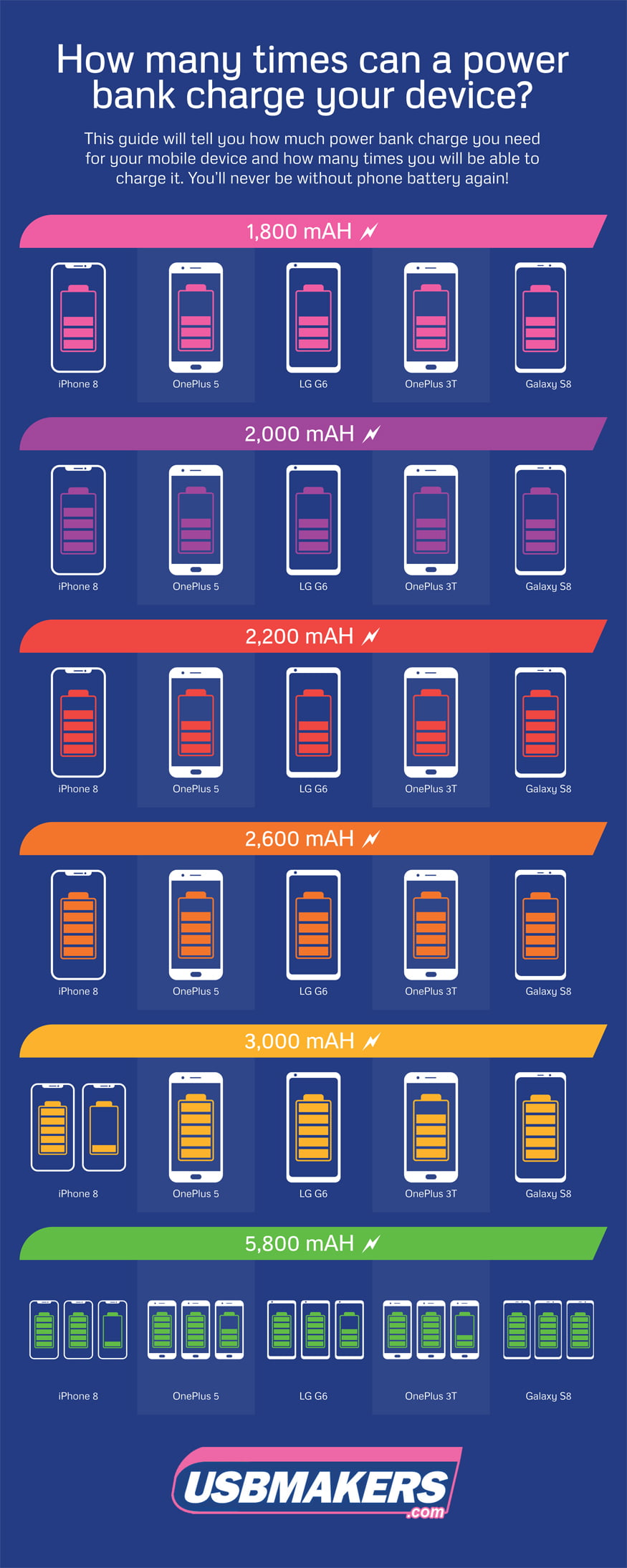
What Affects How Long a Power Bank Takes to Charge
Several factors come into play when charging a power bank, and each one can dramatically change the total time. Think of it like filling a swimming pool. A bigger pool takes longer, but the hose size matters just as much. Here is what you need to know.
Battery Capacity (mAh)
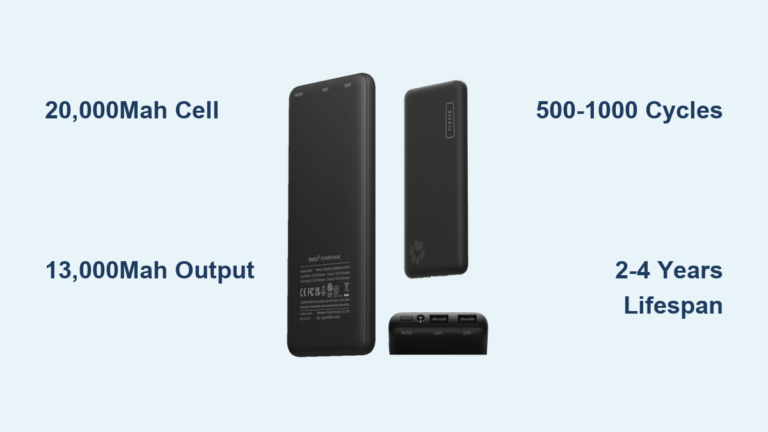
The capacity of a power bank, measured in milliamp hours (mAh), is the single biggest factor. A 5,000mAh power bank might charge in 1 to 2 hours, while a 20,000mAh model can take 5 to 8 hours or more. The higher the number, the more energy it can store, and the longer it takes to fill that tank.
Input Charging Speed (Amperage and Voltage)
Every power bank has an input rating, usually printed on the port or in the specs. Common ratings include 5V/2A, 9V/2A, or even 5V/3A. A higher input rating means it can pull more power from the wall, cutting charge time significantly. For example, a 10,000mAh power bank with 5V/2A input might take around 6 hours, but with 9V/2A fast charging, it could drop to 3 to 4 hours.
Charger Wattage and Quality
The wall adapter you use matters just as much as the power bank itself. Using a 5W phone charger on a 20,000mAh power bank is like trying to fill a bathtub with a teaspoon. A 18W or higher USB-C PD charger can slash charging time in half compared to a basic 5W brick. I learned this the hard way when I left my big power bank plugged in overnight with a weak charger and woke up to only 60% capacity.
Cable Quality and Type
Not all cables are created equal. A thin, cheap USB cable can limit current flow, slowing everything down. Using the cable that came with your power bank, or a high quality USB-C to USB-C cable, ensures you are getting the fastest possible charge.
Battery Health and Age
Like all lithium batteries, power banks lose efficiency over time. An older power bank with worn out cells may charge slower or never reach its original capacity. If your power bank is several years old and seems to take forever, it might be time for a replacement.
Ambient Temperature
Extreme heat or cold can affect charging speed. Most power banks charge best at room temperature. Charging in a hot car or freezing outdoors can trigger safety protections that slow things down to protect the battery.
Average Charging Times by Power Bank Size
To give you a real world idea, here is a quick breakdown based on common capacities and using a standard 5V/2A charger unless otherwise noted.
- 5,000mAh: 1.5 to 3 hours
- 10,000mAh: 3 to 5 hours
- 15,000mAh: 4 to 6 hours
- 20,000mAh: 5 to 8 hours
- 30,000mAh: 8 to 12 hours
If you use a fast charger that supports 18W or higher, you can often cut these times by 40 to 50 percent. A 20,000mAh power bank with an 18W USB-C PD input might fully charge in around 4 hours instead of 7.
Tips to Speed Up Power Bank Charging
Nobody wants to wait around all day for a power bank to charge. Here are some tried and true tips from my own experience that can help you get back to full power faster.
- Use a high wattage wall charger, ideally 18W or higher with USB Power Delivery or Quick Charge support.
- Always use the original cable or a high quality alternative rated for the current your power bank needs.
- Charge your power bank at room temperature, avoiding direct sunlight or freezing conditions.
- Do not use the power bank while it is charging, as this generates heat and slows the process.
- Turn off any unnecessary features like LED flashlights or digital displays if your model has them.
- If your power bank has multiple input ports, use the higher rated one, even if it means buying a new cable.
Common Mistakes That Slow Down Charging
Sometimes the reason a power bank takes forever is not the device itself, but how it is being used. Here are a few pitfalls to watch out for.
- Using a low amperage charger, like the tiny 5W cubes that come with some budget phones.
- Plugging into a laptop or computer USB port, which usually only outputs 0.5A to 0.9A.
- Leaving the power bank in a hot environment while charging, which can trigger thermal throttling.
- Using a damaged or frayed cable that cannot handle the required current.
- Charging a power bank with a completely dead battery for the first time, which can take extra hours as the protection circuits wake up.
How to Know When Your Power Bank Is Fully Charged
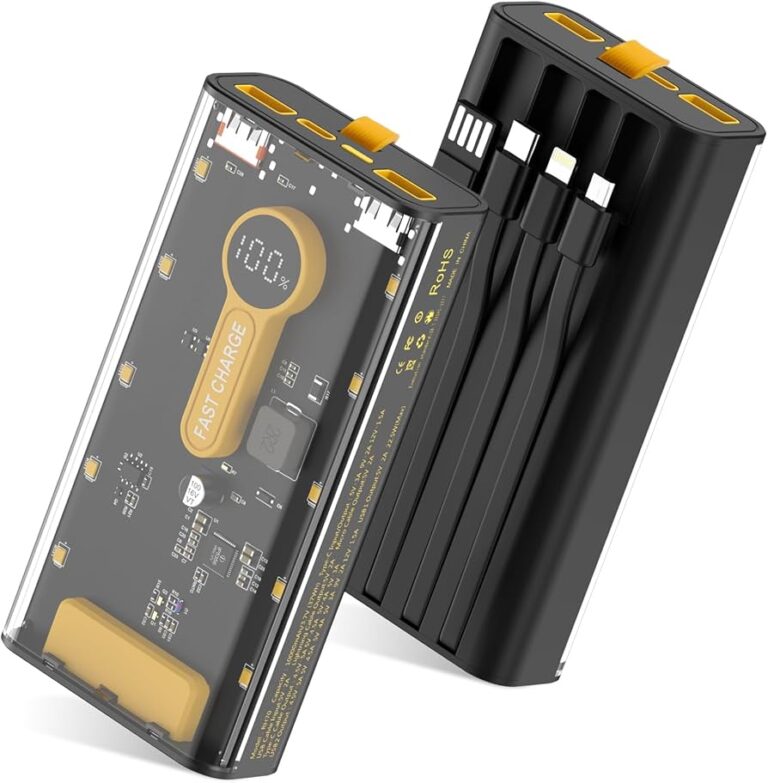
Most modern power banks have LED indicators or a small digital display that shows the remaining percentage. When all the lights are solid or the display reads 100%, you are good to go. Some power banks also have a small LED that changes color or turns off when charging is complete. If your power bank has been plugged in for much longer than the estimated time and is still not full, there might be an issue with the charger, cable, or the battery itself.

Fast Charging Standards and Power Banks
Many newer power banks support fast charging protocols like USB Power Delivery, Quick Charge 3.0, or even proprietary standards like VOOC and SuperCharge. If both your wall charger and power bank support the same standard, you can see massive reductions in charging time. For instance, a 20,000mAh power bank with 30W PD input can charge in under 3 hours, which is a game changer for frequent travelers or outdoor enthusiasts.
Just remember that fast charging generates more heat, so make sure your power bank has proper thermal management. A well-ventilated case or a model with a metal body can help dissipate heat more effectively.
Frequently Asked Questions
Can I use my phone charger to charge a power bank?
Yes, in most cases you can use your phone charger, but the speed depends on the wattage. A 5W charger will work but will be very slow. An 18W or higher fast charger will give you much better results.
Is it bad to leave a power bank charging overnight?
Most modern power banks have overcharge protection, so leaving them plugged in is generally safe. However, to extend battery lifespan, it is better to unplug once it is fully charged.
Why is my power bank charging so slowly?
Slow charging is usually due to a weak wall adapter, a low quality cable, or using a computer USB port. Check that your charger outputs at least 2A and that your cable is in good condition.
Do larger power banks always take longer to charge?
Generally yes, because they have bigger batteries. However, high capacity power banks often come with fast charging support that can reduce the time gap significantly.
Can I use a power bank while it is charging?
Technically yes, but it is not recommended. Using it while charging generates extra heat, slows down the charging process, and can stress the battery over time.
Wrapping It Up
Charging a power bank does not have to be a mystery. Once you understand the role of capacity, input speed, charger quality, and cable health, you can take control of the process and avoid those frustratingly long waits. A good rule of thumb is to invest in an 18W or higher USB-C PD charger and a reliable cable, and you will cut your charging times in half compared to using the old 5W brick that came in the drawer. Treat your power bank well by charging it at room temperature, avoiding heavy use while plugged in, and replacing it every few years if you rely on it daily. With these habits, you will always have a full tank of power ready when life throws you a curveball. If you have found these tips helpful, feel free to share your own power bank experiences in the comments below or explore more guides to keep your tech running smoothly.