How To Use A Power Bank For The First Time: Beginner Guide 2026
Using a power bank for the first time is simple: charge it fully, plug in your device, and press the power button to start charging.
I still remember the first time I unboxed a power bank. I had no idea what those little LED lights meant, and I almost thought it was broken because nothing happened when I plugged in my phone. Turns out, I just didn't know the basic steps. That small learning moment is why I want to make things easier for you. In this guide, I'll walk you through everything you need to know about using a power bank for the first time, from unboxing to charging your devices safely. Think of this as friendly advice from someone who has been there, done that, and learned a few tricks along the way.

Unboxing and Checking Your Power Bank
Before you do anything, take a moment to inspect your new power bank. Most people get excited and toss the box aside, but that's a small mistake I made early on.
- Check the device for any visible damage.
- Look for the USB ports, power button, and LED indicators.
- Find the user manual, charging cable, and any extra accessories.
- Make sure the battery percentage is not empty before first use.
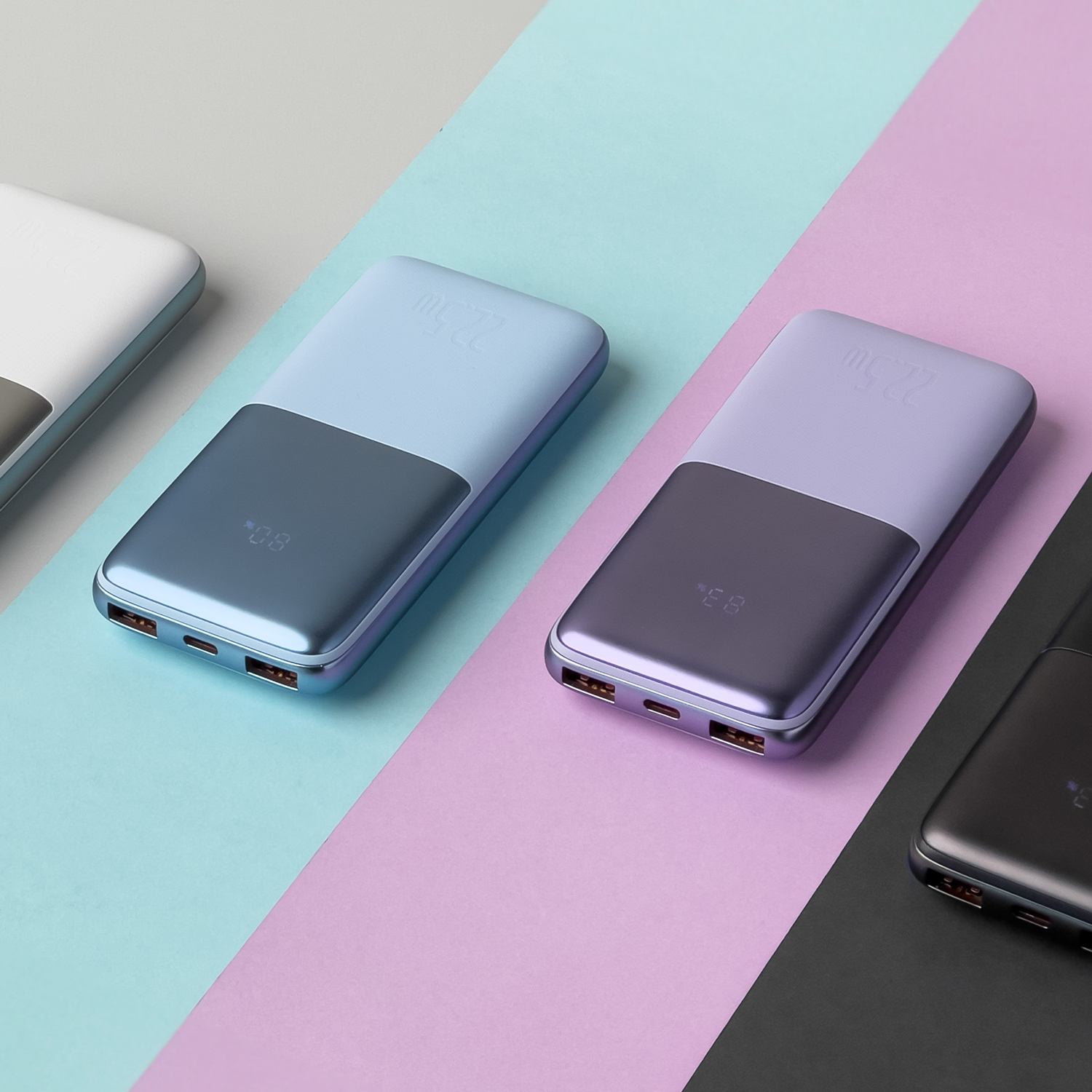
A quick once-over helps you understand what you're working with. Most power banks come with at least one USB-A output, a micro-USB or USB-C input, and a small power button that does more than you think.
Charging Your Power Bank for the First Time
Here's something I wish someone had told me: always charge your power bank fully before using it. I used to plug in my phone right away, and the power bank barely lasted a day. Lesson learned.
- Use the original cable that came with the power bank.
- Plug it into a wall adapter, not a laptop or low-power source.
- Let it charge until all LED lights stay solid or the indicator shows 100%.
- Avoid using the power bank while it's charging for the first time.
Charging it fully the first time helps calibrate the battery, so the percentage readings stay accurate later. Think of it like breaking in a new pair of shoes. It just feels better after that first stretch.

Understanding the LED Indicators
Those tiny lights on your power bank are not just for decoration. They tell you how much juice is left.
- 1 light means 0–25% battery.
- 2 lights mean 25–50% battery.
- 3 lights mean 50–75% battery.
- 4 lights mean 75–100% battery.
Some newer power banks use a digital display instead. Either way, keep an eye on those indicators so you're never caught with a dead power bank when you need it most.
How to Connect Your Device
This is the fun part, and it's easier than you think.
- Press the power button once to turn on the power bank.
- Plug your device's charging cable into the USB output port.
- Connect the other end to your phone, tablet, or earbuds.
- Wait for your device to show the charging symbol.
If nothing happens, try a different cable. I've been fooled too many times by a faulty cable that looked perfectly fine. Also, some power banks have auto-detect features, so they start charging the moment you plug in. Others require you to press the button first.

Tips to Make Your Power Bank Last Longer
A power bank is like a small investment. Treat it well, and it'll stick around for years.
- Avoid letting it drop to 0% before recharging.
- Keep it away from extreme heat or cold.
- Use the right cable for your device.
- Charge it at least once a month even if you don't use it.
- Don't leave it plugged in overnight after it's fully charged.
I once left my power bank in a hot car, and it never held a charge the same way again. Heat is the silent killer of lithium batteries. Treat your power bank like you treat your phone, and you'll be just fine.
Common Mistakes to Avoid
We all make mistakes, but some can shorten the life of your power bank.
- Using a cheap, off-brand cable.
- Charging your phone and power bank at the same time.
- Exposing it to water or moisture.
- Ignoring swelling or strange smells.
- Overloading it with too many devices at once.
If your power bank ever feels hot, looks puffy, or smells odd, stop using it right away. Safety first, always.

Best Practices for First-Time Users
If this is your very first power bank, here are a few simple habits to build from day one.
- Label your power bank if you own more than one.
- Store it in a cool, dry place.
- Carry a short, durable cable for travel.
- Keep it away from keys or coins to avoid scratches.
- Check the capacity before long trips.
Think of your power bank as your backup plan. It's there when your phone dies during a road trip, a hike, or a long day out. The more you respect it, the more it gives back.
Charging Multiple Devices at Once
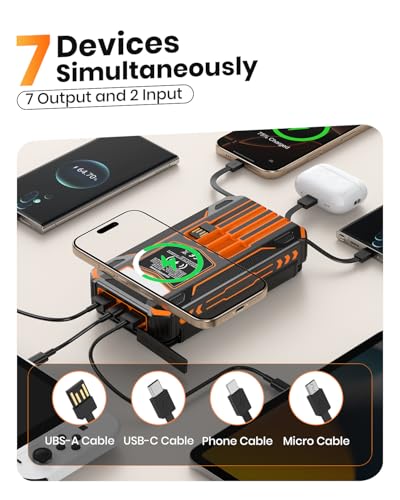
Many modern power banks come with two or three output ports. That's great, but you need to know how to use them properly.
- Check the total output wattage before plugging in multiple devices.
- Use the correct port for fast-charging devices.
- Avoid charging a laptop and a phone at the same time on a low-capacity power bank.
- Unplug devices once they're fully charged.
I've tried charging three devices at once on a 10,000mAh power bank, and let's just say it drained faster than my coffee that morning. Match the power bank to your needs, and you'll save yourself a lot of frustration.

Safety Tips You Should Never Ignore
Even though power banks are safe, a little caution goes a long way.
- Only buy from trusted brands.
- Look for safety certifications like CE, FCC, or RoHS.
- Don't use a power bank that has been dropped hard.
- Keep it out of reach of kids and pets.
- Never charge a swollen or leaking power bank.
A good power bank is like a good friend, reliable, safe, and always there when you need it. But even good friends need a little care.
How to Store Your Power Bank When Not in Use
If you're not using your power bank daily, don't just toss it in a drawer and forget about it.
- Charge it to about 50% before storing.
- Place it in a cool, dry spot.
- Recharge it every 30–60 days.
- Avoid stacking heavy items on top of it.
This little habit keeps the battery cells healthy and ready for action. I learned this the hard way after finding a power bank that wouldn't turn on after sitting unused for six months. A quick top-up every now and then makes all the difference.
Frequently Asked Questions About How to Use a Power Bank for the First Time
Do I need to charge a new power bank before using it?
Yes, it's best to fully charge a new power bank before first use. This helps calibrate the battery and gives you a more accurate reading of its capacity.
Can I use my phone while the power bank is charging it?
Yes, you can use your phone while it's charging from a power bank. However, it may charge slower because the power is being shared between active use and charging.
How long does it take to charge a power bank the first time?
It depends on the capacity, but most power banks take between 3 to 8 hours for a full first charge. Larger capacity models may take longer.
Is it okay to leave my power bank charging overnight?
It's not recommended to leave it plugged in overnight after it's fully charged. Overcharging can slowly wear down the battery over time.
What should I do if my power bank doesn't turn on?
Try charging it for at least 30 minutes using a different cable and adapter. If it still doesn't work, check the user manual or contact the manufacturer.
Conclusion
Using a power bank for the first time doesn't have to feel confusing or technical. Once you understand the basics, it becomes second nature. Charge it fully, use the right cable, and treat it with care. A good power bank is one of the most useful gadgets you can own, especially if you're always on the go. Start with these simple steps, and you'll get the most out of your device from day one. Got questions or your own tips? Drop a comment below, I'd love to hear how your first power bank experience went.