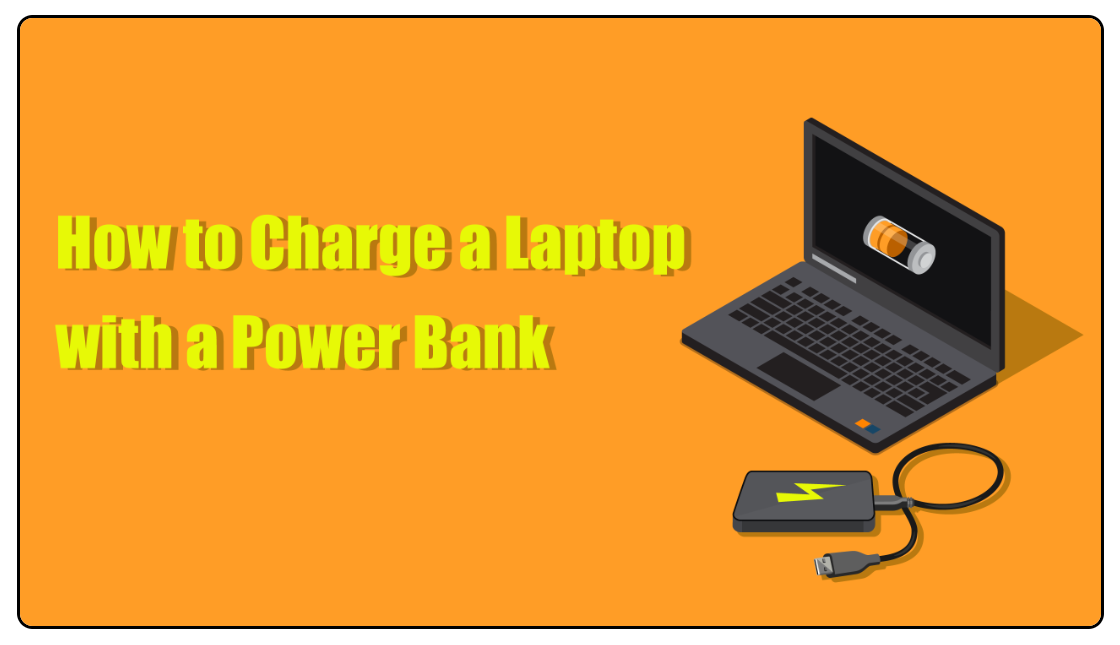
How To Charge A Laptop From A Power Bank: Simple Guide
Use a USB-C Power Delivery power bank rated for your laptop’s wattage and the right cable.
I’ve tested many setups and can guide you step by step on how to charge a laptop from a power bank safely and reliably. This guide covers what type of power bank to buy, how to match voltage and wattage, how to connect your laptop, safety checks, and real-world tips from my own experience. Read on to learn how to charge a laptop from a power bank like a pro and avoid common mistakes.
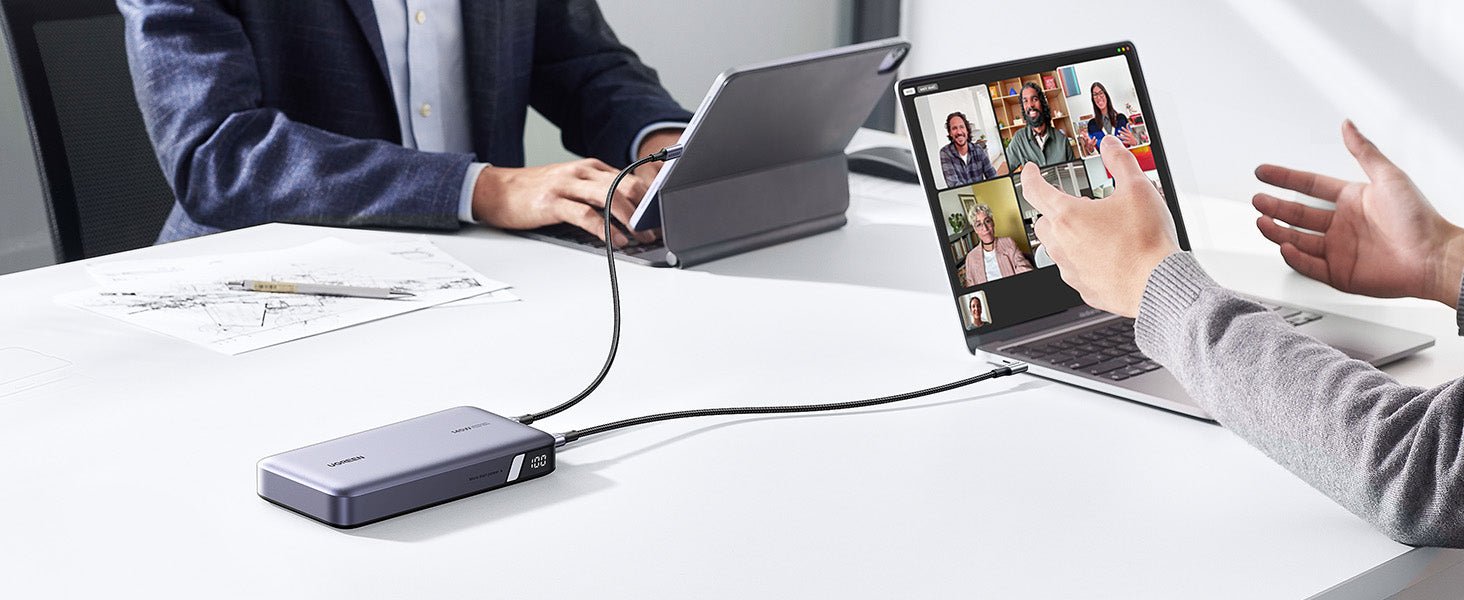
How laptop charging from power banks works
A power bank stores energy in a battery. It outputs that energy through USB or DC ports. Modern laptops use USB-C Power Delivery (PD) to negotiate the right voltage and current. Knowing how to charge a laptop from a power bank starts with matching output standards and power needs.
Key concepts to know:
- USB Power Delivery lets the power bank and laptop talk to pick voltage and current.
- Wattage equals voltage times current. Your laptop needs a certain wattage to charge or run.
- Not all power banks can supply enough power for a laptop.
Understanding these basics helps you choose the right gear and avoid damage.
Source: usbmemorydirect.com
Types of power banks that can charge laptops
There are a few kinds you may see. Pick one that fits your laptop’s needs.
Common types:
- USB-C PD power banks with 45W, 60W, 90W, or 100W output. These are the most laptop-friendly.
- High-capacity power banks with built-in AC outlets. They can power laptops that use barrel plugs.
- Older USB-A power banks. These rarely work for modern laptops due to low voltage and no PD.
How to choose:
- Prefer USB-C PD for simplicity and safety.
- Choose a PD bank rated equal to or above your laptop’s charger wattage.
- If your laptop needs a barrel plug, consider a power bank with DC output or an inverter.

Source: wikihow.com

Step-by-step: how to charge a laptop from a power bank
Follow these steps for a safe charge.
- Check your laptop’s charger specs. Find voltage and wattage on the original charger or the laptop label.
- Pick a compatible power bank. Ensure the bank supports the needed PD wattage or has a matching DC output.
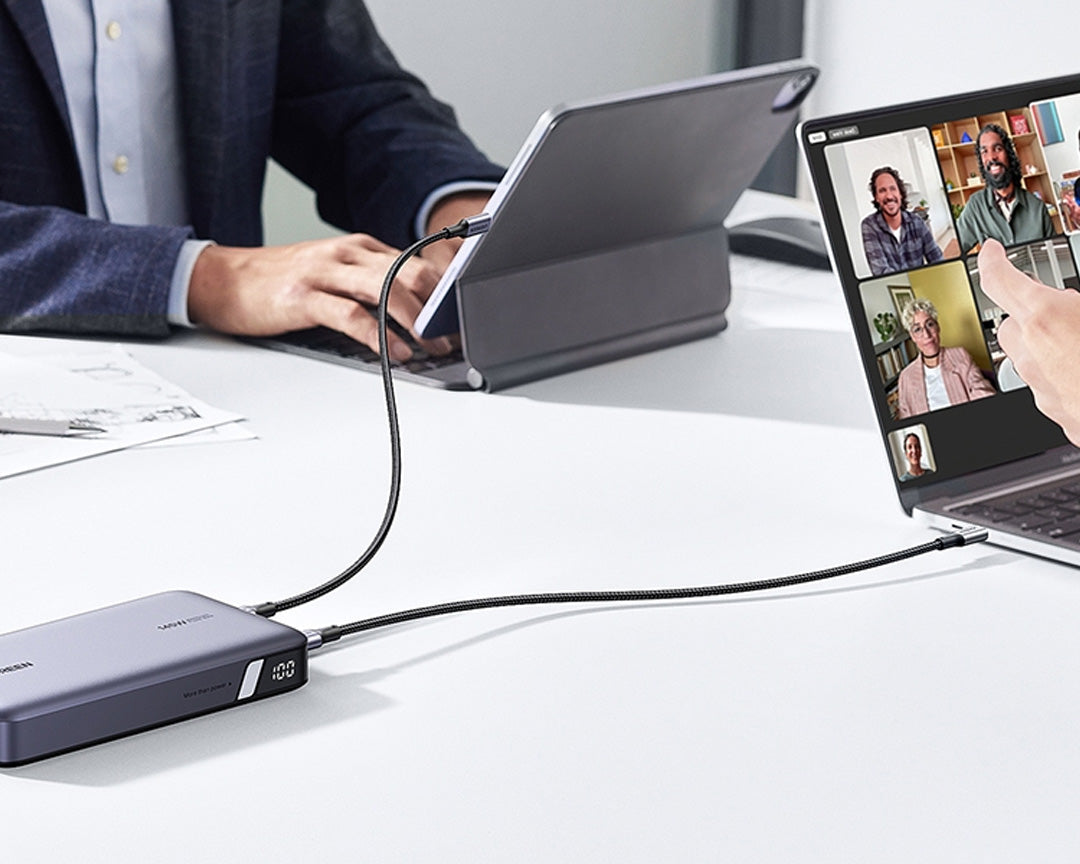
- Use a quality cable. For USB-C PD, use a USB-C to USB-C cable rated for PD and the wattage you need.
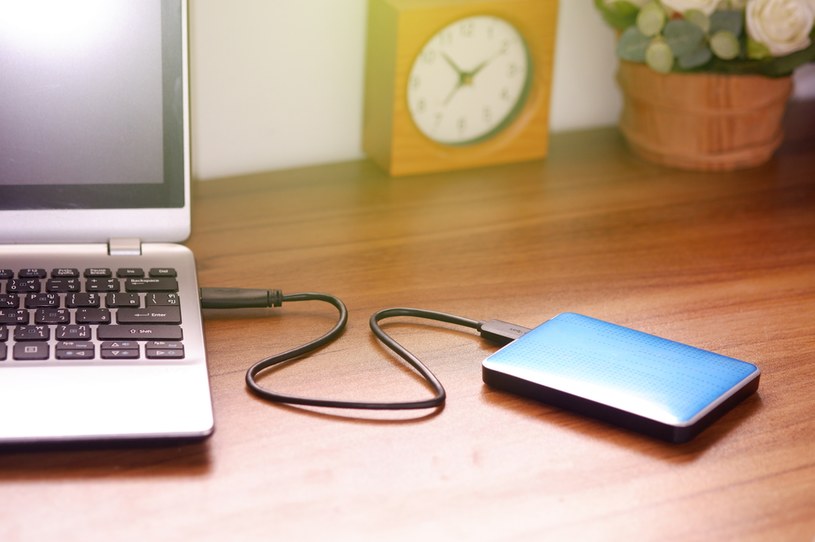
- Connect power bank to laptop. Turn on the power bank if it has a power button. Watch the laptop for charging indicators.
- Monitor temperature and charge speed. If the laptop gets hot or charge stalls, unplug and recheck compatibility.
These steps explain how to charge a laptop from a power bank safely and clearly.
Compatibility, wattage, and ports
Match port type and power. This avoids slow charging and faults.
What to check:
- Port type: USB-C PD or AC/DC output. Use the one your laptop accepts.
- Wattage: Laptop charger wattage is a baseline. A 65W laptop works best with a 65W+ power bank.
- Voltage: Laptops may request 5V, 9V, 15V, 20V or higher via PD. The bank must support those PD profiles.
Why wattage matters:
- If the power bank supplies less than the laptop needs, the laptop may charge slowly or only maintain battery level while in use.
- If the bank supplies enough wattage, you can use the laptop while charging.
Practical checks:
- Read your laptop manual or label for exact specs.
- Use a power meter if you want to see real power flow.
Source: wikihow.com

Safety tips and best practices
Safety keeps your gear and data safe. Follow these rules.
Simple safety steps:
- Use certified, quality power banks and cables.
- Avoid cheap adapters that don’t support PD negotiation.
- Do not fully drain a power bank often. It shortens battery life.
- Keep the power bank on a hard surface to avoid heat build-up while charging a laptop.
Watch for warnings:
- If the power bank or laptop gets very hot, stop charging.
- If charging is inconsistent, test with another cable and port.
- Do not block ventilation on your laptop during charging.
These practices help you use how to charge a laptop from a power bank without headaches.

Troubleshooting and common issues
Here are easy fixes for common problems when you try how to charge a laptop from a power bank.
Problem and fix:
- Laptop not charging: Confirm PD support and cable quality. Try another PD port on the power bank.
- Slow charging: Check wattage. Lower wattage means slower charging or just battery maintenance.
- Power bank shuts off: Some banks auto-shut with low draw. Use a bank with a continuous output mode or keep laptop load higher.
- Incompatibility: Some laptops block third-party chargers. Look for firmware updates or official support notes.
Try these steps when things go wrong. They match real cases I’ve fixed while learning how to charge a laptop from a power bank.
Personal experience and lessons learned
I have used many power banks with different laptops. That taught me what matters most.
What I learned:
- A 60W PD bank worked well for a thin laptop. My work laptop charged and ran fine.
- A 45W bank kept a heavier laptop at 10–20% charge while in use. It did not increase battery level.
- Cheap cables caused failures. Upgrading to a certified PD cable fixed it.
- AC outlet banks are heavy but saved me when a laptop needed a barrel plug.
Top lessons:
- Buy a power bank slightly above your laptop’s charger wattage.
- Keep a spare PD cable in your bag.
- Test a new setup at home before relying on it while traveling.
These real notes show practical ways to approach how to charge a laptop from a power bank.

Frequently Asked Questions of how to charge a laptop from a power bank
What type of power bank do I need to charge a laptop?
A USB-C Power Delivery power bank is best for most modern laptops. Match the bank wattage to your laptop’s charger rating.
Can any USB-C cable charge a laptop from a power bank?
No. Use a cable rated for PD and the wattage you need. Cheap cables may not carry enough power or may fail.
Will a 20,000mAh power bank charge my laptop fully?
It depends on capacity, efficiency, and laptop battery size. Expect less than the rated capacity due to conversion loss.
Is it safe to charge a laptop from a power bank on a plane?
Many airlines allow power banks in carry-on luggage but not in checked bags. Check specific airline rules before travel.
Can I use a power bank while the laptop is off to charge faster?
Yes. Charging with the laptop off usually charges faster because the device draws less power for use. It reduces heat and can be more efficient.
Conclusion
You can charge a laptop from a power bank if you match port type, voltage, and wattage. Choose a USB-C PD power bank that meets or exceeds your laptop’s charger wattage. Use a certified PD cable, test the setup, and follow safety checks to avoid heat or failure. Try these steps, buy the right gear, and you will have reliable mobile power for work or travel. If this guide helped, share your experience, subscribe for more tips, or leave a comment with your laptop and power bank model.