How Long Does It Take Ear Buds to Charge 2026: Buyer’s Guide
How Long Does It Take Earbuds to Charge?
So, you're wondering, "How long does it take earbuds to charge?" It's a question most of us ask when we see that dreaded low battery notification right before we head out the door. The truth is, there’s no single answer that fits every pair of wireless earbuds, but generally, you’re looking at about 1 to 2 hours for a full charge of both the buds and their case.
Manufacturer specifications often indicate that a full charge for most common true wireless earbud models can range from 60 to 120 minutes. This is a broad benchmark, and several factors can influence this timeline.
Quick Answer: What's the Usual Charge Time?
For most wireless earbuds, expect a full charge cycle for both the earbuds and their charging case to take approximately 1 to 2 hours. This is a widely reported figure across many brands and models. Some newer models might offer faster charging, potentially achieving a significant charge in under an hour, while older or simpler designs might lean towards the longer end of this spectrum.
The Earbuds and Their Powerhouse Case
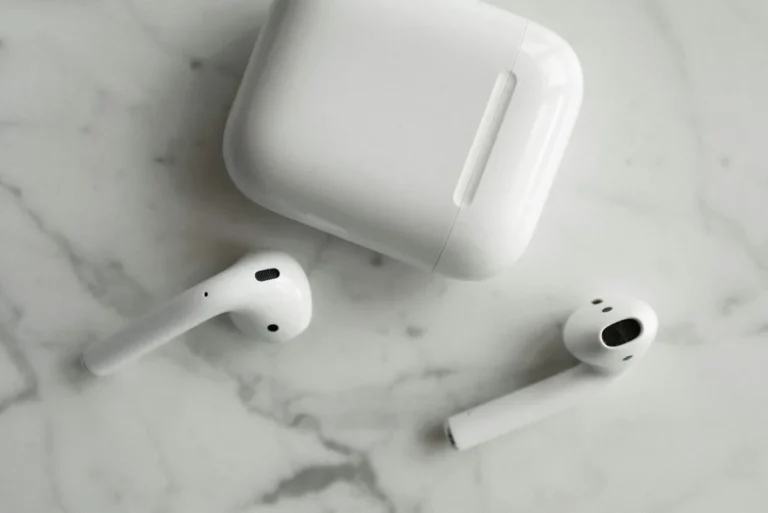
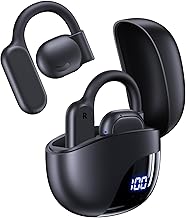
Your earbuds likely live in a charging case, and that case is the secret weapon behind their extended life. This case is essentially a portable battery designed to replenish your earbuds multiple times between charges of the case itself. Understanding how this system works helps explain charging times.
How the Charging Case Works
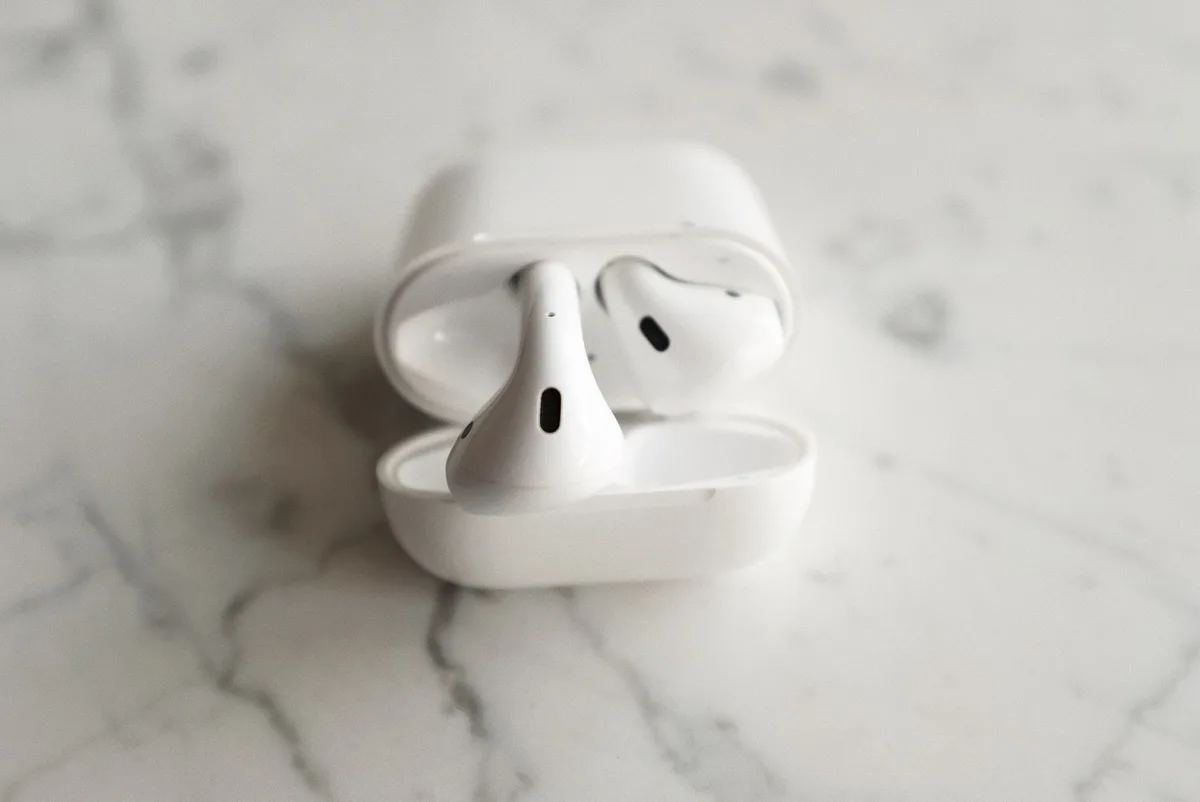
The charging case contains a larger battery than the individual earbuds. When you place your earbuds inside, they automatically connect to the case's battery terminals and begin to recharge. The case's primary job is to store enough power to top up your earbuds several times throughout the day or week, depending on use.
Why the Case Takes Longer Than the Buds
While the earbuds might only take an hour or so to get from near-empty to 100%, charging the case itself usually takes longer. This is because the case's battery is typically larger, meaning it needs more time to absorb the required electricity to reach its full capacity. Think of it like charging a phone versus charging a tablet, the bigger battery takes more time.
What Really Changes That Charging Time?
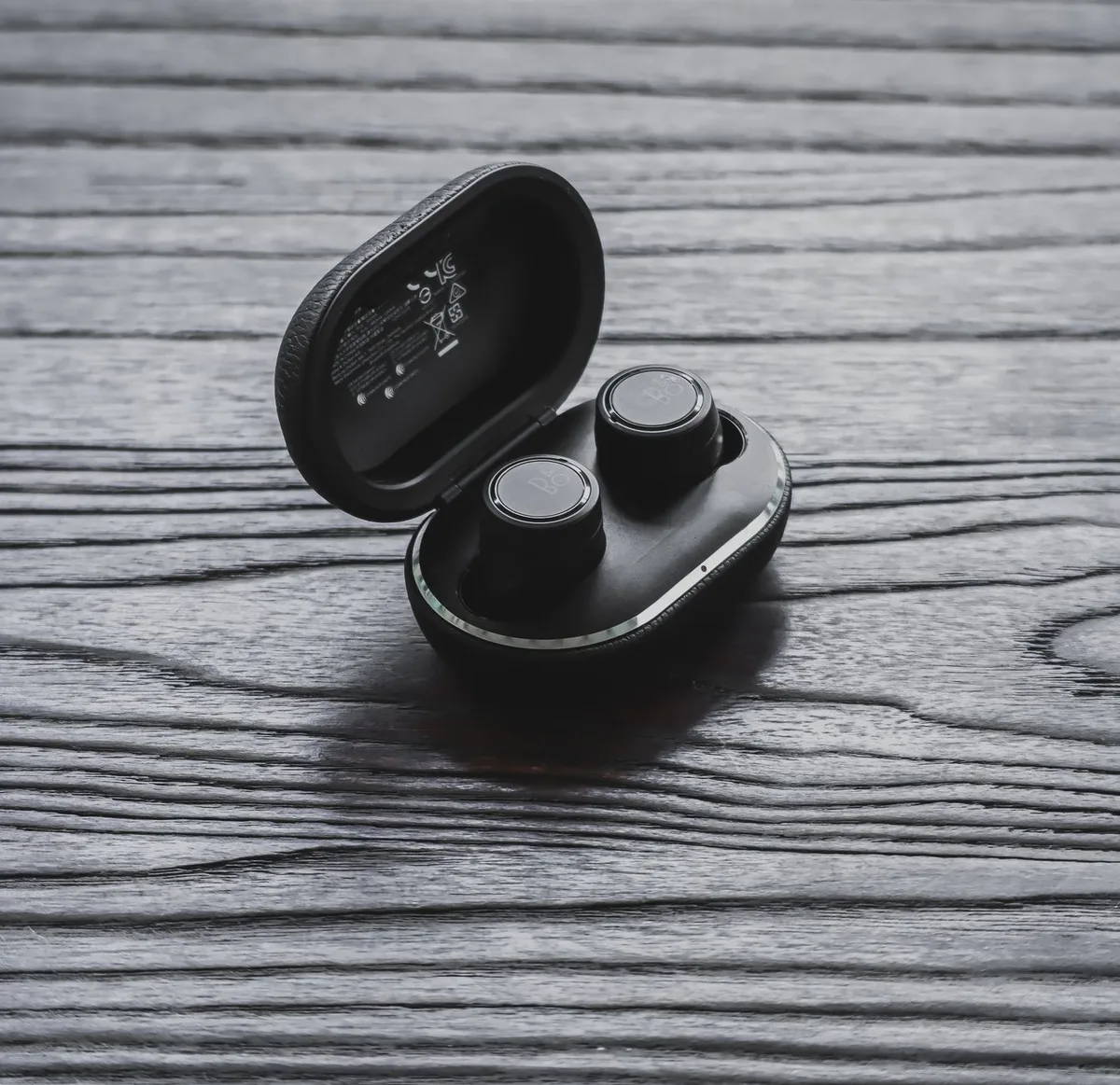
Several variables can nudge the charging time up or down from that typical 1-2 hour window. It's not just about plugging them in; the specifics matter.
Earbud Model Matters
The design and battery capacity of the earbuds themselves are a primary factor. Higher-end models might feature larger batteries or employ more advanced charging technologies that allow for faster power intake. For instance, manufacturers like Apple, Samsung, and Sony often incorporate proprietary fast-charging circuits into their premium earbuds.
Battery Health Over Time
Just like the battery in your smartphone, earbud batteries degrade with use. Over months and years, a battery's capacity to hold a charge diminishes, and its ability to accept a charge rapidly can also decrease. This means older earbuds, even when fully charged, might not last as long, and their charging process might extend slightly as the battery becomes less efficient.
The Power Source: Wall vs. Computer vs. Wireless
The type of charger you use significantly impacts how quickly your earbuds get juiced up.
- Wall Adapter: These typically provide the most consistent and highest power output, making them the fastest option. A standard 5W or 10W USB wall adapter will usually charge your earbuds and case more quickly than other methods. Many devices today support USB Power Delivery (USB PD) for even faster charging, though this is more common with the charging case itself than the tiny earbuds.
- Computer USB Port: Charging via a computer's USB port, whether USB-A or USB-C, is generally slower. These ports are often designed to provide less power to prevent overloading or to conserve laptop battery. You might find charging times can be 25-50% longer when using a computer.
- Wireless Charging Pad: The speed of wireless charging varies widely. Some pads offer comparable speeds to wall adapters, while others are slower. Proper alignment of the charging case on the pad is crucial; misalignments can drastically slow down or even halt the charging process.
Quick Answer: What's the Usual Charge Time?
For most wireless earbuds, expect a full charge cycle for both the earbuds and their charging case to take approximately 1 to 2 hours. This is a widely reported figure across many brands and models. Some newer models might offer faster charging, potentially achieving a significant charge in under an hour, while older or simpler designs might lean towards the longer end of this spectrum.
The Earbuds and Their Powerhouse Case
Your earbuds likely live in a charging case, and that case is the secret weapon behind their extended life. This case is essentially a portable battery designed to replenish your earbuds multiple times between charges of the case itself. Understanding how this system works helps explain charging times.
How the Charging Case Works
The charging case contains a larger battery than the individual earbuds. When you place your earbuds inside, they automatically connect to the case's battery terminals and begin to recharge. The case's primary job is to store enough power to top up your earbuds several times throughout the day or week, depending on use.
Why the Case Takes Longer Than the Buds
While the earbuds might only take an hour or so to get from near-empty to 100%, charging the case itself usually takes longer. This is because the case's battery is typically larger, meaning it needs more time to absorb the required electricity to reach its full capacity. Think of it like charging a phone versus charging a tablet, the bigger battery takes more time.
What Really Changes That Charging Time?
Several variables can nudge the charging time up or down from that typical 1-2 hour window. It's not just about plugging them in; the specifics matter.
Earbud Model Matters
The design and battery capacity of the earbuds themselves are a primary factor. Higher-end models might feature larger batteries or employ more advanced charging technologies that allow for faster power intake. For instance, manufacturers like Apple, Samsung, and Sony often incorporate proprietary fast-charging circuits into their premium earbuds.
Battery Health Over Time
Just like the battery in your smartphone, earbud batteries degrade with use. Over months and years, a battery's capacity to hold a charge diminishes, and its ability to accept a charge rapidly can also decrease. This means older earbuds, even when fully charged, might not last as long, and their charging process might extend slightly as the battery becomes less efficient.
The Power Source: Wall vs. Computer vs. Wireless
The type of charger you use significantly impacts how quickly your earbuds get juiced up.
- Wall Adapter: These typically provide the most consistent and highest power output, making them the fastest option. A standard 5W or 10W USB wall adapter will usually charge your earbuds and case more quickly than other methods. Many devices today support USB Power Delivery (USB PD) for even faster charging, though this is more common with the charging case itself than the tiny earbuds.
- Computer USB Port: Charging via a computer's USB port, whether USB-A or USB-C, is generally slower. These ports are often designed to provide less power to prevent overloading or to conserve laptop battery. You might find charging times can be 25-50% longer when using a computer.
- Wireless Charging Pad: The speed of wireless charging varies widely. Some pads offer comparable speeds to wall adapters, while others are slower. Proper alignment of the charging case on the pad is crucial; misalignments can drastically slow down or even halt the charging process.
Real-World Charging Scenarios
Let's break down a couple of common situations you might find yourself in with your earbuds. These scenarios help illustrate how charging times play out in practice.
A Typical "Juice Up"
Imagine it's the end of the day, and your earbuds are showing a 15% battery warning. You place them in their charging case, and you then plug the case into a standard USB wall adapter. Within about 1.5 to 2 hours, both the earbuds and the case should be fully recharged. The earbuds themselves might reach 80% capacity in the first 30-60 minutes, giving you plenty of juice for calls or music, while the case finishes its own charge from, say, 60% up to 100%.
This is a reliable way to ensure you’re ready for the next day.
The Rush-Hour Quick Charge
You've got a meeting or a workout in 20 minutes and your earbuds are almost dead. Don't panic! Many modern earbuds offer a "quick charge" feature. If you pop them in their case for just 10-15 minutes and then plug that case into a power source, you can often get an hour or more of playback time.
This is a lifesaver when you need a quick top-up and don't have time for a full charge. It's not powering them up to 100%, but it's enough for immediate use.
Earbud Charging: Common Fumbles to Avoid
While charging earbuds is usually straightforward, a few common mistakes can lead to slower charging or even minor issues. Being aware of these can save you frustration.
- Ignoring Charging Case Battery: We often focus on charging the earbuds, but the case itself needs power. If the case is dead, it can't charge your buds. Always ensure the case has a decent charge if you rely on it for multiple top-ups.
- Poor Connection: For wired cases, ensure the charging cable is firmly seated in both the case port and the power adapter. For wireless charging, make sure the case is correctly positioned on the charging pad; even a slight misalignment can prevent or slow charging.
- Using Low-Power Ports: As mentioned, computer USB ports or old, low-wattage wall adapters can significantly extend charging times. If speed is of the essence, opt for a higher-wattage wall adapter designed for charging devices.
- Charging in Extreme Temperatures: Both very hot and very cold environments can negatively impact battery performance and charging speed. It's best to charge your earbuds and case at room temperature, ideally between 50°F and 80°F (10°C to 27°C).
Expert Tips for Smarter Charging
Charging your earbuds and their case efficiently isn't just about speed; it's also about maintaining your battery's health over the long haul. As of 2026, battery technology has improved, but best practices still apply to get the most out of your device. Here are some tips that our research suggests can help.
- Avoid Extreme Temperatures: Batteries don't like it too hot or too cold. Charging in direct sunlight or in a freezing car can stress the battery. Stick to moderate room temperatures when possible.
- Don't Always Wait for Empty: While completely draining a battery used to be a concern for older technologies, it's less critical for modern lithium-ion batteries found in earbuds. Charging them when they're 30-50% is perfectly fine and can even be better for overall battery lifespan.
- Use Quality Chargers: Stick to the charging cable and adapter that came with your earbuds, or use reputable third-party options that match the device's specifications. Cheap, uncertified chargers might not deliver stable power.
- Clean the Contacts: If you notice your earbuds aren't charging reliably in the case, check the small metal charging contacts on both the earbuds and inside the case. Sometimes a build-up of earwax or debris can interfere with the connection. A dry cotton swab or a soft, dry brush can clean these gently.
Can You Charge Just the Buds?
Sometimes you might have a dead charging case but still need to use your earbuds. The short answer is, you generally cannot charge the earbuds independently of their case unless they are specifically designed with a standalone charging port, which is very rare for true wireless models.
The charging case is integral to the system. It houses the battery that powers the earbuds. If your case is out of juice, or if its charging mechanism is faulty, your earbuds can't receive power. The design relies on the case as the primary power source for the buds between the case's own recharges.
When to Worry About Your Earbud Charge
Most charging issues are minor and easily fixed, but there are times when a problem might be more serious. If your earbuds are taking significantly longer than the typical 1-2 hours to charge, or if they stop charging altogether, it's worth investigating further.
- Excessive Charge Time: If your earbuds consistently take over 3-4 hours to charge when they used to take 2 hours or less, it could indicate battery degradation or an issue with the charging circuitry.
- Not Holding a Charge: If your earbuds die very quickly after being fully charged, or if they don't charge past a certain percentage, this points to a battery problem.
- Case Not Charging: If the charging case itself won't charge even when connected to a verified working power source, there might be an issue with the case's battery or its charging port.
- No Indicator Lights: When plugged in, charging cases usually display some form of indicator light (LEDs) to show charging status. If these lights don't come on at all, it suggests a connection or power issue to the case.