How Long Does It Take for Ear Buds to Charge 2026
So, you're wondering how long those little earbud guys take to get juiced up, right? It's a super common question, and honestly, it's not as cut-and-dry as you might think. Think of it like asking how long it takes to boil water, it depends on a few things!
We've all been there: you're about to head out, grab your earbuds, and realize they're dead as a doornail. That frantic "how much longer do I have to wait?" moment. The good news is, for most earbuds these days, the wait isn't usually too long. Manufacturer specifications often indicate a full charge cycle for many true wireless earbuds and their cases can be completed within 1.5 to 2 hours, providing several hours of playback.
How Long Does It Actually Take For Earbuds To Charge?
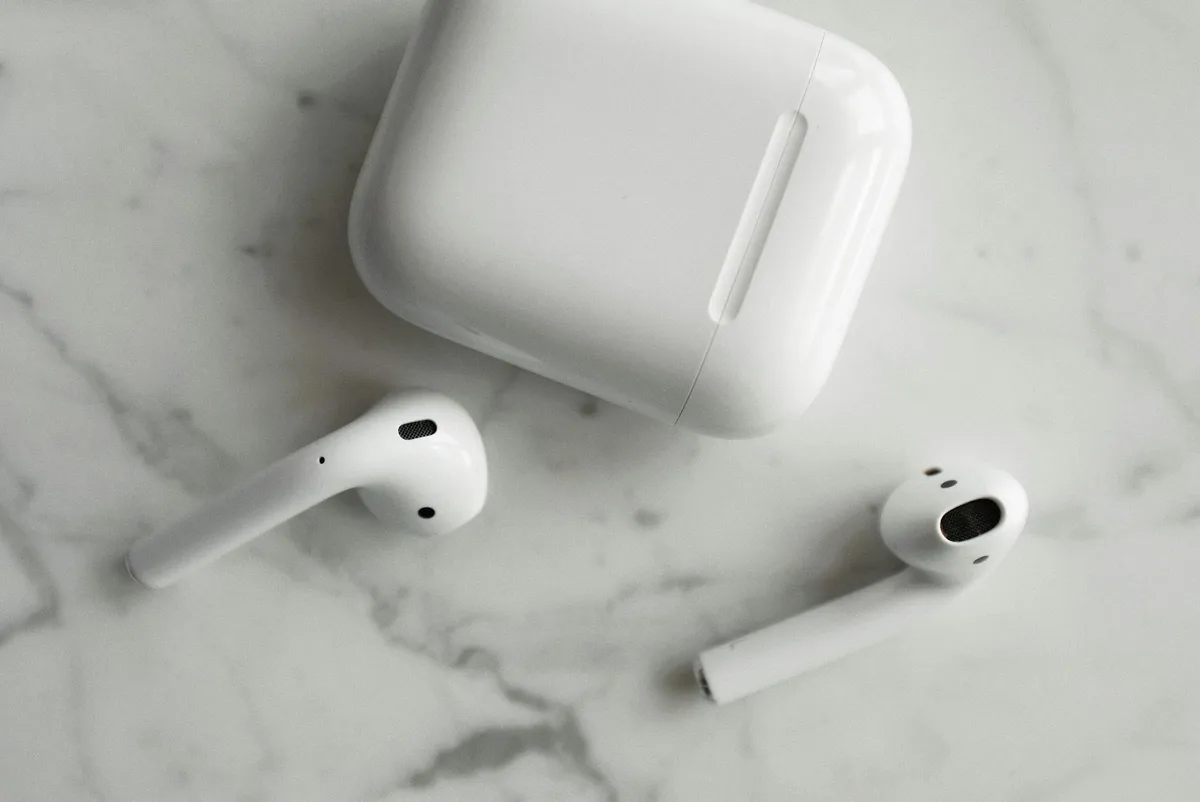
This is the core question on everyone's mind when they find their earbuds at 0%. You just want to know the numbers. Generally speaking, most earbuds and their charging cases aim for a full charge from completely depleted to 100% within about 1.5 to 2 hours. That might seem like a while when you’re in a hurry, but it’s usually within a reasonable timeframe for overnight charging or while you're getting ready for the day.
Quick Answer: Typical Earbud Charging Times
If you need a super-fast answer, here's the rundown: For a complete charge from dead to full, expect it to take 1.5 to 2 hours for both the earbuds and their charging case combined. However, for a crucial quick boost, say, you have 15 minutes before heading out, you can typically get 1 to 2 hours of playtime from just 10-15 minutes of charging. This "quick charge" feature is a lifesaver for many people.
The Big Picture: What Affects Your Earbuds' Charge Time
Charging time isn't a fixed number for all earbuds. It's a dynamic process influenced by several factors, kind of like how the speed of your internet can vary. Understanding these influences helps you manage your expectations and get the most out of your earbuds.
Earbud Battery Basics
The batteries inside your earbuds are typically small lithium-ion or lithium-polymer cells. Their capacity, measured in milliampere-hours (mAh), directly impacts how long they can play music and, consequently, how long they take to recharge. Smaller earbuds might have batteries in the 20-50 mAh range, while larger ones could be a bit more.
Charging Case Power & Speed
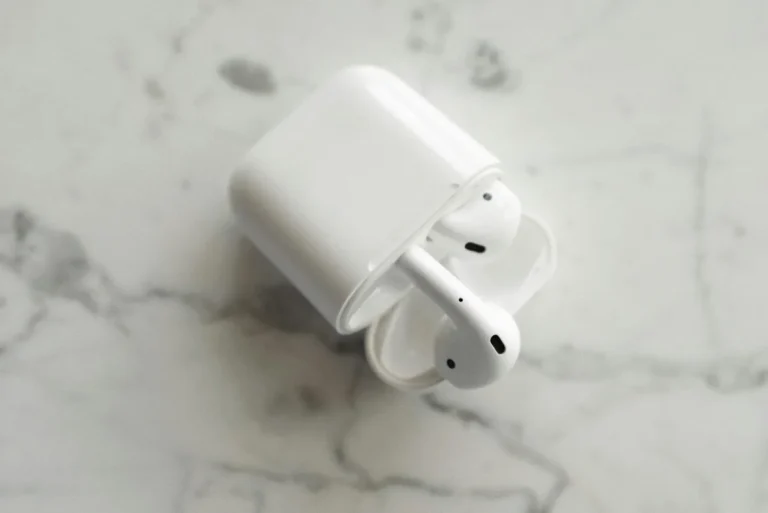
The charging case is essentially a portable battery pack for your earbuds. Its capacity is much larger, often ranging from 300 mAh to over 1000 mAh, allowing it to recharge your earbuds multiple times. The case’s own charging speed, along with its battery capacity, is a significant part of the overall charging equation. As of 2026, advancements in charging technology mean many cases can be fully recharged in around 1.5 to 2 hours.
Official manufacturer documentation for devices like Apple's MagSafe Duo Charger or similar accessory providers often detail specific charging rates and times.
Real-World Charging Timelines: What to Expect
Let’s break down what these charging times actually mean in practice, beyond just the raw numbers. This is what you'll likely experience day-to-day.
Full Charge From Empty
When your earbuds and their case are both completely drained, expect to leave them plugged in for the full 1.5 to 2 hours to reach 100%. This ensures both components are fully topped up and ready for extended use. This timeframe accounts for charging the case’s larger battery and then the case’s subsequent recharges of the earbuds.
Quick Boost for a Quick Go
This is where modern earbud technology really shines. If you’re in a pinch and only have a short window, most earbuds offer a rapid charge feature. Leaving your earbuds in the case for just 10 to 15 minutes can often provide 1 to 2 hours of listening time. This is invaluable for those moments when you forgot to charge them overnight and only have time for a quick top-up before leaving the house.
Key Factors That Speed Up or Slow Down Charging
Several elements can subtly, or sometimes not so subtly, alter how quickly your earbuds get from zero to full power. It’s not just about plugging them in and waiting.
The Power Source Matters
The wattage and type of your power source play a huge role.
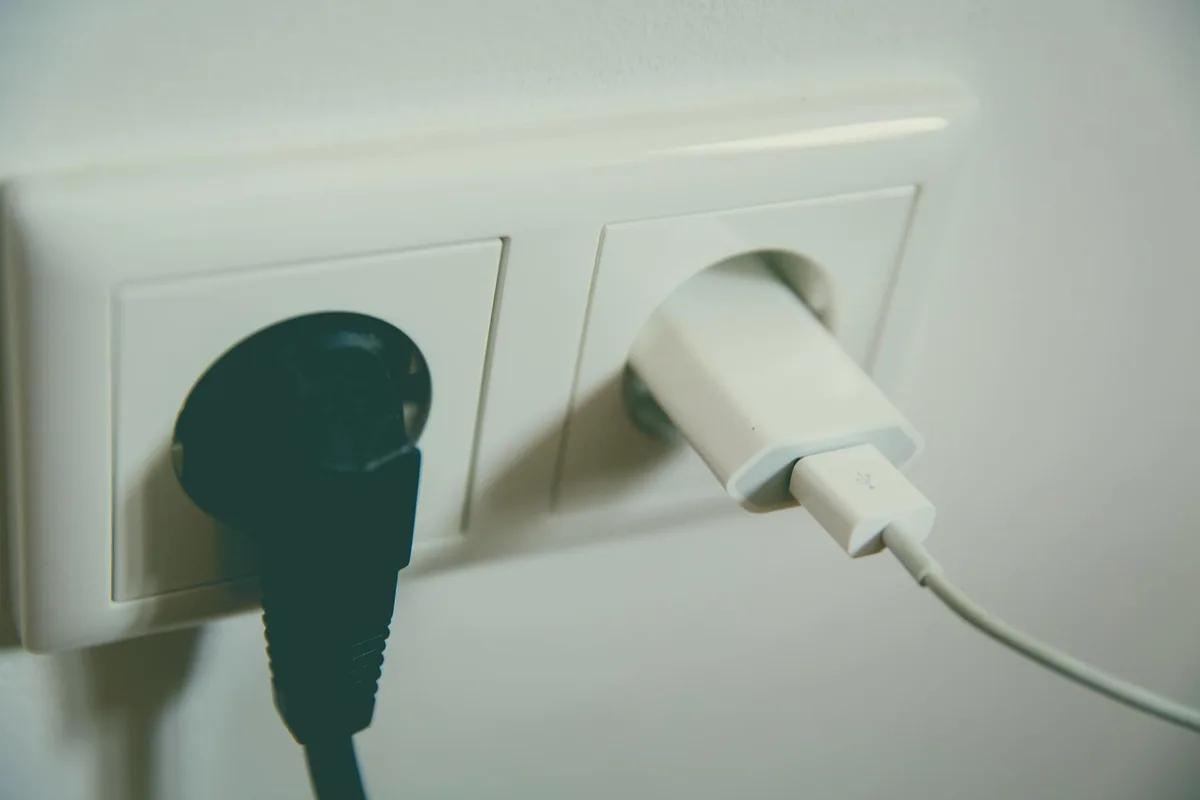
- Wall Adapters: These are generally the fastest. A proper USB wall adapter, especially one designed for fast charging (like those using the USB Power Delivery or Quick Charge standards), will deliver power more efficiently than other sources.
- Laptop USB Ports: Older USB-A ports might offer only 5W to 7.5W, which can lead to slower charging. Newer USB-C ports can often deliver higher wattages, but it still depends on the laptop's power management.
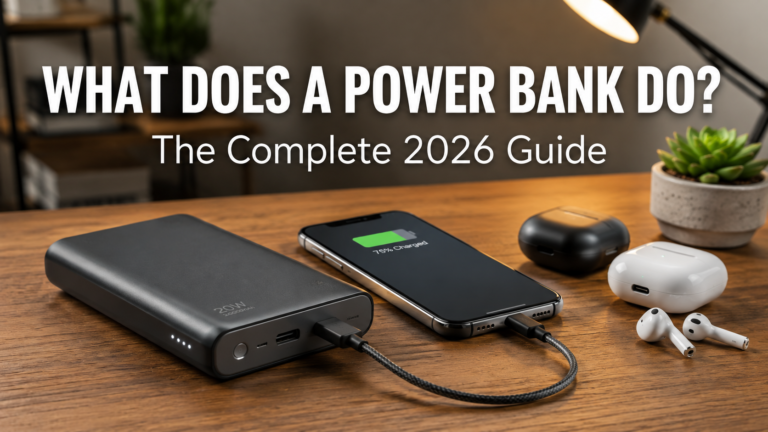
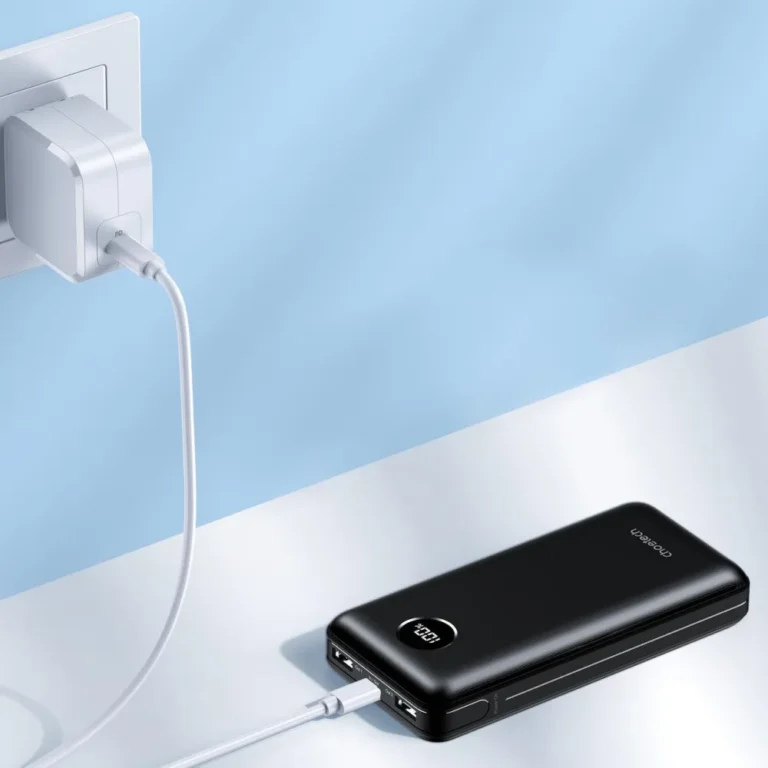
- Power Banks: Similar to wall adapters, the output capability of your power bank determines charging speed. A basic 5W power bank will charge slower than a high-output 20W+ model.
- Wireless Charging Pads: Qi-certified wireless chargers vary widely in speed. Some standard Qi pads are slower than wired connections, while faster wireless charging technologies can offer comparable speeds to some wired adapters.
Battery Health Check
Over time, like any rechargeable battery, the cells in your earbuds and their charging case will degrade. This is a natural phenomenon. As battery health declines, the maximum capacity decreases, and you might notice charging times become less predictable. While manufacturers don't typically provide a real-time "battery health percentage" for earbuds like they do for phones, a noticeable drop in how long they hold a charge is a good indicator that the battery is aging.
Temperature Considerations
Extreme temperatures can affect battery performance and charging efficiency. Charging your earbuds in very cold environments (below 0°C or 32°F) or very hot environments (above 35°C or 95°F) can slow down the charging process or even cause the charging to pause for safety. It’s best to charge your earbuds at room temperature, ideally between 68°F and 77°F (20°C to 25°C).
Getting the Best Charge For Your Earbuds
Want to make sure your earbuds are charging as efficiently as possible and that their batteries stay healthy longer? It’s about making smart choices during the charging process. A little attention can go a long way in preserving battery life and ensuring you get the most out of your device.
Choosing the Right Charger
Using the correct charger is paramount. Stick to the cable and adapter that came with your earbuds, or a reputable replacement. If your earbuds support fast charging (often advertised, like USB Power Delivery or proprietary tech), use a compatible charger and cable that can deliver those higher wattages. Using an underpowered charger, like an old 5W USB port on a computer, will naturally lead to longer charging times.
Keeping Those Charging Contacts Clean
This is a surprisingly common culprit for slow or failed charging. The small metal contacts on your earbuds and inside the charging case can accumulate earwax, dust, pocket lint, or other debris.

This grime acts as an insulator, preventing a solid electrical connection. A quick, gentle cleaning with a dry cotton swab or a soft-bristled brush can make a world of difference. For stubborn buildup, a cotton swab lightly dampened with isopropyl alcohol (ensure it's fully dry before reinserting earbuds) can help. Always ensure the contacts are completely dry before placing earbuds back in the case.
Ideal Charging Environments
As mentioned earlier, charging at room temperature is best. Think of it like how you’d treat your phone; extreme heat or cold isn't ideal for battery longevity or optimal charging speed.
- Avoid Extremes: Don't leave your charging case and earbuds in direct sunlight, a hot car, or out in freezing temperatures while they're plugged in.
- Stable Surface: Place the charging case on a flat, stable surface so it's not jostled. This prevents accidental disconnections and potential damage.
Common Earbud Charging Pitfalls to Avoid
We all make mistakes, especially when we're in a rush. But being aware of these common errors can save you frustration and potentially extend the life of your earbuds.
- Using Damaged Cables or Adapters: A frayed cable or a damaged adapter can not only charge slowly but also pose a safety risk. Always inspect your charging gear for visible wear and tear.
- Forcing Connections: Never force your earbuds into the charging case or the charging cable into its port if it doesn't glide in easily. This can damage the delicate connectors.
- Overcharging (A Myth, Mostly): Modern earbuds and their charging cases have built-in circuitry to prevent overcharging. Once they reach 100%, they stop accepting a charge. So, leaving them plugged in overnight isn't going to "fry" them, though it's still good practice to disconnect when fully charged to conserve a tiny bit of energy and reduce heat.
- Ignoring Indicator Lights: Pay attention to the LED indicators on your charging case and earbuds. They provide vital information about charging status, battery levels, and potential issues. Learn what your specific model's lights mean.
When Is Charging Too Slow?
There's a difference between a normal charging time and a concerningly slow one. If your earbuds are taking significantly longer than the advertised 1.5-2 hours for a full charge, or if a quick 15-minute boost yields almost no playtime, it’s time to investigate.
- Exceeding Manufacturer Claims: If your earbuds consistently take over 3 hours for a full charge, and you've ruled out the power source and temperature, there might be an issue.
- No Playtime After Quick Charge: If 15 minutes in the case doesn't even give you 30 minutes of playback, it's a strong indicator something is wrong, possibly with the battery in the earbuds or the case.
- Inconsistent Charging: If the earbuds only charge when you wiggle the cable, or the charging case light flickers erratically, it points to a connection problem or a failing component.
Understanding Playtime vs. Charging Time
It’s easy to get these two concepts mixed up, but they’re distinct. Playtime is how long your earbuds last on a single charge (or from a fully charged case), while charging time is how long it takes to replenish that battery.
- Playback is Finite: Earbud battery life is typically measured in hours of continuous playback, often 4-8 hours for the earbuds themselves, with the charging case providing multiple additional charges for a total of 20-40+ hours of combined use.
- Charging is the Enabler: The charging time is the interruption you experience to get more playtime. A good quick charge feature minimizes this interruption, giving you crucial listening hours with minimal downtime. As of 2026, many top-tier models are designed to offer a full day’s listening with just a few minutes of charging.