How to Change Ear Tips on Galaxy Buds 3 Pro: Hands-On Review
Swapping ear tips on your Galaxy Buds 3 Pro can feel like a minor detail, but it’s actually one of the most impactful ways to fine-tune your listening experience. Getting this small task wrong can lead to discomfort or less-than-optimal sound, while getting it right makes a noticeable difference.
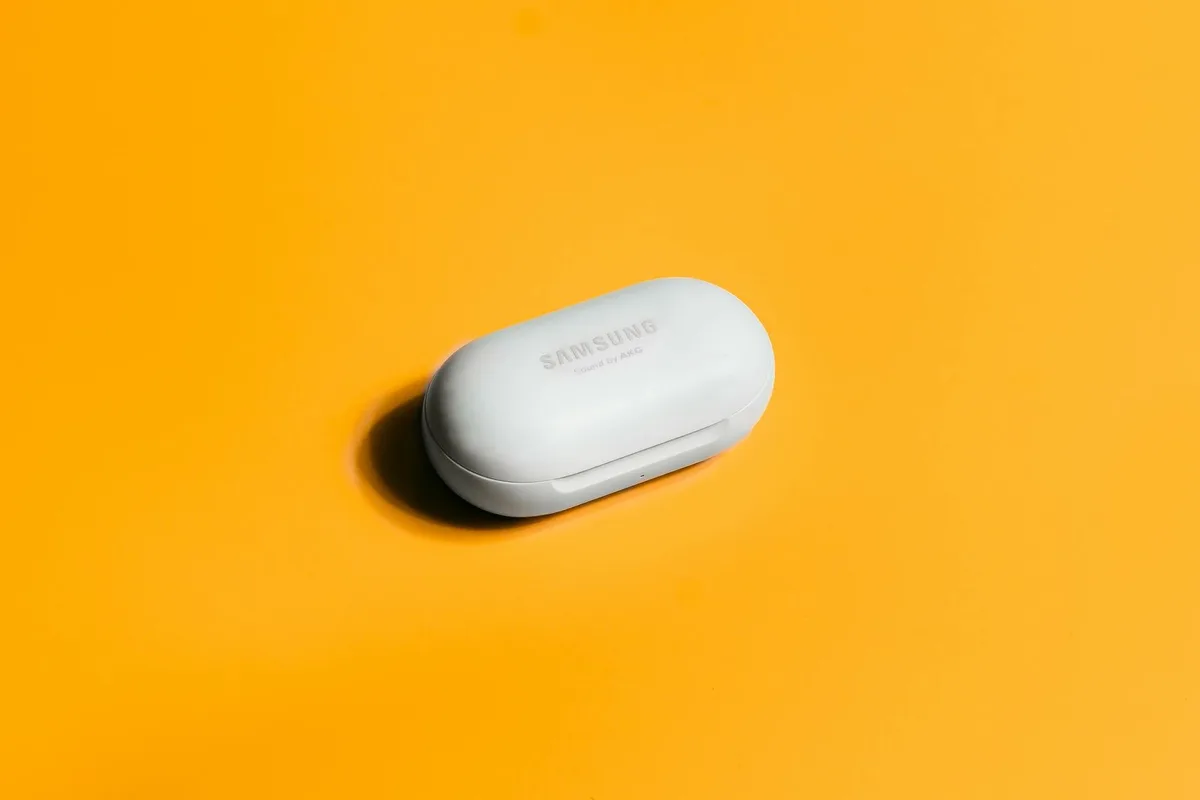
Manufacturer specifications confirm that the correct fit and seal from ear tips are critical for sound reproduction. Specifically,Samsung notes that ear tips play a key role in achieving the buds' advertised acoustic performance, including active noise cancellation effectiveness. We’ll walk you through the exact process so you can achieve that perfect in-ear feel.
Why Swapping Ear Tips Matters for Your Buds
Getting the right ear tips on your Galaxy Buds 3 Pro isn't just about comfort; it directly affects how you hear your music and podcasts. The seal your ear tips create inside your ear canal is paramount for sound quality and isolation.
Getting the Right Seal for Better Sound and Comfort
Your ear canal's unique shape means that the stock ear tips might not be a perfect match off the shelf. If there's a gap between the ear tip and your ear canal, sound waves can escape, leading to a noticeable drop in bass response and overall clarity. This is especially true for lower frequencies, which rely heavily on a solid acoustic seal.
Aggregate user reviews report that a poor seal can make the audio sound tinny or hollow, even from high-quality earbuds. Furthermore, a consistently poor fit can lead to physical discomfort, pressure points, or the buds constantly feeling like they're about to fall out, no matter how much you adjust them. As of 2026, the importance of proper ear tip fit for both audio fidelity and wearer comfort remains a consistent theme in audio hardware design.
The Anatomy of Your Ear Tips and Earbud Nozzle
Understanding the basic components you're working with makes the replacement process much easier and less intimidating. It’s a simple connection, but knowing the parts helps you handle them correctly.
What to Look For on Old and New Tips
The ear tips themselves are typically made of silicone, chosen for its flexibility and durability. They have a hollow, cone-like structure designed to fit snugly over the earbud's nozzle. The broader end of the tip flares out to rest inside your ear canal.
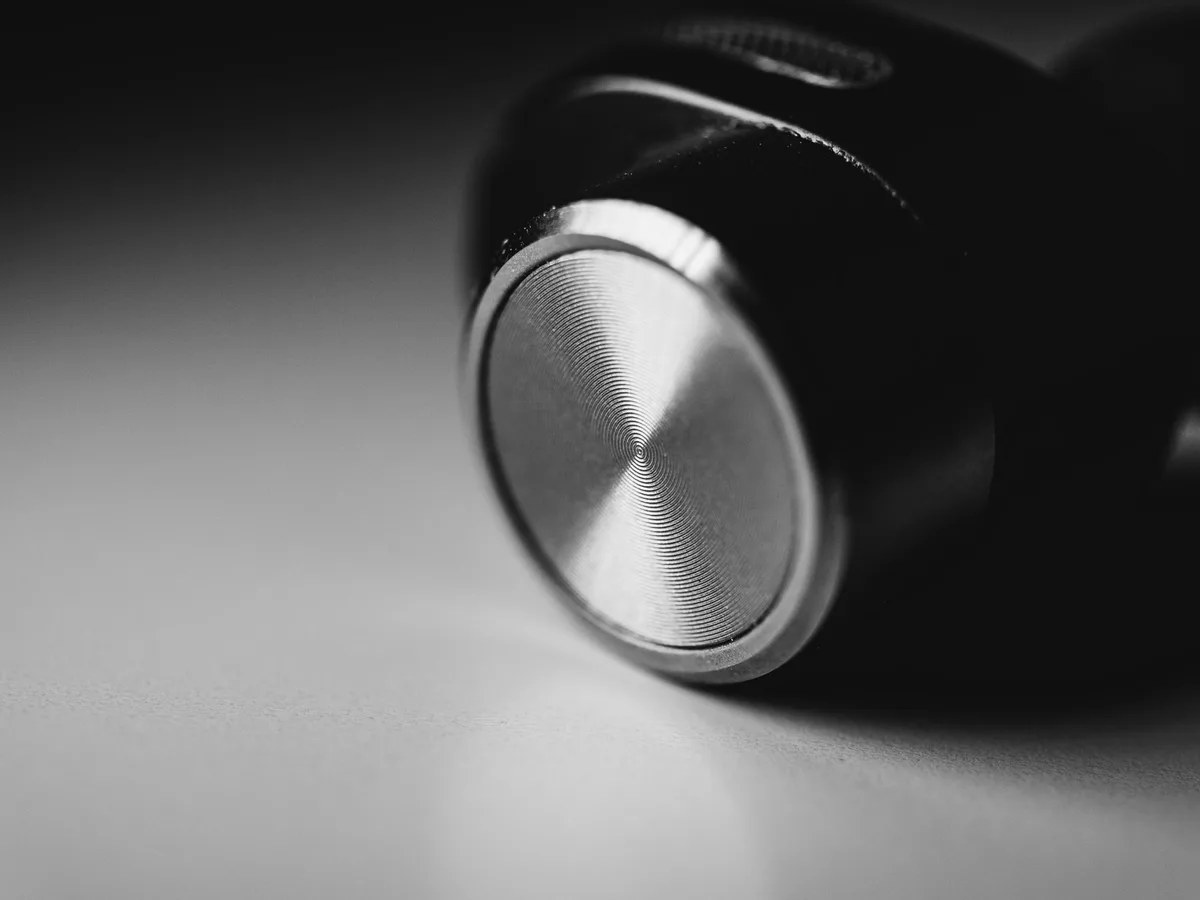
The earbud's nozzle is the part of the earbud that the tip slides onto. It's usually made of a harder plastic, and it's precisely shaped to provide a stable mounting point. You’ll see a small ridge or a slightly tapered shape on the nozzle, indicating where the ear tip should sit securely. Your replacement tips will have a corresponding opening designed to grip this nozzle.
Step-by-Step: Changing Galaxy Buds 3 Pro Ear Tips
This process is straightforward, but it requires a gentle touch and a bit of methodical action. The goal is to remove the old tip without damaging the earbud and to attach the new one so it's snug and secure.
Step 1: Gently Remove the Old Tip
Hold the main body of the Galaxy Buds 3 Pro earbud firmly in one hand. With your other hand, take a good grip on the base of the ear tip that’s closest to the earbud. Now, the key is to twist the ear tip counter-clockwise (think of unscrewing something) while simultaneously pulling it away from the earbud's nozzle. Avoid yanking straight off, as this can put undue stress on the connection point.
You want a controlled twist and pull motion.
Step 2: Inspect the Earbud Nozzle
Once the old ear tip is off, take a moment to examine the earbud's nozzle. Ensure it's clean and free of any debris, earwax, or remnants of the old ear tip. A clean nozzle provides the best surface for a new tip to attach securely. If you see any buildup, a dry, lint-free cloth or a cotton swab (used very gently) can help whisk it away.
Step 3: Align the New Ear Tip
Take a new ear tip from your pack. Observe its structure; it will have a wider opening designed to fit over the earbud and a smaller, tighter opening meant to attach to the nozzle. Align the smaller opening of the new ear tip with the nozzle of the earbud, making sure it's facing the correct direction.
Step 4: Securely Seat the New Tip
Push the new ear tip onto the earbud's nozzle. You should feel it start to slide on. Once it’s on as far as it will naturally go, apply gentle, even pressure. You might need to wiggle it slightly or give it a final gentle twist to ensure it's fully seated and adheres to the nozzle.
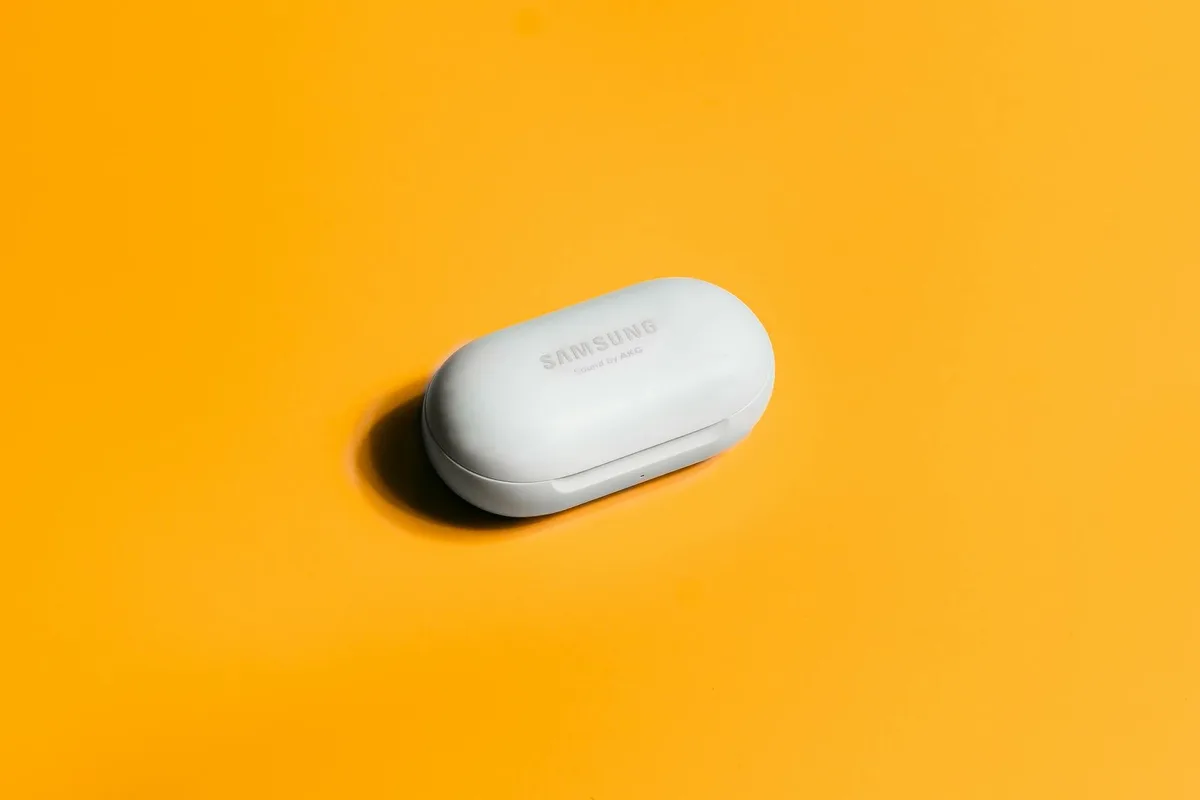
A properly installed tip will feel firm and secure. You should be able to gently tug on it without it slipping off easily. This secure attachment is crucial for maintaining that consistent acoustic seal.
Common Pitfalls: Mistakes to Sidestep
Even with simple tasks, there are a few common errors that can lead to frustration or even damage. Being aware of these can help you avoid them.
Over-forcing & Wrong Twisting Direction
One of the biggest mistakes people make is using excessive force. The ear tips are designed to be removed and attached without brute strength. Yanking hard can potentially tear the ear tip or even damage the earbud's nozzle. Similarly, if you're twisting and it feels like you're fighting it, try twisting in the opposite direction.
Tips Not Fully Seated
If your new ear tip wiggles easily or feels loose, it’s likely not fully seated on the earbud nozzle. This incomplete connection is a primary reason for poor sound quality and the feeling that the buds won't stay in place. Always double-check that the tip is snug and secure after installation.
When to Explore Different Ear Tip Sizes or Materials
The standard ear tips that come with your Galaxy Buds 3 Pro are a great starting point, but they aren’t the only option. If you're experiencing persistent discomfort or sound issues, exploring alternatives is a logical next step.
Finding Your Perfect Fit: Size and Material Variations
Most earbud packages come with multiple sizes of silicone ear tips, typically small, medium, and large. If you haven't tried all the available sizes, start there. The difference a slightly larger or smaller tip can make for your individual ear shape is often significant.
Beyond size, you might also consider different materials. While silicone is standard, aftermarket options made from memory foam are also popular. Foam tips expand to fill your ear canal's unique contours, which can provide a more secure fit and better passive noise isolation for many users. This can be a game-changer for long listening sessions or in noisy environments.
Pro Tips for a Perfect Tip Swap
Once you've got the hang of the basic process, a few extra considerations can elevate your ear tip experience from functional to fantastic. These small adjustments ensure you're getting the most out of your Galaxy Buds 3 Pro.
Quick Checks for a Secure Fit
After attaching a new ear tip, give it a gentle tug to ensure it's firmly in place. It shouldn't feel loose or wobble. Another way to check for a good seal is to gently push on the earbud in your ear. If it feels like it's creating a suction effect or pressing more firmly into your ear canal when you apply light pressure, that's often a sign of a good seal.
This is crucial for both bass response and effective noise cancellation as confirmed by industry acoustics standards.
When to Explore Different Ear Tip Sizes or Materials
The standard ear tips that come with your Galaxy Buds 3 Pro are a great starting point, but they aren’t the only option. If you're experiencing persistent discomfort or sound issues, exploring alternatives is a logical next step.
Finding Your Perfect Fit: Size and Material Variations
Most earbud packages come with multiple sizes of silicone ear tips, typically small, medium, and large. If you haven't tried all the available sizes, start there. The difference a slightly larger or smaller tip can make for your individual ear shape is often significant.
Beyond size, you might also consider different materials. While silicone is standard, aftermarket options made from memory foam are also popular. Foam tips expand to fill your ear canal's unique contours, which can provide a more secure fit and better passive noise isolation for many users. This can be a game-changer for long listening sessions or in noisy environments.
Common Pitfalls: Mistakes to Sidestep
Even with simple tasks, there are a few common errors that can lead to frustration or even damage. Being aware of these can help you avoid them.
Over-forcing & Wrong Twisting Direction
One of the biggest mistakes people make is using excessive force. The ear tips are designed to be removed and attached without brute strength. Yanking hard can potentially tear the ear tip or even damage the earbud's nozzle. Similarly, if you're twisting and it feels like you're fighting it, try twisting in the opposite direction.
Tips Not Fully Seated
If your new ear tip wiggles easily or feels loose, it’s likely not fully seated on the earbud nozzle. This incomplete connection is a primary reason for poor sound quality and the feeling that the buds won't stay in place. Always double-check that the tip is snug and secure after installation.
Pro Tips for a Perfect Tip Swap
Once you've got the hang of the basic process, a few extra considerations can elevate your ear tip experience from functional to fantastic. These small adjustments ensure you're getting the most out of your Galaxy Buds 3 Pro.
Quick Checks for a Secure Fit
After attaching a new ear tip, give it a gentle tug to ensure it's firmly in place. It shouldn't feel loose or wobble. Another way to check for a good seal is to gently push on the earbud in your ear. If it feels like it's creating a suction effect or pressing more firmly into your ear canal when you apply light pressure, that's often a sign of a good seal.
This is crucial for both bass response and effective noise cancellation as confirmed by industry acoustics standards.