How To Charge A Power Bank: Fast, Safe 2026 Guide
Use the correct charger and cable, match the input rating, and charge until full.
If you want to know how to charge a power bank the right way, you are in the right place. I test mobile gear for a living, and I have charged hundreds of packs in labs, hotel lobbies, and campsites. This guide shows how to charge a power bank step by step, with clear tips that protect the battery, save time, and keep you safe. Stick with me to learn how to charge a power bank fast, safely, and with less wear on the cells.

Understand your power bank
Before you learn how to charge a power bank, read the small print on the case. You will see capacity in mAh or Wh. You will also see input ratings like 5V 2A, 9V 2A, or 20W PD. That line tells you how much power the bank can accept.
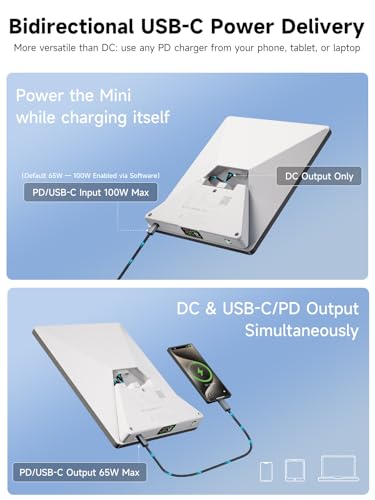
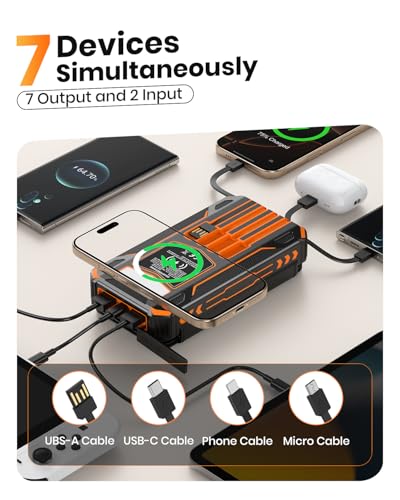
Common inputs include USB-C, Micro-USB, or Lightning. USB-C is best because it supports higher power and new charge rules. Some banks support pass-through. That means they can charge a phone while the bank itself charges. It is handy, but it can add heat, so use it with care.
Capacity is not the same as usable energy. A 10,000 mAh bank holds about 37 Wh inside. Due to losses, you will not get all of that out or in. Heat, cable quality, and voltage steps cut a bit of energy each way. Knowing this helps set fair charge time goals and avoids stress.
Step-by-step: how to charge a power bank
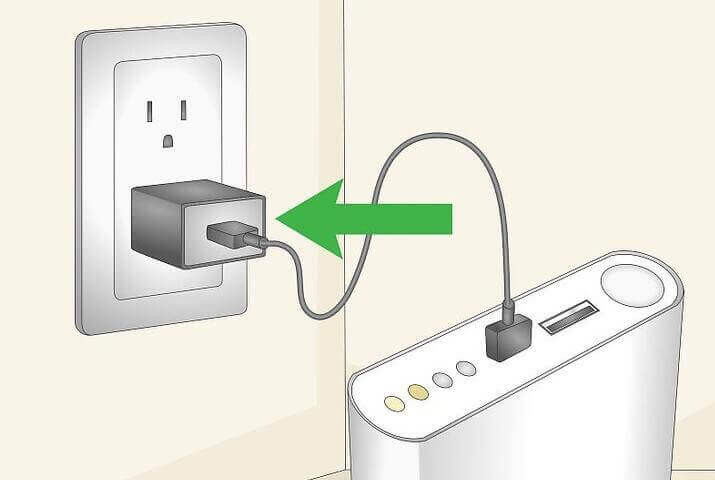
- Check the input rating. Find the max input power. Match your wall charger and cable to it. This is key for how to charge a power bank quickly and safely.
- Pick the right charger. If the bank says 18W PD input, use a USB-C PD charger that can do 18W or more. A lower watt charger will still work. It will just be slower.
- Use a good cable. For USB-C PD, use a USB-C to USB-C cable. For old ports, use the right USB-A to Micro-USB or Lightning cable. Keep cables short.
- Plug into wall power. Wall outlets are stable and strong. Laptops, cars, and solar can work, but they are slower or less stable.
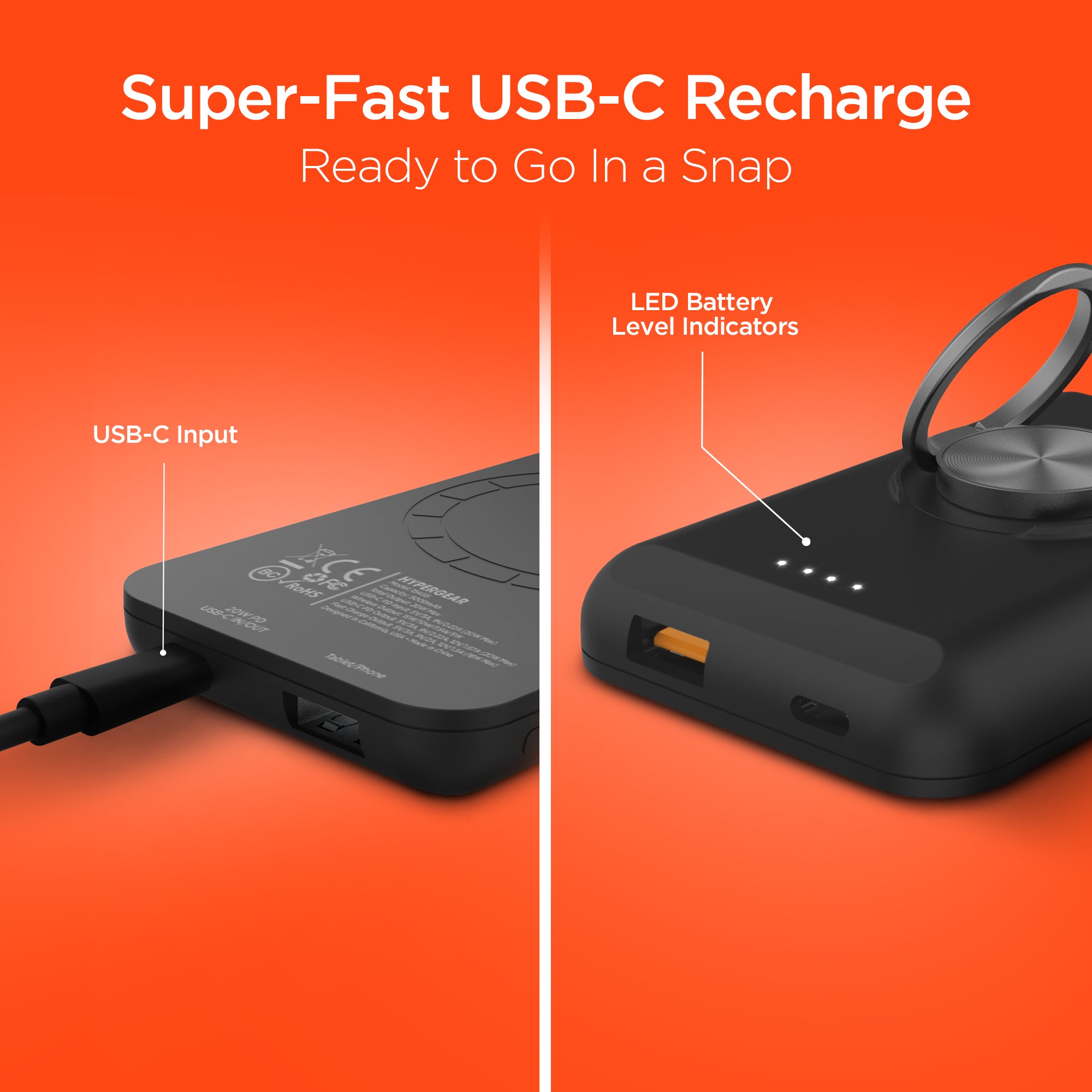
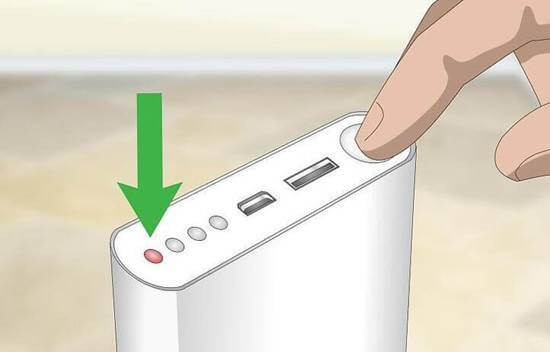
- Watch the LEDs or display. Most banks have 4 LEDs. One light means low. Four lights or 100% on a screen means full.
- Let it finish. Leave the bank on charge until it stops drawing power. Many banks enter a top-off phase near the end. This can take an extra 20 to 40 minutes.
- Unplug when full. This reduces heat and wear. It also saves standby power.
From my field tests, topping off from 80% to 100% always takes longer per percent. This is normal. If you want best battery life, you can stop at 90% for daily use. But for trips, charge to 100% the day you go. This is a practical balance for how to charge a power bank with care.
 standards”
style=”max-width: 100%; height: auto; border: 2px solid black; border-radius: 10px; display: block; margin: 0 auto;”
loading=”lazy”
/>
Chargers, cables, and fast-charge standards
The biggest time win in how to charge a power bank comes from the right pair of charger and cable. USB Power Delivery, often called PD, is the main fast standard on USB-C. You will also see Quick Charge on some banks. Many new banks support both.
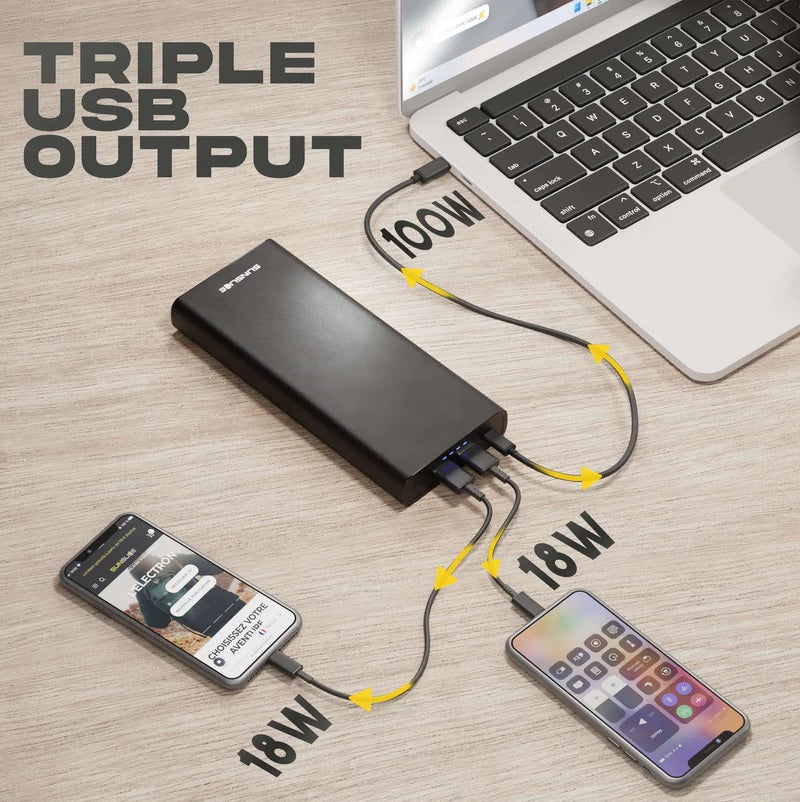
Use a USB-C PD charger that can meet or beat the input rating. If your bank says 30W PD input, a 30W or 45W PD charger is ideal. Above the limit, the bank will only draw what it can. Below the limit, it will charge, but slower.
Cables matter. Cheap or long cables drop voltage and waste power. For 60W PD or more, use an e-marked USB-C cable. You can tell by the cable spec on the tag or the maker’s page. For old Micro-USB banks, use a thick, short USB-A cable.
My own rule is simple. If I need speed, I use a name-brand 60W USB-C PD charger and a 1-meter USB-C cable. This combo cut my 20,000 mAh bank charge time from over 8 hours at 5W to under 3 hours at 30W. That is a huge time save in real life.
Power sources: wall, laptop, car, and solar
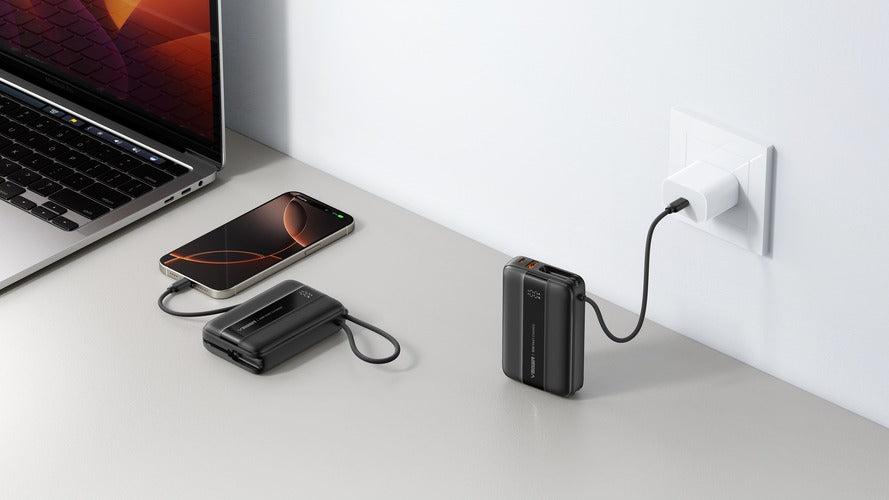
Wall power is best for how to charge a power bank. It is steady and can deliver high watts. Pick a charger that matches your bank.
You can charge from a laptop USB port. But many laptop ports output only 2.5W to 7.5W unless they are USB-C PD with power. That can take all day for big banks. Use this only when you have no outlet.
Car chargers work well on road trips. Choose a USB-C PD car charger that can do 18W or more. Avoid cheap units that overheat. They can cut power mid-charge.
Solar can charge a bank off-grid. Use a panel with a stable output and a built-in regulator. Clouds and shade can make the output dip. Many banks stop charging when power drops too low. If you do a lot of camping, pick a bank that is solar friendly and supports low current resume.

LEDs, displays, and what they mean
Learning how to charge a power bank also means reading its signs. Four LEDs often mean 0–25%, 25–50%, 50–75%, and 75–100%. A slow blink means it is still charging. Solid lights mean that part is done.
Banks with screens show percent and sometimes input watts. Input watts jump up at first. Then they fall near the end. This taper is normal. It protects the cells.
If all LEDs blink fast, that can signal a fault or overheat. Unplug and let the bank cool. Check the manual for exact patterns. Brands do not all use the same codes.

Battery health, safety, and temperature
Smart habits make a big difference in how to charge a power bank and keep it healthy. Lithium-ion cells do not like heat. Warm to the touch is fine. Hot is bad. Charge on a hard surface with airflow. Do not bury the bank under pillows or in a tight bag.
Avoid deep cycles when you can. Going from 100% to 0% daily ages the cells faster. A range of 20% to 90% is kinder if you do not need a full charge. Store the bank at about 50% if you will not use it for weeks.
Use the original charger or a trusted one. Bad chargers can send dirty power. That causes heat and stress. If the bank smells odd, swells, or gets very hot, stop using it. Safety first.
Troubleshooting and common mistakes
If you still wonder how to charge a power bank that seems stuck, try these checks. They fix most cases I see in the field.
- Use a different wall charger. Many “slow charge” issues are a weak charger.
- Swap the cable. Frayed or thin cables cause big drops and random stops.
- Try a new outlet. Some outlets or strips are loose or switched.
- Clean the ports. Dust and lint block good contact. Use a wooden toothpick.
- Let it cool. If the bank is warm, give it 15 minutes. Then try again.
- Update habits. Avoid pass-through charging unless you must. It adds heat.
- Reset if the bank supports it. Some models have a reset button combo in the manual.
If none of these help, the input port may be worn. Ports do wear out after years of use. At that point, a replacement is often cheaper and safer than a repair.
Care habits that extend lifespan
How to charge a power bank is also how to make it last. Small habits count. Here are simple rules that work for me and my team.
- Match charger to input rating. This lowers stress and heat.
- Keep charge sessions steady. Avoid many short plug and unplug cycles.
- Stop at 90% for daily use. Save 100% for trips or long days.
- Store at 40–60% in a cool, dry place. Top up every few months.
- Use a battery case or pouch. This protects the ports and keeps out dust.
Once each month, run one full cycle to help the gauge recalibrate. It makes the percent readout more honest. That way you know what you really have before a big day.
Travel rules and flying with power banks
If you plan how to charge a power bank while you travel, know the rules. Airlines limit battery size by watt-hours. Most allow up to 100 Wh in carry-on with no approval. Between 100 and 160 Wh often needs airline approval. Over 160 Wh is not allowed on passenger flights.
Keep the bank in your carry-on. Do not check it. Tape or cover exposed ports if you store it. Bring a short cable and a compact USB-C PD charger. I charge at the gate so I board with 100%. It is a simple trick that has saved me many times.
Frequently Asked Questions of how to charge a power bank
How long does it take to charge a power bank?
Charge time depends on capacity and input watts. As a rough guide, a 10,000 mAh bank at 18W takes about 2.5 to 3 hours.
Can I use my phone charger to charge a power bank?
Yes, if the connector fits. For faster results, match the power bank’s input rating with a charger that supports that wattage.
Is it okay to use the power bank while it is charging?
Most banks allow pass-through, but it adds heat and slows charging. Use it only when needed to protect the battery.
Should I charge a new power bank before first use?
Yes. Top it to 100% before the first trip. This also lets the fuel gauge learn a clean full mark.
Why does my power bank stop charging at 99%?
The last percent charges in a slow top-off phase. This taper protects the cells and can take 20 to 40 minutes.
Can I overcharge a power bank if I leave it plugged in?
Most modern banks stop drawing power when full. Still, it is best practice to unplug once it reaches 100% to reduce heat.
What is the best way to charge a power bank in a car?
Use a quality USB-C PD car charger that meets the bank’s input rating. Avoid no-name adapters that overheat or cut out.
Conclusion
Charging a power bank well is simple once you match the charger, cable, and input spec. Keep it cool, use steady wall power, and watch the LEDs or display. Avoid deep cycles when you can, and store it half full if it sits for a while.
Put these tips to work on your next charge. You will save time, protect the battery, and stay ready for any day. Want more practical guides like this? Subscribe for new tips, or leave a comment with your setup and questions.