What Is a Fast Charging Cable? A Complete Guide to Fast Charging Cables
If you have ever plugged your phone into a charger and watched the battery rise much faster than usual, you have seen fast charging in action. But the charger gets most of the attention. The cable also matters. A cable must carry the needed power without becoming unsafe or limiting the charging system.
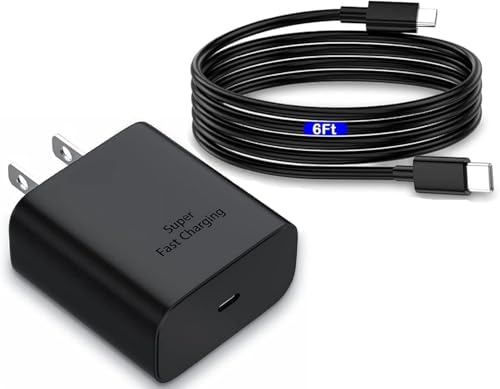
So, what is a fast charging cable? In simple terms, it is a charging cable built and rated to support the power, current, and charging standard used by a compatible device and charger. In a modern U.S. home, that may mean a USB-C cable used with a USB Power Delivery charger for a phone, tablet, handheld game system, or laptop.
One common mistake is to think that any cable with a USB-C plug is a fast charging cable. That is not true. USB-C describes the connector shape, while charging performance depends on the cable design, power rating, wiring, electronic markers in some cables, the charger, the device, and the charging protocol.
In practical use, the best cable is not always the one with the biggest number printed on the package. A reliable cable with the correct rating for your device can give you fast, stable charging while also supporting safe daily use.
What Is a Fast Charging Cable?
The clearest answer to what is a fast charging cable is this: it is a cable designed to support the power and charging system needed for faster charging. It can carry more electrical power than a basic cable when its design and rating allow it.
A fast charging cable does not work alone. Think of charging as a team made up of four parts: the wall charger, the cable, the device, and the charging protocol. The slowest or lowest-rated part can limit the result.
For example, a 100W USB-C cable connected to a phone that accepts only 25W will not make that phone charge at 100W. The phone controls how much power it draws. The cable simply needs to support the required power safely.
This is why the answer to what is a fast charging cable should not be based only on a label such as 60W, 100W, or 240W. The real question is whether the cable supports the charging needs of your particular device and charger.
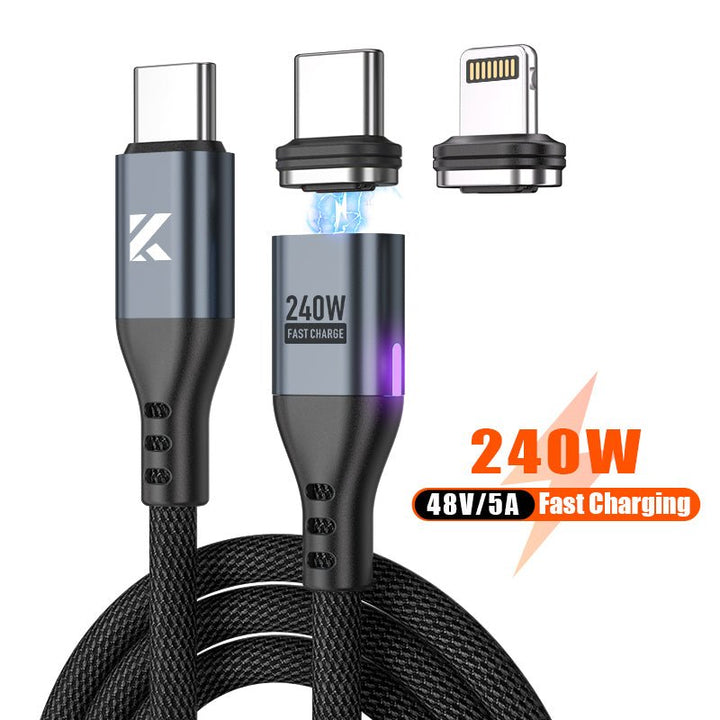
- ✦ Higher power support
A suitable fast charging cable can support higher power levels than many older basic charging cables.
- ✦ Correct charging standard
The cable must work with the charging standard used by the charger and device, such as USB Power Delivery.
- ✦ Safe construction
Good cables use suitable conductors, insulation, connectors, and materials to handle their rated electrical load.
- ✦ Device compatibility
A cable only supports fast charging when the connected charger and device also support a compatible fast charging system.
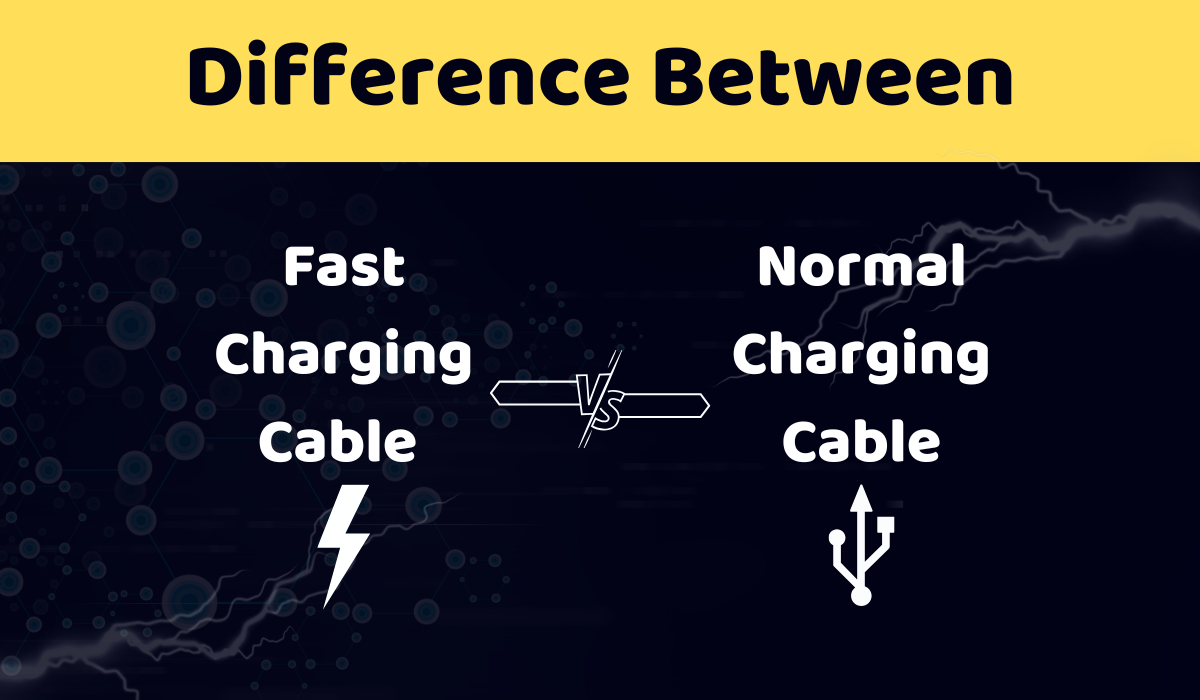
Fast Charging Cable vs. Regular Cable
A basic cable may work well for low-power charging and data use, but it may not support the current needed for modern fast charging. A fast charging cable is built and rated for a specific power range.
The difference is not always visible from the outside. Two USB-C cables can look almost identical while having very different power and data capabilities. The printed specifications or trusted product documentation are often more useful than appearance.
- ✦ Connector shape
The connector can look the same even when the electrical capabilities of two cables differ.
- ✦ Power rating
A fast charging cable should state or clearly document the power or current it can safely support.
How Does a Fast Charging Cable Work?
To understand what is a fast charging cable, it helps to understand the basic flow of power. Electricity moves from the charger through the cable and into the device. The device then uses charging electronics to control the power it accepts.
Modern fast charging systems can adjust voltage and current instead of using one fixed level. USB Power Delivery, often called USB PD, is a major example. With USB PD, compatible devices and chargers can communicate about the power that can be supplied and accepted.
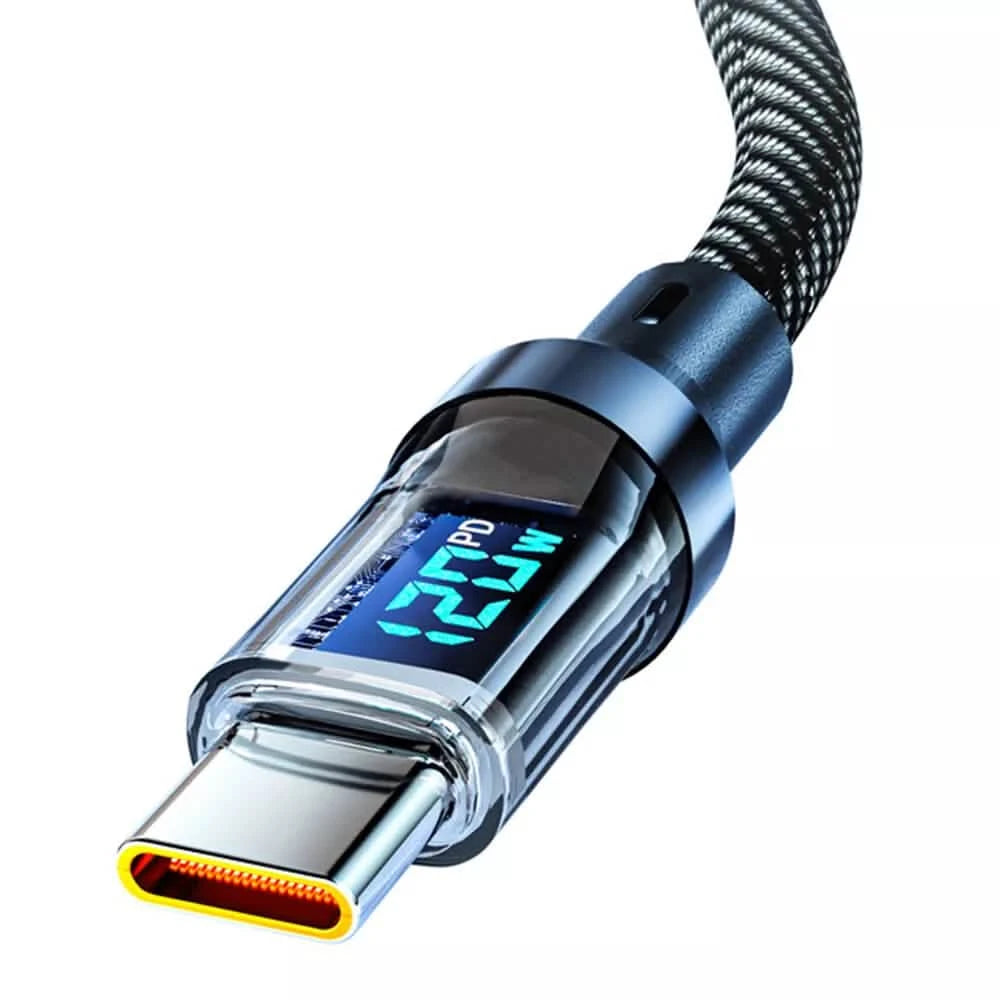
The cable has an important role because it must safely carry the current involved. Some higher-power USB-C cables use an electronic marker chip, often called an e-marker, to identify important cable capabilities to compatible equipment.
The device still has the final say. If the phone, tablet, or laptop can accept only a lower power level, it will not suddenly draw the full rating printed on a high-power cable.
- ✦ Power starts at the charger
The charger converts household AC power into the DC power used by the device.
- ✦ The cable carries the power
The cable transfers electrical power between the charger and the device within its rated limits.
- ✦ The device manages charging
The device controls how much power it accepts based on its battery, temperature, charging system, and design.
- ✦ The charging protocol coordinates the system
Compatible standards help the charger and device determine suitable voltage and current levels.
Why Cable Quality Matters
Electrical resistance creates heat and reduces efficiency. A cable that is poorly made or used beyond its rating may become warm and may limit charging performance.
Good cable construction can help maintain reliable power delivery. This matters even more when a cable is used for long periods, bent often, or connected to higher-power equipment such as a laptop.
- ✦ Conductors
The internal wires carry electrical current from one connector to the other.
- ✦ Insulation
Insulation separates electrical conductors and helps protect the cable during normal use.
- ✦ Connectors
Well-made connectors provide a stable electrical connection and can better withstand repeated plugging and unplugging.
What Makes a Cable Fast Charging Capable?
Several technical factors determine whether a cable can support fast charging. The most important are its power rating, current rating, wiring, connector design, and compatibility with the charging standard.
Power is measured in watts. Current is measured in amps, and voltage is measured in volts. A simple relationship is watts equals volts multiplied by amps. For example, a 20V connection carrying 5A can deliver 100W under suitable conditions.
That does not mean every 100W cable will always deliver 100W. The charger and device must support the required power profile, and the charging system may reduce power as the battery fills or if temperature rises.
When asking what is a fast charging cable, it is useful to think about the entire power chain rather than the cable alone.
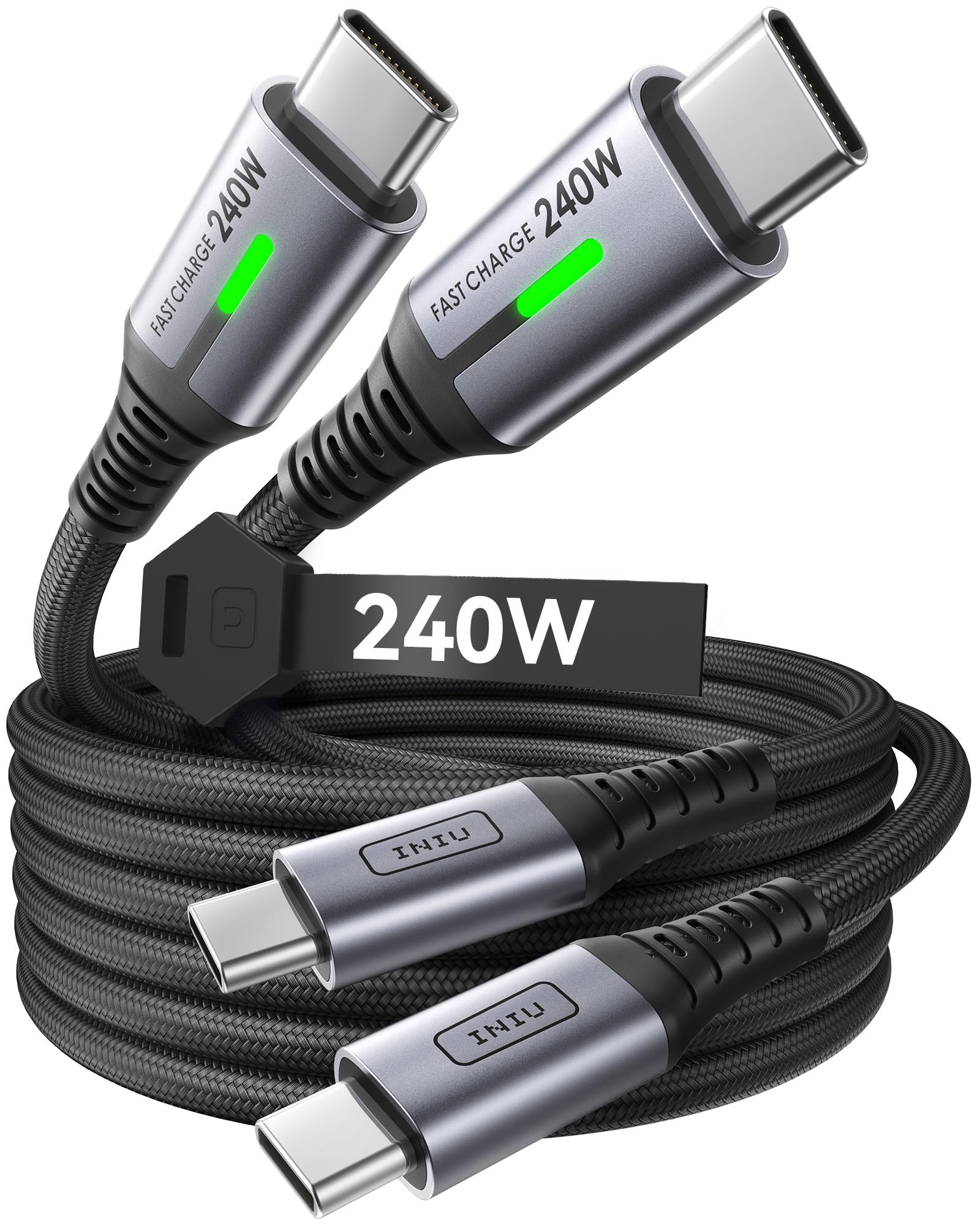
- ✦ Power rating
The watt rating tells you how much power the cable is designed to support under the stated conditions.
- ✦ Current rating
The amp rating shows how much electrical current the cable can carry within its design limits.
- ✦ USB-C Power Delivery support
A cable designed for compatible USB PD equipment can support modern fast charging when its power rating is high enough.
- ✦ E-marker support
Some higher-power USB-C cables use an e-marker to report cable capabilities to compatible devices.
- ✦ Cable length and construction
Longer cables can have different electrical characteristics, so the cable should be rated for the intended power level and use.
What Do 60W, 100W, and 240W Mean?
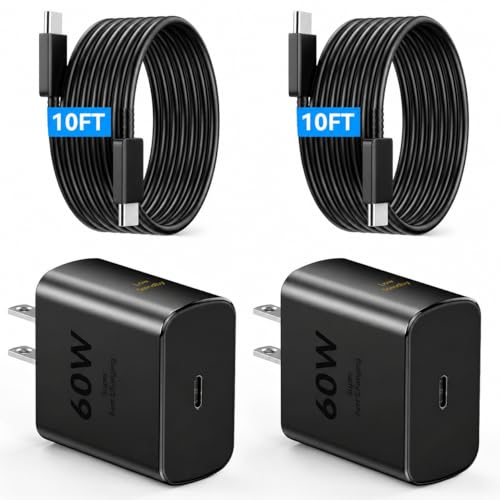
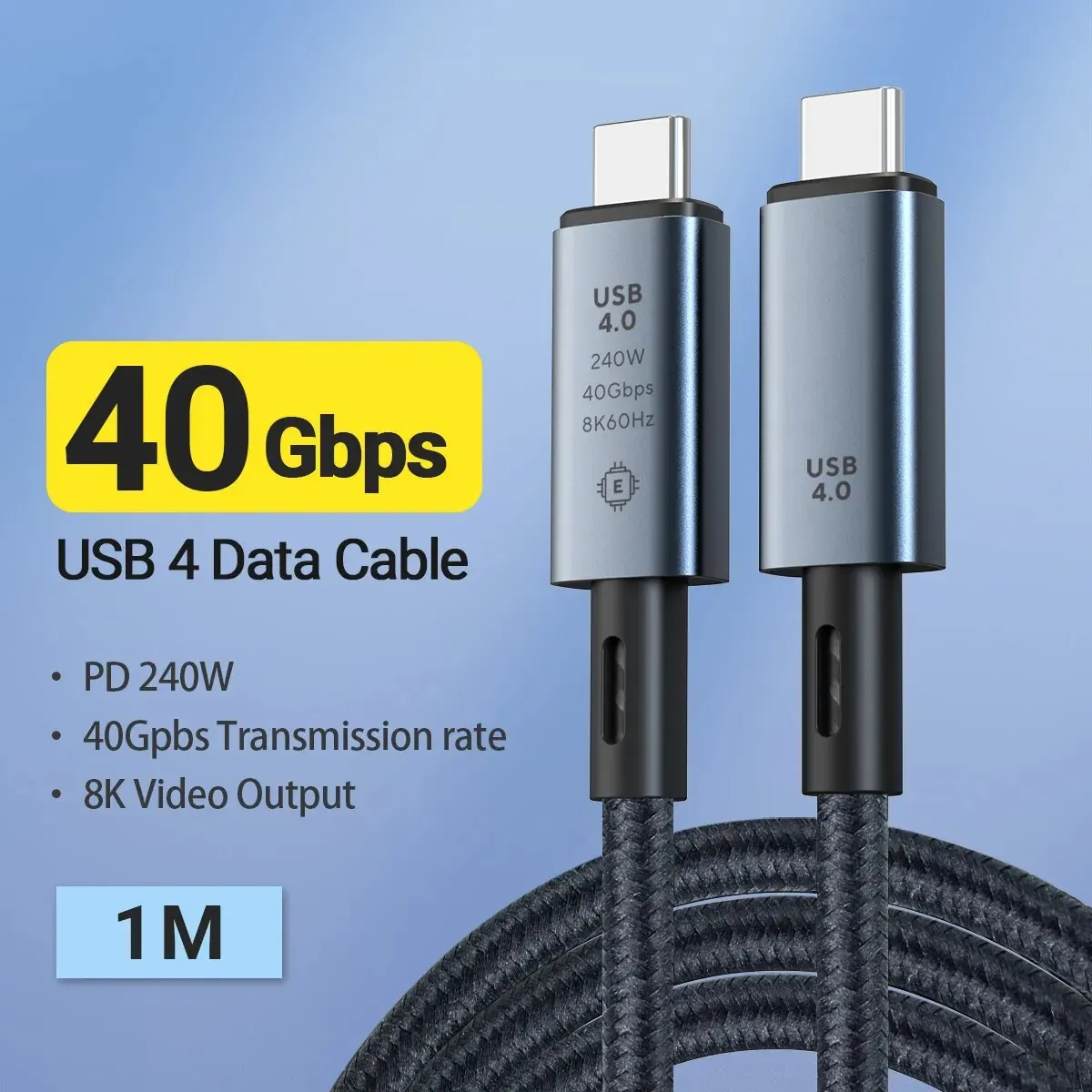
Numbers such as 60W, 100W, and 240W describe the cable’s stated power capability. They do not guarantee that your device will charge at that rate.
A 240W cable can be useful for high-power USB-C equipment, but a small phone may use far less power. The higher rating gives you more capacity; it does not force more power into the device.
- ✦ 60W
Often enough for many phones, tablets, and some lower-power laptops, depending on the device.
- ✦ 100W
A useful range for many USB-C laptops, tablets, and other higher-power devices when the charger and device support it.
- ✦ 240W
A very high USB-C power level intended for compatible equipment and supported charging systems.
USB-C, USB-A, and Fast Charging Standards
USB-C is now common on phones, tablets, laptops, power banks, and other consumer devices. But USB-C is a connector type, not a promise of one charging speed.
USB-A is the older rectangular USB connector found on many chargers and computers. USB-A cables can support fast charging in some systems, but their capabilities vary widely. USB-C has become more flexible for modern high-power charging and data use.
USB Power Delivery is one of the key standards behind modern USB-C fast charging. It can support a range of power levels, depending on the charger, cable, device, and USB PD version or power profile involved.
Some brands also use their own charging systems. A phone may reach its highest advertised charging rate only with a compatible charger, cable, and proprietary or brand-specific technology. This is why a cable that works well with one phone may not deliver the same speed on another.
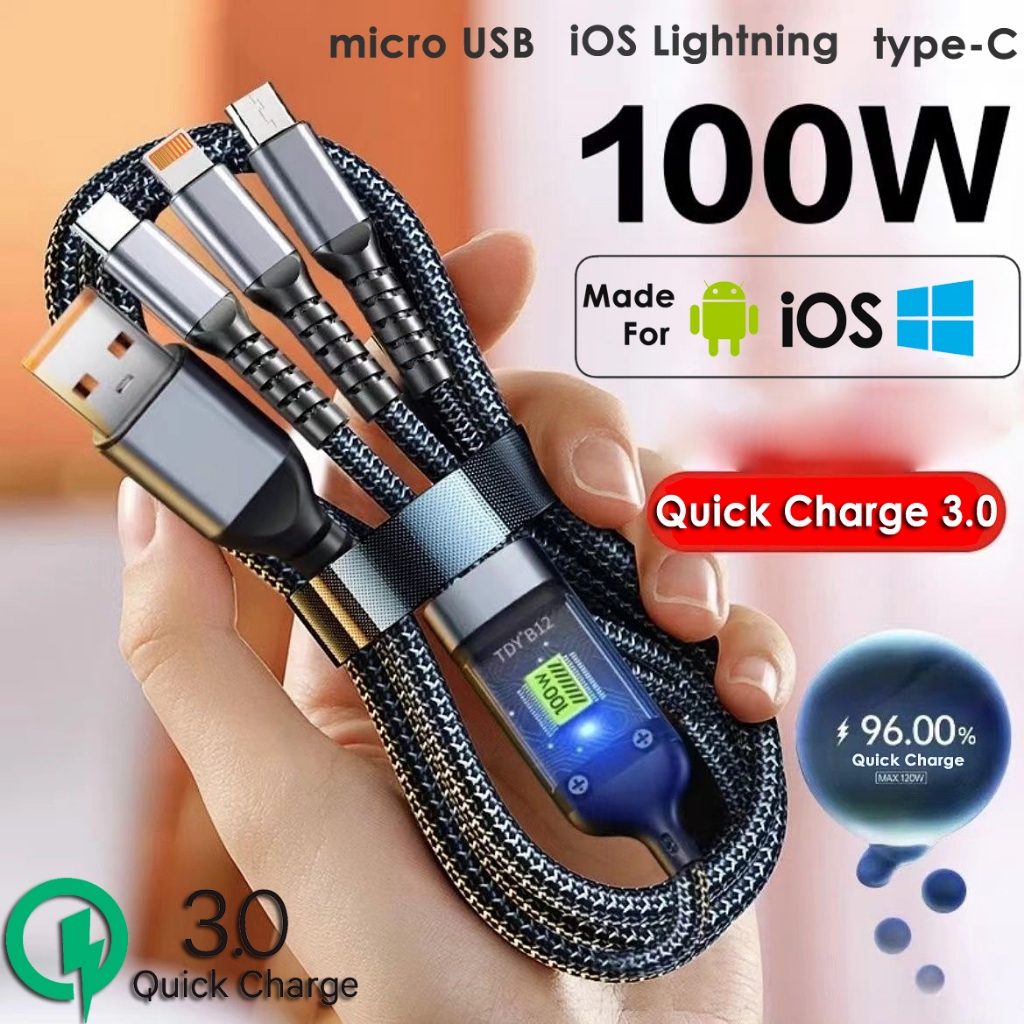
- ✦ USB-C
USB-C describes a small, reversible connector. It does not by itself tell you the cable’s maximum charging or data speed.
- ✦ USB-A
USB-A is an older connector that remains common and can support several charging systems, depending on the hardware.
- ✦ USB Power Delivery
USB PD is a power negotiation standard used widely for modern USB-C charging.
- ✦ Brand-specific charging
Some devices use charging methods that may require specific chargers or accessories to reach their highest rated speed.
USB-C Does Not Always Mean Fast Charging
This is one of the most important facts in any guide about what is a fast charging cable. A USB-C connector tells you the plug shape, not the maximum power or data performance.
Before buying a cable, check its stated power rating and the requirements listed by your device maker. For laptop charging, also check whether the cable supports the wattage your laptop needs.
- ✦ Check the cable rating
Look for a clear power rating such as 60W, 100W, or another value that matches your needs.
- ✦ Check the charger
The charger must also provide the power and charging protocol required by the device.
Does a Fast Charging Cable Charge Every Device Faster?
No. This is a key point when learning what is a fast charging cable. A high-power cable cannot increase a device’s charging limit by itself.
Suppose you use a 100W USB-C cable with a phone that accepts 30W. The phone will normally limit the charging power to what its charging system allows. The same cable could then be used with a compatible laptop that needs more power.
Charging speed can also change during a single charging session. A device may draw more power when the battery is low and reduce power as the battery approaches a high state of charge. Heat can also cause the system to lower power.
This design helps manage battery temperature and charging behavior. It also means that a claim such as fast charging should not be treated as a fixed speed from zero to full.
- ✦ The device sets a limit
A phone or laptop cannot normally take more charging power than its charging system is designed to accept.
- ✦ The charger matters
A low-power charger can prevent a high-rated cable from reaching its potential.
- ✦ The cable matters
A cable with too low a rating can become the limiting part of a high-power charging setup.
- ✦ Temperature matters
Charging systems can reduce power when heat rises to help manage the device and battery.
Why Charging Slows Near Full Battery
Fast charging is usually most useful when you need a quick boost. The system may reduce charging power as the battery gets closer to full. This can help control heat and battery stress.
For daily use, that means a short charge during a lunch break or before leaving home can be more useful than focusing only on the total time from zero to 100 percent.
- ✦ Low battery
The device may accept more power when the battery has a low state of charge and conditions are suitable.
- ✦ High battery
Charging often becomes slower as the battery gets closer to full.
How to Choose the Right Fast Charging Cable
The best way to choose a fast charging cable is to start with your device, not the cable package. Find the maximum charging power supported by your phone, tablet, laptop, or other device. Then choose a cable that meets or exceeds that requirement.
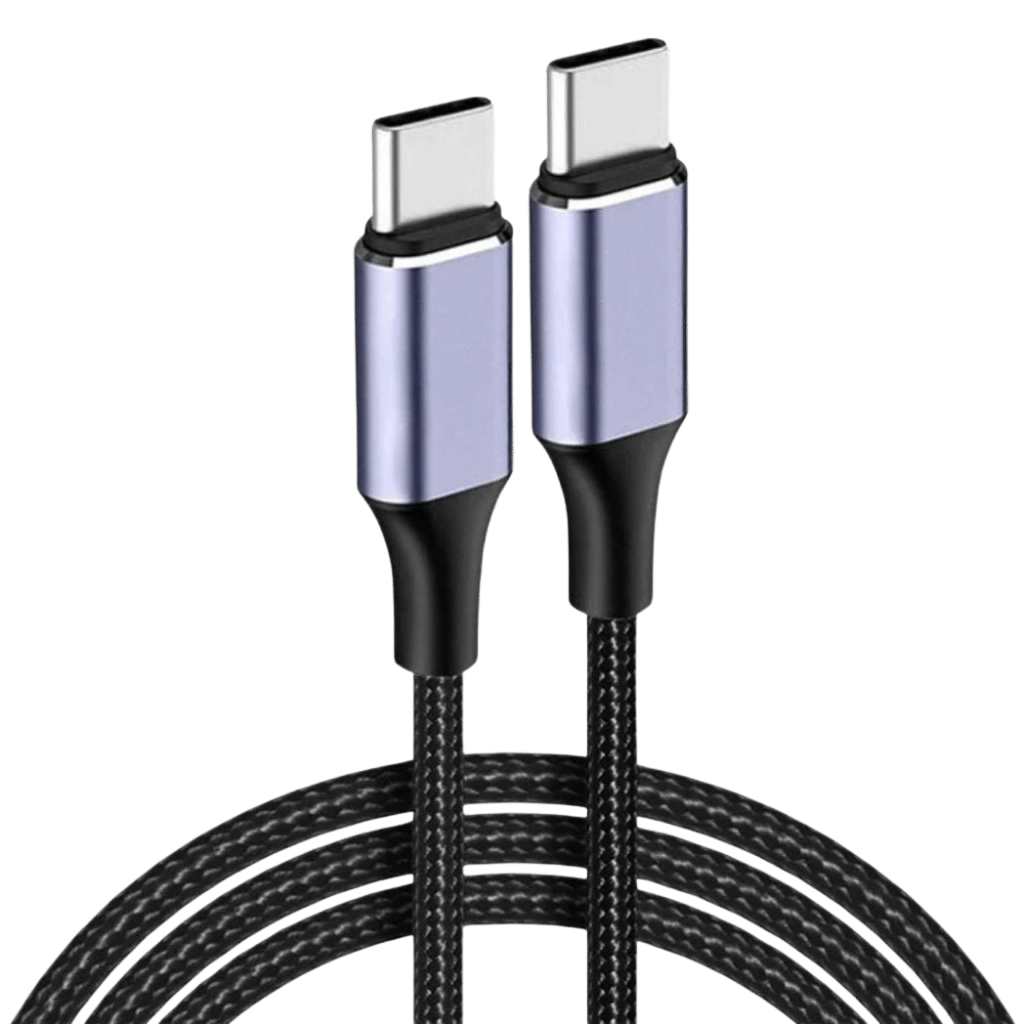
For many modern devices, a USB-C to USB-C cable is a practical choice. It can work with USB-C wall chargers, power banks, laptops, tablets, and phones. If your charger has a USB-A port, you may instead need a USB-A to USB-C cable.
Do not buy a cable only because it says super fast, turbo, or ultra fast. Look for clear technical details. A trustworthy product listing should state the power rating and, when relevant, data transfer capabilities.
Cable quality also matters for daily use. A cable that bends well, has strong connectors, and comes from a reliable maker can be a better long-term choice than a very cheap cable with unclear specifications.
- ✦ Match the power rating
Choose a cable rated for at least the maximum power your charging setup needs.
- ✦ Check both ends
Make sure the connector types match your charger and device, such as USB-C to USB-C or USB-A to USB-C.
- ✦ Check data needs
If you also transfer files or connect a monitor, check the cable’s data and video capabilities instead of assuming every charging cable supports high-speed data.
- ✦ Look for clear specifications
A cable with clear ratings and product details is easier to evaluate than one that relies only on vague marketing terms.
- ✦ Consider length
Choose a practical length for your desk, bedside table, car, or travel bag while keeping the cable’s power rating in mind.
A Simple Buying Checklist
If you are still unsure what is a fast charging cable for your setup, use a simple checklist. First, identify the charging port on the device and charger. Next, check the device’s maximum charging power and choose a cable that supports it.
For a new USB-C setup, a properly rated USB-C to USB-C cable is often the most flexible option. If you plan to charge a laptop, choose a cable with enough power capacity for the laptop and check whether you also need high-speed data or video support.
- ✦ Step 1
Identify the connector on your device and charger.
- ✦ Step 2
Find the device’s maximum supported charging power.
- ✦ Step 3
Choose a cable with a suitable power rating.
- ✦ Step 4
Check data, video, length, and durability needs.
- ✦ Step 5
Buy from a reliable source with clear product specifications.
Common Fast Charging Cable Mistakes to Avoid
Many charging problems come from choosing a cable based on appearance or marketing words. The cable may look premium but still lack the power or data features your device needs.
Another common mistake is blaming the cable when the charger is the real limit. A high-rated cable connected to a low-power charger cannot create more power than the charger provides.
It is also easy to assume that a thicker cable is always better. Thickness can be related to construction and current capacity, but it is not a reliable way to determine the exact charging performance. Always check the specifications.
Finally, avoid damaged cables. Frayed insulation, bent or broken connectors, exposed wires, or signs of heat are good reasons to replace a cable rather than continue using it.
- ✦ Mistake: judging by connector shape
A USB-C plug does not prove that a cable supports every USB-C charging or data feature.
- ✦ Mistake: ignoring the charger
The charger must support the power level and charging standard needed by the device.
- ✦ Mistake: assuming more watts always means faster charging
The device controls how much power it accepts, so a higher cable rating may not change the charging speed.
- ✦ Mistake: using damaged cables
Physical damage can affect safe operation and is a strong reason to stop using the cable.
Can a Fast Charging Cable Damage Your Phone?
A properly designed and compatible fast charging cable should not damage a phone simply because it has a high power rating. The device and charger manage the charging process, and the phone normally draws only the power it is designed to accept.
The greater concern is poor-quality, damaged, counterfeit, or incorrectly specified accessories. Use cables from reputable manufacturers or sellers and replace cables that show damage, unusual heat, or unstable connections.
- ✦ High rating is not the same as forced power
A 100W or 240W cable does not force 100W or 240W into a lower-power phone.
- ✦ Quality still matters
A cable should be properly built and used within its stated specifications.
Fast Charging Cable for Phones, Tablets, and Laptops
A fast charging cable can serve several types of devices, but the right cable depends on the power needs of each device. Phones usually need less power than laptops, while tablets can fall between the two.
For a modern phone, a USB-C cable with a suitable power rating can be enough for fast charging. If the phone uses a brand-specific charging system, check the manufacturer’s requirements before assuming a generic cable will reach the advertised maximum speed.
For tablets, the cable may need a higher power rating than a phone cable. A 60W or 100W cable can offer useful flexibility when the tablet and charger support the required USB PD power level.
Laptops are more demanding. Many USB-C laptops require a cable rated for a higher power level, and some systems also need high-speed data or video support. A cable can charge a laptop while still being unsuitable for fast data or display output.

- ✦ Phones
Check the phone’s maximum charging power and required charging standard before selecting a cable.
- ✦ Tablets
A higher-rated USB-C cable can provide flexibility when the tablet supports higher-power charging.
- ✦ Laptops
Check the laptop’s required USB-C charging power and whether the cable must also support high-speed data or video.
- ✦ Power banks
For fast input or output, both the power bank and cable must support the needed charging standard and power level.
Why One Cable Can Be Useful for Several Devices
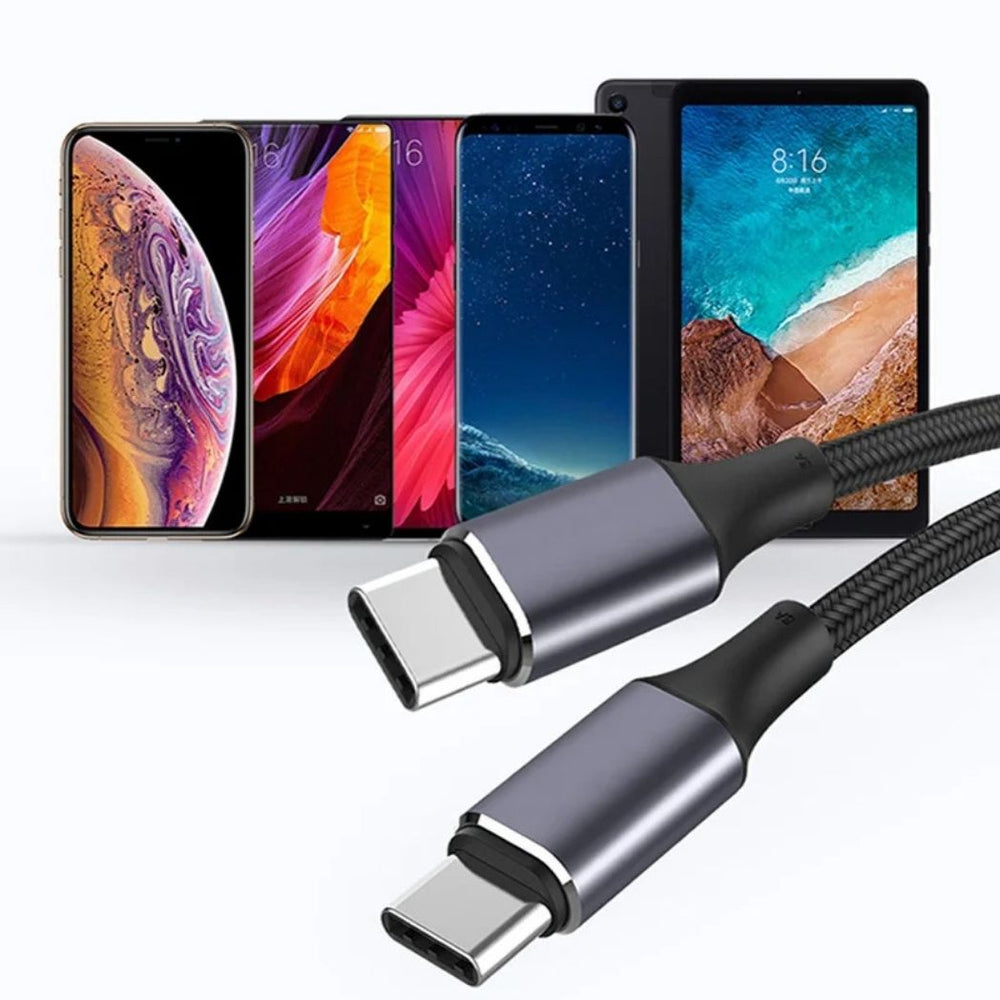
A properly rated USB-C cable can simplify a U.S. travel bag or desk setup. One cable may work with a phone, tablet, headphones, power bank, and laptop when their connectors and charging standards are compatible.
This can reduce cable clutter. Still, one cable should not be assumed to support every feature. Charging power, data speed, and video output are separate capabilities that should be checked before purchase.
- ✦ One cable, several devices
A suitable USB-C cable can support several compatible devices without needing a separate charging cable for each one.
- ✦ Check every feature
A cable may support high-power charging but have limited data or video capabilities.
How to Get the Fastest Safe Charging in Everyday Use
Knowing what is a fast charging cable is only the first step. To get fast charging in real life, the entire charging chain needs to match. Use a compatible charger, a properly rated cable, and a device that supports the charging standard.
Keep the phone or laptop within normal operating temperatures during charging. Avoid covering a device with heavy material while it charges, especially when using a high-power charger.
If charging suddenly becomes slow, check the simple things first. Inspect the cable and connectors, try a known-good charger, check the charging port for debris, and confirm that the device still supports the expected charging mode.
For travel, a well-rated USB-C cable can be especially useful. A single cable that supports your phone and laptop can reduce the number of accessories you need to carry, provided it meets the power and data needs of both.
- ✦ Use a matching charger
Choose a charger that supports the power and charging protocol your device needs.
- ✦ Use the right cable
Make sure the cable rating meets or exceeds the required charging power.
- ✦ Keep connectors clean and intact
Poor connections can reduce reliability and may cause charging problems.
- ✦ Manage heat
Keep the device in a normal operating environment and avoid unnecessary heat during charging.
- ✦ Replace damaged cables
Do not keep using cables with exposed wires, damaged insulation, loose connectors, or signs of overheating.
A Practical Example
Imagine you leave work in the United States with a phone at 20 percent battery. You have 20 minutes before driving home. A compatible fast charger and properly rated cable can add a useful amount of battery during that short break.
Now imagine replacing only the cable with a higher-rated model while keeping the same phone and low-power charger. The charging speed may not change at all. This example shows why fast charging depends on the complete system, not just the cable.
- ✦ Good setup
The charger, cable, device, and charging standard all support the desired power level.
- ✦ Limited setup
One low-rated component can limit the performance of the whole charging system.